Why start small
Most shops use a small part of any program in the first months: sell, print, open the drawer, see the day's total. Credit, stock counts, suppliers and a second till come later — sometimes much later, sometimes never. Buying all of it on day one means paying for switches that stay off.
But “small” only works if growing does not mean starting over. The real cost of a program is not the licence: it is the evenings you spend typing products, and the day you lose them because you had to change programs. That is why the rule in PosMasr is simple: every package includes the one below it, and moving up keeps your products, your sales and your settings.

Bronze: pay once, sell
Bronze is the new first step of the desktop edition: a lifetime licence for one till PC, 2,950 EGP once (2,450 at the launch price until 15 October). What is in it:
- Selling on the touch screen or with a barcode scanner, and printed receipts.
- Products with their pictures, and the ready catalogue of more than 52,000 products to fill the list in an evening.
- Discounts and returns.
- The daily close, and a backup you can restore.
It works without internet, and the data stays on your PC. It fits a kiosk, a small grocery, a stationery or accessories shop where the owner is at the counter or one trusted person sells. What it does not have yet: separate cashier accounts with their own rights, credit, stock, and the phone pages — those come with the packages above it.


Basic: the shop online for the least
Basic is the new first plan of PosMasr Cloud: 250 EGP a month for the shop. The limits are clear: one till, two users, up to 300 products, and reports for the last 30 days. Inside: selling, receipts, products with pictures, discounts, returns — and the phone dashboard.
What you get for being online is the same as on the bigger plans: nothing to set up on a server, the shop opens in any browser on a phone, tablet or laptop, the online side updates itself, a backup every day, and the till keeps selling when the line drops. Selling needs the till program on the shop's PC (Windows today, Mac and Linux soon). Basic has no online add-ons; the menu, table ordering and the online shop start from the plans above it.
It fits a small list: a juice or coffee counter, a phone accessories kiosk, a bakery with a few dozen items — especially when the owner is not in the shop all day and wants the numbers on the phone (see your shop on your phone).


The packages side by side
On the PC: a one-time licence per till PC
| Package | Adds (each includes everything above it) | Price (EGP, once) |
|---|---|---|
| Bronze | Selling, receipts, barcodes, products, pictures, discounts, returns, daily reports, backup, the ready catalogue | 2,950 launch: 2,450 |
| Silver | Cashier accounts and rights, shifts and cash control, customers and credit, stock, receiving, stock-take, expiry, suppliers and expenses, labels, scale, customer display | 5,900 launch: 4,900 |
| Gold | Kitchen and tables, sizes and add-ons, wholesale and retail prices, the second-till link | 9,900 launch: 8,500 |
| Platinum | Phone dashboard, e-receipts, e-mail reports, the accountant feed | 14,900 launch: 12,900 |
Online: a monthly plan per shop
| Plan | Tills and users | Adds (each includes everything above it) | EGP a month |
|---|---|---|---|
| Basic | 1 till, 2 users, up to 300 products | Selling, receipts, products with pictures, discounts, returns, phone dashboard; reports for the last 30 days | 250 |
| Cashier | 1 till, 3 users | Customers and credit, shifts and cash control, the full report history | 500 |
| Shop | 2 tills, 6 users | Stock, receiving, stock-take, expiry, suppliers, labels, scale | 1,000 |
| Business | 4 tills, 15 users | Kitchen, tables, sizes and add-ons, e-receipts, e-mail reports, exports, price levels; the online menu, table ordering and online shop included | 2,500 |
| Chain | No limit, 2 branches or more | Branches, one report for all of them, printed table QR codes | 5,000 + 750 per extra branch |
The full tables are on the pricing page and, feature by feature, on the compare page; the online plans and their limits are on the PosMasr Cloud page.
The signs it is time to move up
Do not upgrade on a feeling. Upgrade when one of these shows up in the shop — each points at the step that solves it:
| What you notice | Desktop | Online |
|---|---|---|
| Your list is passing 300 products, or you want to compare with months ago | — | Cashier |
| Customers ask you to “write it down”, and the notebook is back | Silver | Cashier |
| A second person at the counter, and you want each on their own account with a count of the drawer | Silver | Cashier |
| You do not know what is on the shelf, goods expire, supplier invoices pile up, or you want shelf labels or a scale | Silver | Shop |
| A queue that needs a second till | Gold links the second till; its licence is 40% off | Shop (2 tills) |
| Tables, a kitchen, sizes and add-ons, or wholesale customers | Gold | Business |
| You want the shop on your phone | Platinum | Already in every plan |
| E-receipts | Platinum | Business |
| A second branch | — | Chain |
Not sure which online plan your shop is at today? Answer a few questions about your shop in the plan helper and it names the plan.
Moving up keeps your data
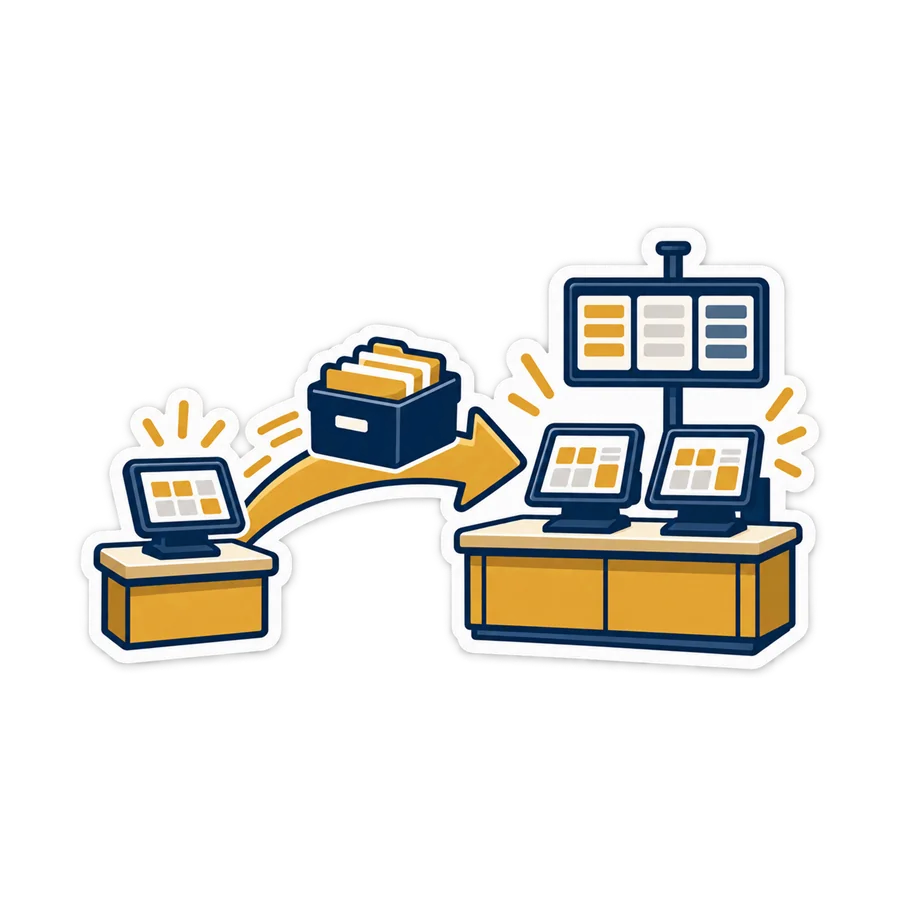
On the PC: you pay the difference between the two packages and get a new key for the same PC. Nothing is reinstalled; the products, the sales and the settings are exactly where you left them, and the new buttons appear. The same happens at the end of the 7-day trial: type the key and everything you entered during the trial is still there.
Online: Billing → Change plan, any day of the month. You pay the difference for the days left in the month, and the new plan's features switch on once it is paid. Moving down takes effect from the next month. The 14-day trial runs on the Business plan, so watch which pages you actually opened — that is your plan.
And between the two editions: your data is yours. You can export everything at any time, and a desktop shop that wants to go online takes its products, customers and sales history with it in one file — see moving to PosMasr Cloud. More in your data is yours.


Two common mistakes
- The biggest package “just in case”. Features you never switch on are money you paid for nothing. Use the trial as a test: whatever you did not touch in it, you do not need yet.
- The smallest package when you already have the signs. If customers already buy on credit, or you already count stock on paper, starting on Bronze or Basic only means upgrading next week. Start at the step your shop is at today, not the cheapest one.
And compare the whole cost, not the price tag: the hours to set up, to learn and to enter products count too. The total cost of a POS does the sum, “free” costs your time explains the hidden part, and how to choose a POS has the checklist.
Quick answers
Is Bronze a trial or a time-limited licence?
Neither. It is a lifetime licence for one till PC, like the other packages. The free trial is separate: 7 days with every feature, before you buy anything.
Bronze or Basic: which one for me?
Bronze if you want to pay once, keep the data on your own PC and never depend on the internet. Basic if you are often away and want the shop on your phone, with a backup every day and nothing to update yourself. Online or on the PC compares the two editions in full.
My Basic shop is reaching 300 products. What now?
Move up to Cashier, which has no product limit, from Billing → Change plan. You pay the difference for the rest of the month and keep every product and sale.
Do I reinstall the program to move from Bronze to Silver?
No. You pay the difference, type the new key on the same PC, and the Silver features appear with your data as it was.
Does the first-year discount include Basic?
Yes: 20% off every plan for the first 12 months, so Basic is 200 EGP a month instead of 250 in its first year.

Find your step, then start there
Compare the four desktop packages feature by feature, or let the plan helper pick the online plan for your shop.