Your accountant's program fills itself — and customers pay by card
Today the day's Z report is typed into the accounting program by hand, customer by customer, invoice by invoice — and a late receipt means fixing what the accountant already has. With Connections, PosMasr Cloud sends the day's sales, your customers on credit and their invoices and payments to Daftra, Zoho Books, Xero or QuickBooks Online by themselves, each document once. And with your own Paymob account, the online shop takes cards and wallets.
Coming soon Built, and switching on one by one as we finish each program's set-up with its maker. In Business and Chain.

The till's day, in the accountant's program
Settings → Connections (the owner or a manager): press Connect on the program, allow it at the program's own sign-in page, choose the organisation, accept or change the suggested accounts. From then on it goes by itself.

Zoho Books
Sign in at Zoho, pick the organisation, map the accounts. The day's journals, contacts, invoices, credit notes and payments go in.

Xero
The same flow on Xero: sign in, choose the organisation, map. A repayment beyond the open invoices stays on the customer's account.
QuickBooks Online
For an accountant who works in QuickBooks Online: the same documents, each sent once, each found again by our own reference.
| What goes | As what | When |
|---|---|---|
| The day's sales, per branch | One journal: sales by VAT rate, the VAT, cash and card apart, returns, cost of goods if you want it, expenses, cash in and out | After the day closes, every hour |
| Customers on credit | A contact, made the first time it is needed | Every 15 minutes |
| A receipt on credit, its return | An invoice; a credit note | Every 15 minutes |
| A customer's repayment | A payment against the oldest open invoices | Every 15 minutes |
| Books' supplier bills and expenses | Bills and expenses — off unless you switch them on | Every 30 minutes |
Each document once
Our document's id is kept beside the program's; a send with no answer is looked up by our reference before it is ever sent again.
Never an edit of what the accountant has
A till's receipt that arrives late for a day already sent goes as an adjustment journal of the difference — never a change to the journal your accountant may have reviewed.
Problems you can see
What a program refused is listed with its own words and a Send again button. Keys and tokens are locked away and never shown again. It only reads your shop: nothing in it is changed.
Daftra, in Arabic, with your own key
Many accountants in Egypt keep the books in Daftra. Make an API key in Daftra (Settings → API keys), then paste it with your Daftra address in Settings → Connections → Daftra. The names stay in Arabic as you typed them.
- The day's journal per branch, in the accounts you chose.
- Customers on credit as Daftra clients, an invoice per credit receipt, credit notes, and payments into the right treasury.
- Books' expenses and supplier bills as Daftra expenses and purchase invoices, if you switch them on.
- Our numbers start with POS-, so they never meet Daftra's own series. Disconnect wipes our copy of the key; you delete the key itself in Daftra.
Your Daftra subscription is between you and Daftra; we charge nothing for the connection beyond your plan.
Card and wallet payments, with your own Paymob account
Connect your shop's own Paymob merchant account and the online shop offers “Pay online (card / wallet)” beside cash on delivery. The money goes to your Paymob account, on your contract with Paymob; we charge nothing per payment.
- Paid on proof only: the order counts as paid only after Paymob's signed confirmation is checked and the payment read back from Paymob — never because the page came back. A declined card can try again.
- Pay links from the credit book and the customer's statement: “Pay now” for what is owed — never more.
- Refunds of a cancelled, paid online order go back through Paymob, once.
- Settlements read every day, and a statement (CSV or OFX) your Books imports without adding a line twice; a “not matched” list for payments no order made.
Paymob's own fees and payout days are your agreement with Paymob. The AI Front Desk still never takes or confirms a payment.
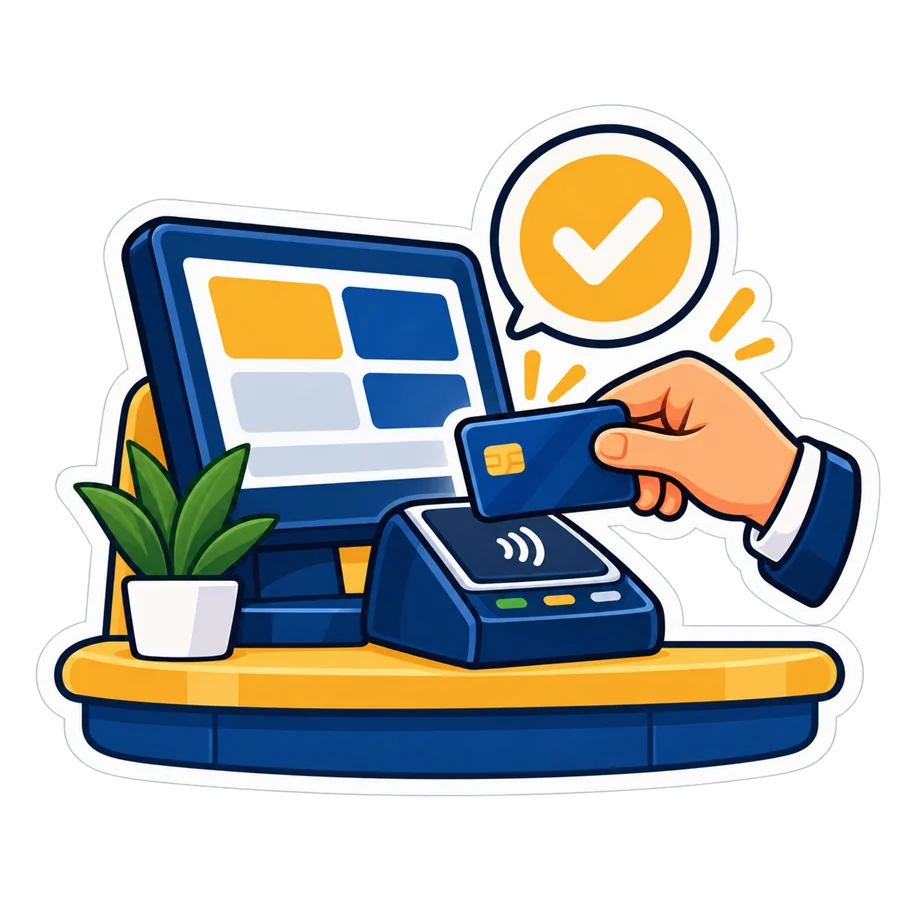
In Business and Chain — no add-on
The plan
Connections are part of Business and Chain, and of the 14-day trial. Nothing extra to pay us for them.
Coming soon
Each program switches on once our set-up with its maker is finished. The Connections module already carries Telegram, the e-mail reports and the accountant's export and feed today.
Who may connect
The owner or a manager, for everything: connect, test, sync now, map, disconnect. Every action is written in the shop's activity log.
The program on your PC keeps its own accountant's export (Excel, QuickBooks, Xero files) and, with Platinum, the read-only feed.
Quick answers about Connections
When can I connect Daftra, Zoho, Xero or QuickBooks?
Soon: each one switches on as we finish its set-up with the program's maker. Message us on WhatsApp with the program you use and we tell you the day it is on.
Will my accountant find every receipt in the program?
The cash and card sales go as one journal per branch and day, with the VAT by rate — the way an accountant books a till. Receipts on credit go one by one, as invoices to the customer, so the program's receivables and statements know them.
What if a receipt arrives after the day was sent?
It goes as an adjustment journal of the difference (…-A1). What your accountant already has is never edited.
Can customers pay by card online?
Soon, with your own Paymob account: the online shop offers card and wallet beside cash on delivery, and the credit book can send a “Pay now” link. Paymob's fees are your contract with Paymob; we charge nothing per payment.
Is it on my plan?
On Business and Chain, and in the free trial; not an add-on. On Basic, Cashier and Shop the card shows locked with “Included from Business”.
Is this AI?
No. It is a fixed translation of your shop's documents into the program's, checked and logged. Nothing is guessed.
Ask us about Connections Start the free trial — 14 days
In the manual: Connections, step by step · Paymob