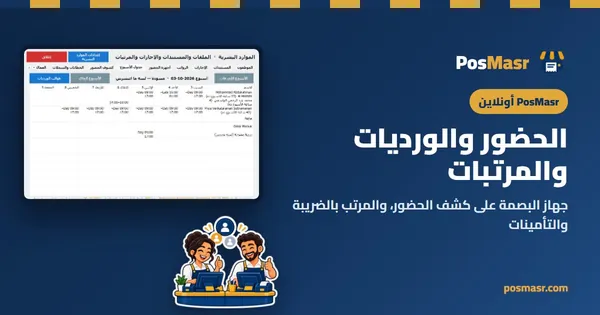
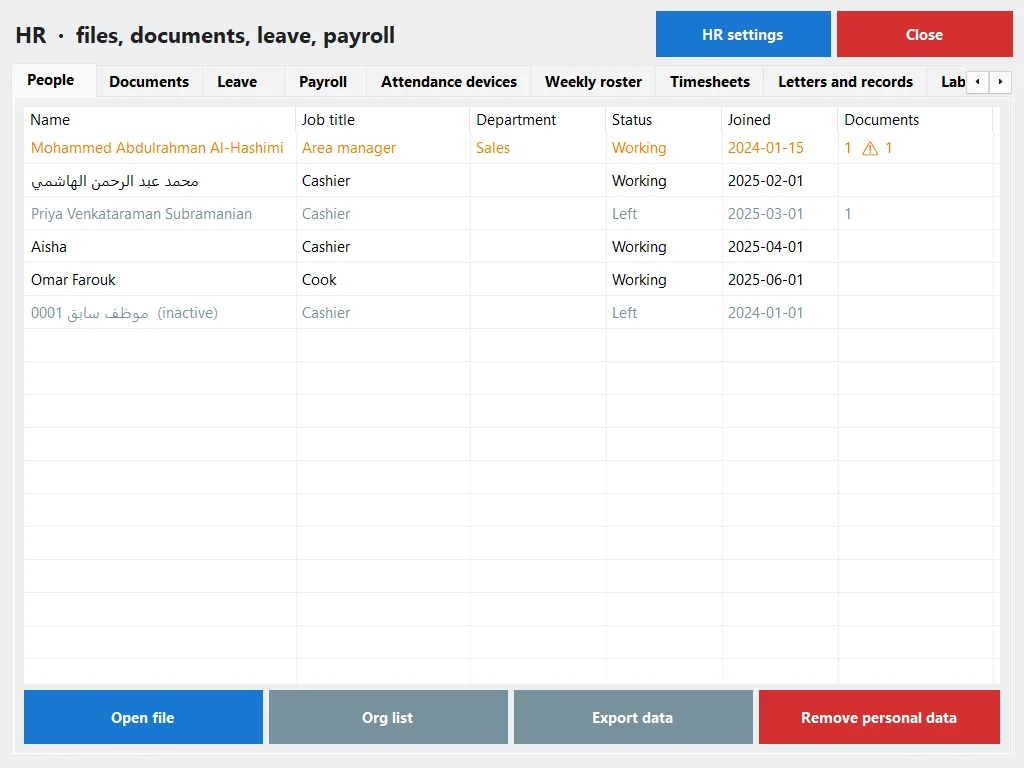
The till and your team in one system
A shop or a restaurant of 2 to 50 people does not need a separate HR program, an attendance notebook and a calculator at the end of the month. In PosMasr the person who sells at the till is the same person with a file, a roster, leave and a payslip — typed once. It stays hidden until you switch it on, and it works online and in the program on your PC.

An attendance notebook, a calculator, and advances from the drawer nobody wrote down
In most shops the people side lives in three places: the attendance notebook (or a fingerprint machine whose file nobody opens), the owner's head, and slips of paper in the drawer. At the end of the month somebody sits with a calculator, overtime becomes an argument, and the health certificate that expired in the summer is only noticed on the day of the inspection.
“Who came late?”
A notebook cannot answer that against the roster, and a fingerprint machine that is not connected to anything only moves the notebook into a drawer.

The salary on paper
Overtime, a day off unpaid, an advance from the drawer, the commission, the tax and the insurance — each one a line someone has to remember.

Papers that expire quietly
The cook's health certificate, the new cashier's contract, the end of a probation — nobody has a reason to look until it is too late.
One file per person, and the salary only for who you allow
HR sits on top of the staff profile the till already knows, so nobody is typed twice. Switch on Staff, then HR, and every person gets a file.
- Job, branch, joining date, end of probation, full-time, part-time or hourly, contacts and an emergency contact, status, notes, and the code they use on the attendance device.
- Pay: by bank, in cash or mixed; the basic and the allowances; paid monthly, weekly, daily or by the hour.
- Documents — national ID, health certificate, social insurance number, contract and the rest — kept encrypted, with the scan.
- An expiry board warns at 90, 60, 30 and 7 days, and reminders for expiries, birthdays, work anniversaries and the end of probation reach you in the app, by e-mail or on Telegram.
- Three rights — see HR, manage HR, payroll. Without the payroll right, salary figures are simply not there, not even for a manager. Every look and every change is written in the activity log.
In the manual: Staff & HR
Four ways to clock in — pick what suits your counter
Every punch, whichever way it came, lands on the same timesheet and goes through the same rules: late, early, absent, overtime.

The PIN or a card at the till
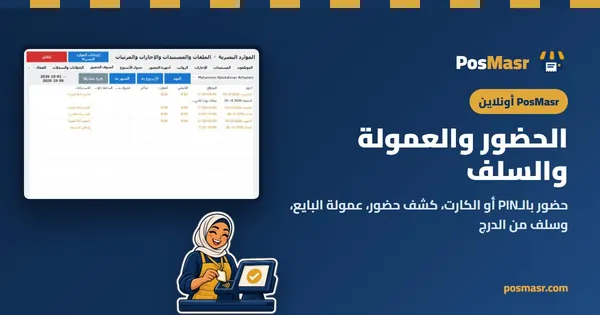
“Clock in / out” on the till: tap your name and type your PIN, or swipe your staff card on the reader. On the online till it keeps working with the internet down and is sent on when the line is back; on the desktop it sits on the main screen.

The employee's own phone (online)
In the browser — no app. Each new phone waits until a manager approves it. An optional geofence keeps only “inside” or “outside”, never the location itself, and the selfie is off unless you switch it on.
A kiosk at the door (online)
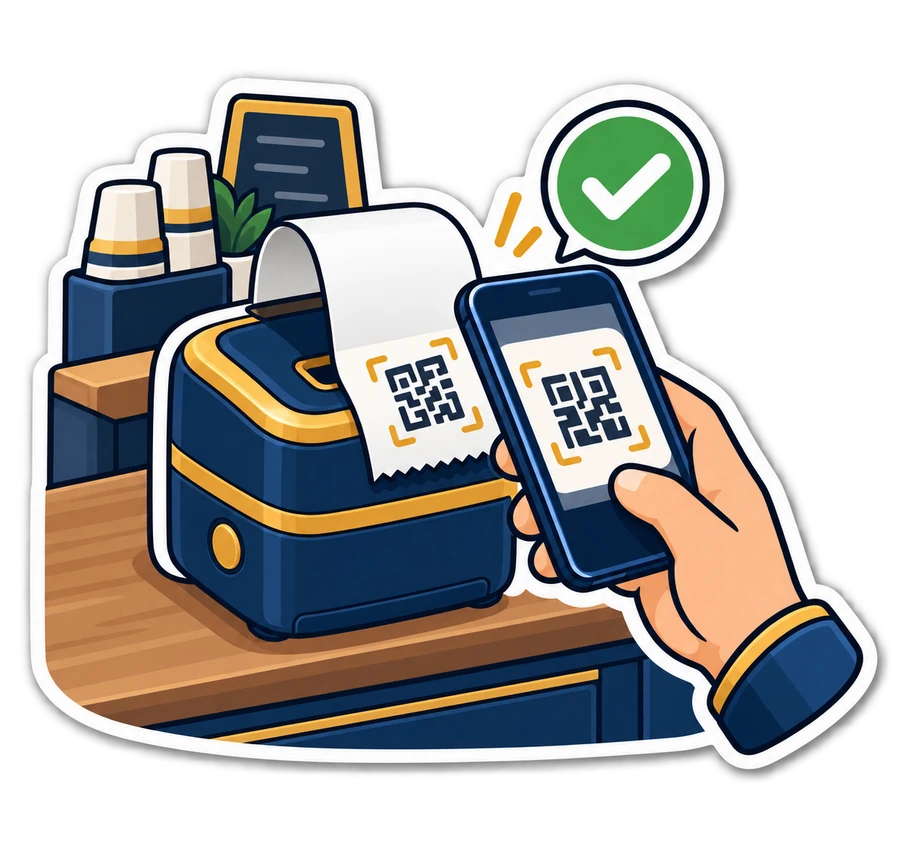
A tablet shows who the roster expects now and a QR code with a 6-digit code that changes every 30 seconds. Staff scan it or type it on their phones — a photo of yesterday's code is worth nothing.
A fingerprint or face device
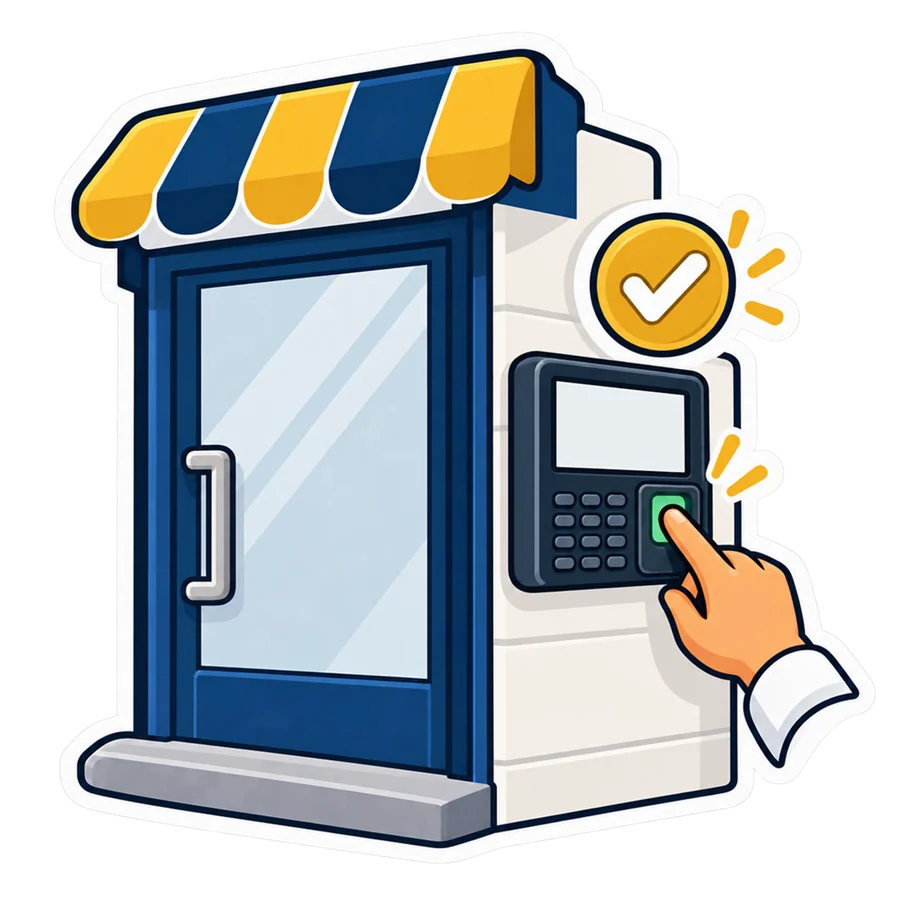
ZKTeco, Hikvision or Anviz on the wall. Fingerprints and faces stay on the device; we keep only who, when, which device and how they were recognised.
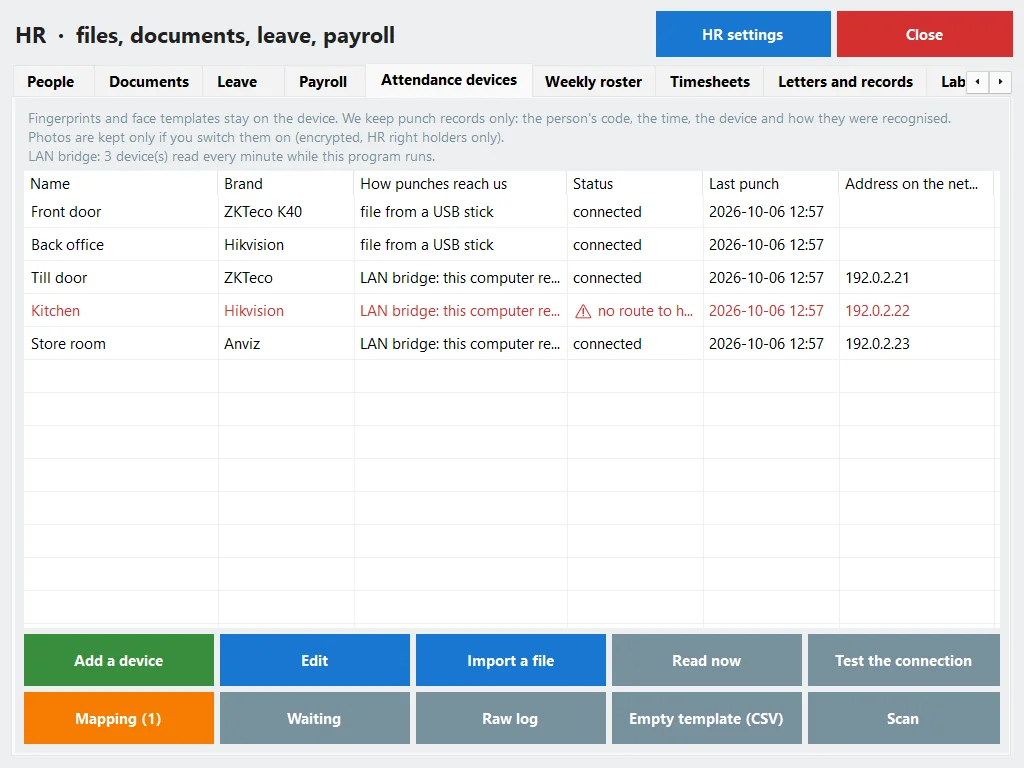
The machine on the wall, finally on the timesheet
Three ways for the punches to reach us, from the easiest to the one that always works.
- Live push (online): the device is given our address once and sends every punch as it happens — ZKTeco (ADMS / iclock), Hikvision, or any system through a signed webhook.
- LAN bridge: the till app or the program on your PC reads the device on the shop's network every minute — ZKTeco on port 4370, Hikvision and Anviz.
- A file: export the log to a USB stick or from the vendor's software and import it, with a preview before anything is written. The ZKTeco
attlog.datlayout is checked against real published files; for the others, read the preview. - 20 models are listed with their setup steps — ZKTeco K40, MB20, F18, SpeedFace and more, Hikvision DS-K1T… A code nobody owns waits in a holding area until you say who it is.
In the manual: Attendance devices The full story on the blog
The week on one screen, and warnings that never block
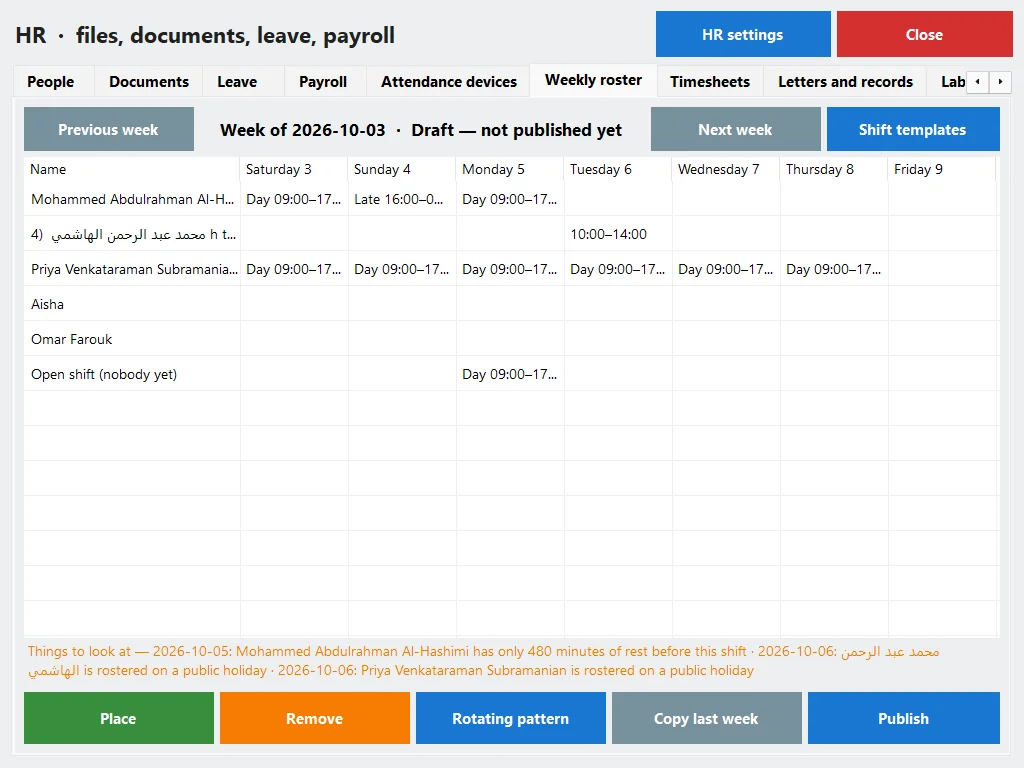
Shift templates — the morning, the evening, the overnight that crosses midnight, with their breaks — and a weekly roster per branch. The week starts on Saturday.
- Open shifts anyone may ask for, split shifts, rotating patterns such as 6-1 or 5-2, and copy last week.
- Publish it, and online everyone on the week is told by e-mail or Telegram.
- Warnings, never blocks: the same person twice at once, less than 11 hours' rest between shifts (our default), more than 48 hours in the week, leave or a public holiday on the day.
- Swap, take or drop a shift: staff ask, a manager approves. Nothing changes without the manager.
Timesheets against the roster
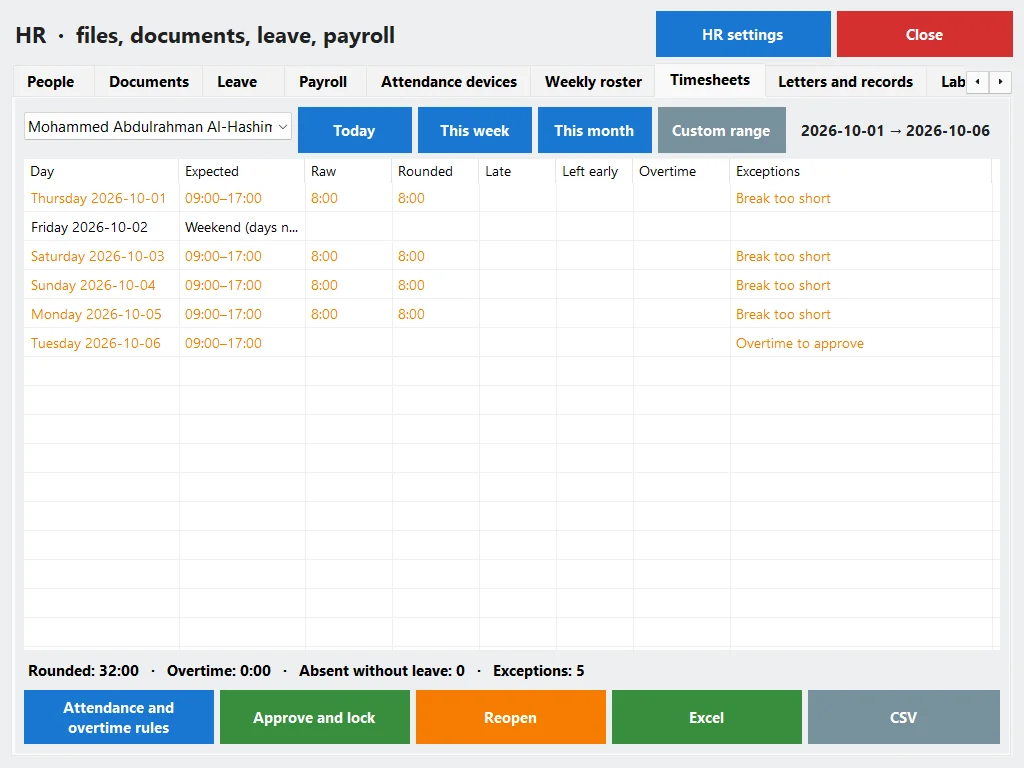
For each person and period: the expected shift, the raw and rounded hours, late, early, absent without leave, overtime and night hours. The manager approves the period and locks it; after that a correction needs the payroll right — and every correction needs a reason.
See also: Roster & timesheets in the manual Free shift-hours calculator
Leave, the team calendar, and the letters you are asked for every month
Leave with Egyptian defaults
Annual 21 days, sick, maternity 90, hajj 30 and unpaid — all editable. A request goes to the manager, and the balance is worked out from the joining date.
The team calendar
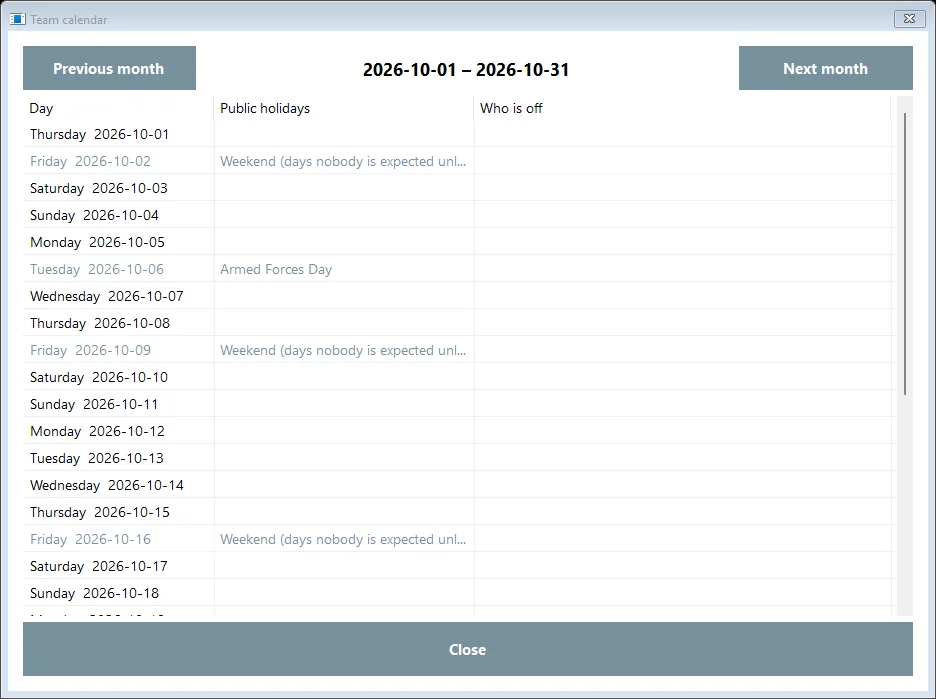
Who is off and who asked, the weekend (Friday by default) and the public holidays. The moon-dependent ones are marked ~: check the official announcement every year.
One inbox for approvals
Leave, shift swaps, staff requests and punches held from an unknown phone or device wait in one list. The safe ones can be approved together; money is decided one by one.
Letters from templates
Salary, employment and experience certificates, a warning letter and more, numbered and kept as printed. Each one says it plainly: a template, not legal advice.
Joining and leaving
Onboarding and offboarding checklists. Finishing an offboarding takes away the sign-in, the till code and the card at once, and opens the final settlement.
Assets, reviews, warnings
Uniforms, keys and phones issued to staff and returned; reviews; warnings with a level and a date — all in the person's file.
Payroll that shows its working
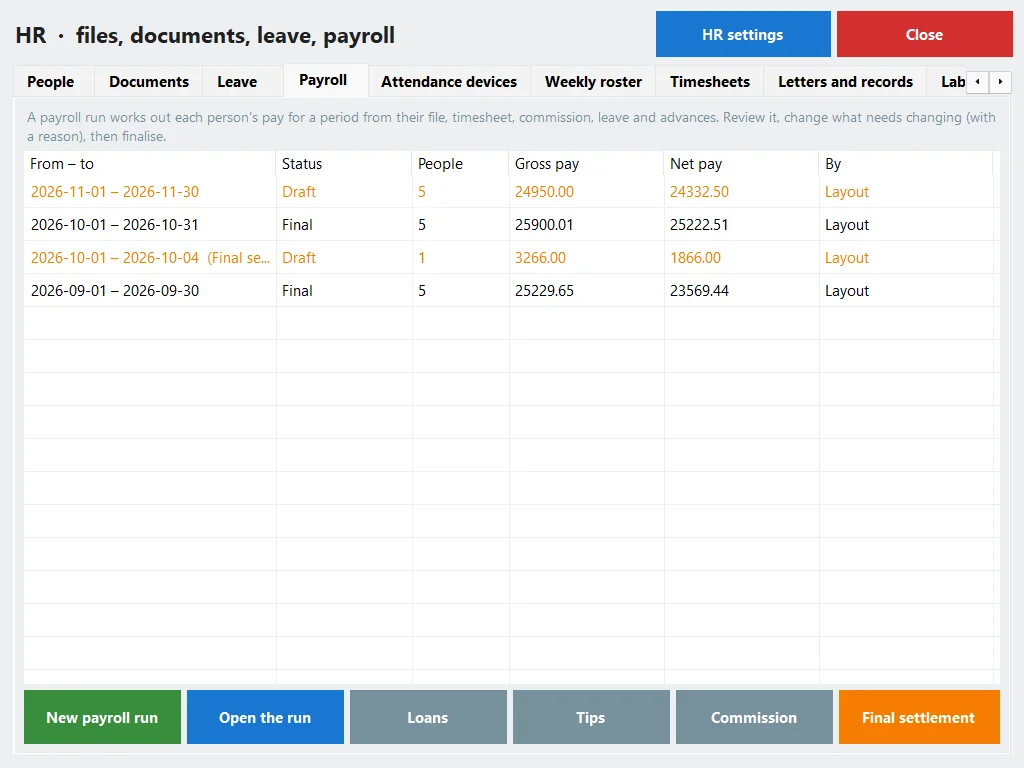
A run takes each person's file, timesheet, leave, commission and advances, and works the month out. It is a calculator with dated tables you can edit — confirm the figures with your accountant.
- Income tax under Law 91/2005 as amended by Law 7/2024: bands of 0, 10, 15, 20, 22.5, 25 and 27.5 %, a personal exemption of EGP 20,000, the monthly or the cumulative method — with a worked example on screen.
- Social insurance under Law 148/2019: the employee 11 %, the employer 18.75 %, on an insurable wage between EGP 2,700 and 16,700 for 2026.
- Labour Law 14/2025 as defaults: deductions capped at 25 % of the wage, a loan instalment up to 10 % with no interest, 8 hours a day and 48 a week, overtime ×1.35 by day and ×1.7 by night, the rest day ×2.
- Payslips to print or save as PDF; loans; tips and service-charge pools; commission; the final settlement; a payroll journal for the accountant; and a run that goes draft → reviewed → approved → paid.
- A bank sheet (name, bank, IBAN, net) and a cash sheet with signature lines.

Because the till and HR are one system
This is the part a separate HR program can never do: put the hours next to the sales.

Labour cost per day
Scheduled and worked hours, sales, labour cost, labour as a % of sales, and sales per labour hour. Online there is also a heat map by weekday and hour, and each cashier's sales per hour.

A staffing suggestion, by a rule
For each hour: the usual sales of that hour divided by your target sales per labour hour, against who is on the roster. A fixed, explained rule — not AI — and nothing is placed for you.

Alerts that matter
Nobody clocked in after opening; someone selling who is not clocked in; a person close to the weekly overtime limit — on your alerts' channels.
Commission and advances from the drawer
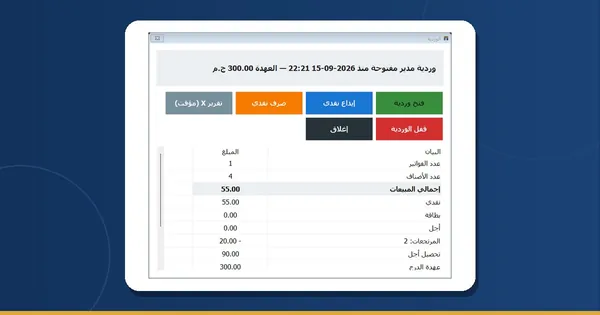
Commission by product, category, person or a monthly target, with a “Salesperson” chip on the Sell page. An advance is a cash-out of the drawer that shows on the X and Z reports, with a balance per person that payroll takes back.
Read more: Clock-in, commission and advances Staff in the manual

Every employee gets a page of their own
Signed in, or through an unguessable personal link for the people who never sign in anywhere. The link shows one person's page and nothing else of the shop.
- Today's shift, the week's roster, the month's timesheet, the leave balance, payslips and documents on file.
- Clock in from the phone, ask for leave, swap a shift, request an advance or a letter, claim an expense with a photo of the receipt.
- Update their own phone and emergency contact — anything else goes through a request.

What each edition does
The rules and the calculations are the same in both. What the program on your PC cannot do is what needs the internet to reach a phone or a device.
| PosMasr Cloud, online | The program on your PC | |
|---|---|---|
| Employee files, documents, expiry board | Yes | Yes |
| Leave and the team calendar | Yes | Yes |
| Clock in with the PIN or a card | On the till, offline too | On the main screen |
| Clock in from the employee's phone | Yes | No |
| Kiosk with the rotating code | Yes | No |
| Attendance devices | Live push, LAN bridge, file | LAN bridge and file |
| Weekly roster and timesheets | Yes, published with an e-mail or Telegram notice | Yes |
| Payroll, bank and cash sheets | Yes | Yes (Gold) |
| Payslips | Print, PDF, e-mail, on the employee's page | Print and PDF |
| Letters, checklists, assets, reviews | Yes | Yes |
| Labour cost and the staffing suggestion | Yes, with the heat map | Yes, without the heat map |
| The employee's own page and links | Yes | No |
Which plan or package includes what
Every new online shop starts with 14 days of Business, no card — so all of it, payroll included, is there to try.
| What | Online | On your PC |
|---|---|---|
| Staff clock-in and timesheets | Shop and up | Silver and up |
| Employee file, documents, leave, attendance devices, roster | Shop and up | Silver and up |
| Payroll, payslips, bank sheet, HR reports | Business and Chain | Gold and up |
| Commission and advances | Business and Chain | Gold and up |
| Price | Shop 1,999 · Business 2,500 · Chain 5,000 EGP a month | Silver 4,900 · Gold 8,500 EGP, once |
First online year 20% off every plan, with the code AHLAN20.
On Silver, payroll says so — it does not vanish
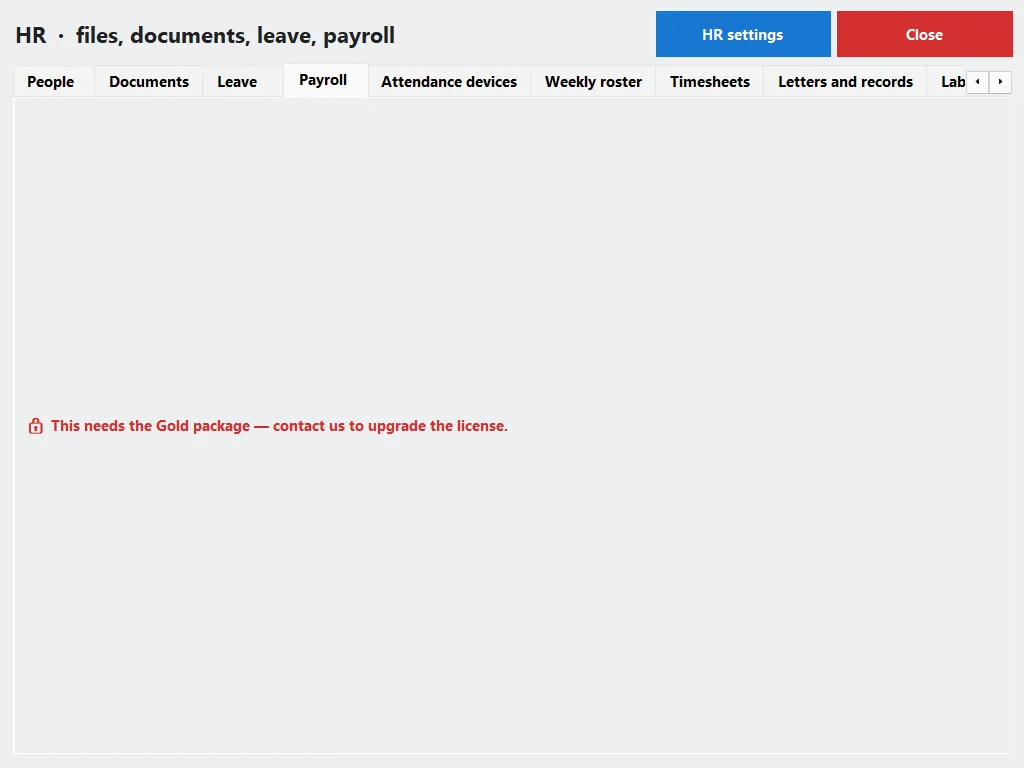
On the Silver package the HR screen has everything but payroll; the Payroll tab is there with a lock and “needs the Gold package”. Moving up is paying the difference, and nothing you typed is lost.
Compare: Online plans Desktop packages Which one is right for me?
Quick answers about staff and payroll
Will my existing shop suddenly show HR menus?
No. Nothing appears until the owner switches Staff on, then HR. Until then the till works exactly as it does today.
Can my manager see the salaries?
Online, only if you give them the payroll right: without it the salary figures are not sent to their screen at all, and every time someone with the right opens them it is logged. In the program on your PC, HR belongs to the owner and the managers, and pay comes with the Gold package.
Which fingerprint device should I buy?
Ask us first. Every listed model is tested with a simulator, not yet on a real unit. If you already have a device, start with a file export from it: it works with any device and you see a preview before anything is written.
Do you keep my staff's fingerprints?
No. Fingerprints and faces stay on the device. We keep the punch itself: the person's code, the time, the device and how they were recognised.
Is the tax and insurance calculation official?
It is a calculator with the published figures as of October 2026, in tables you can edit, with a worked example on screen. Confirm with your accountant; nothing is filed to the tax or the insurance authority from the program.
Can I send the bank sheet straight to my bank?
Do a test upload first. The sheet has the name, bank, IBAN and net of each person, but no bank has accepted a file from us yet, and each bank has its own form.
What does the program on my PC not have?
Clock-in from the employee's phone, the employee's own page and links, live push from devices, payslips by e-mail, the kiosk code and the heat map. Everything else is there: payroll from Gold, the rest from Silver.
Try it online — 14 days free Try it on your PC for 7 days Ask us about devices