
Switch it on, add your people
An existing shop sees nothing new until the owner switches Staff on in Settings → Features; a sale without a salesperson is saved exactly as before. Then add each person: name, phone, role, start date, a PIN and, if you like, a staff card. A staff member does not need a login to the till — the cook who never sells can still clock in.
We keep it small on purpose: no ID numbers and no bank details at this level. The PIN is stored as a salted hash and the card as a hash, never in the clear.
Clocking in and out

- Press Clock in / out — on the online till, or on the main screen of the program on your PC. It does not matter who is signed in to the till.
- Tap your name and type your PIN, or swipe your staff card on the reader.
- In, out, break and back — each with its moment, the till, and how it was recorded.
- The internet is down? The online till checks the PIN against the list it keeps and queues the punch like a receipt, with its own moment; it goes up when the line is back.
- Five wrong PINs in a row lock that person's clock for five minutes — on the desktop, at the till (offline too) and online.
- A shift that crosses midnight belongs to the day it started, in the shop's own time.
The timesheet
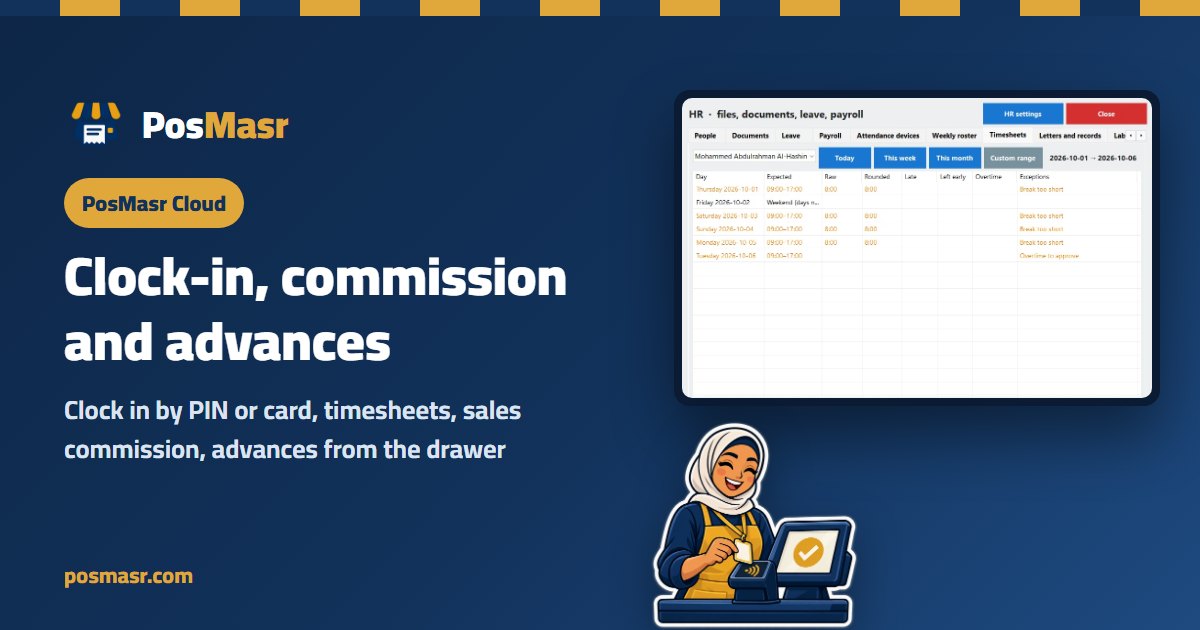
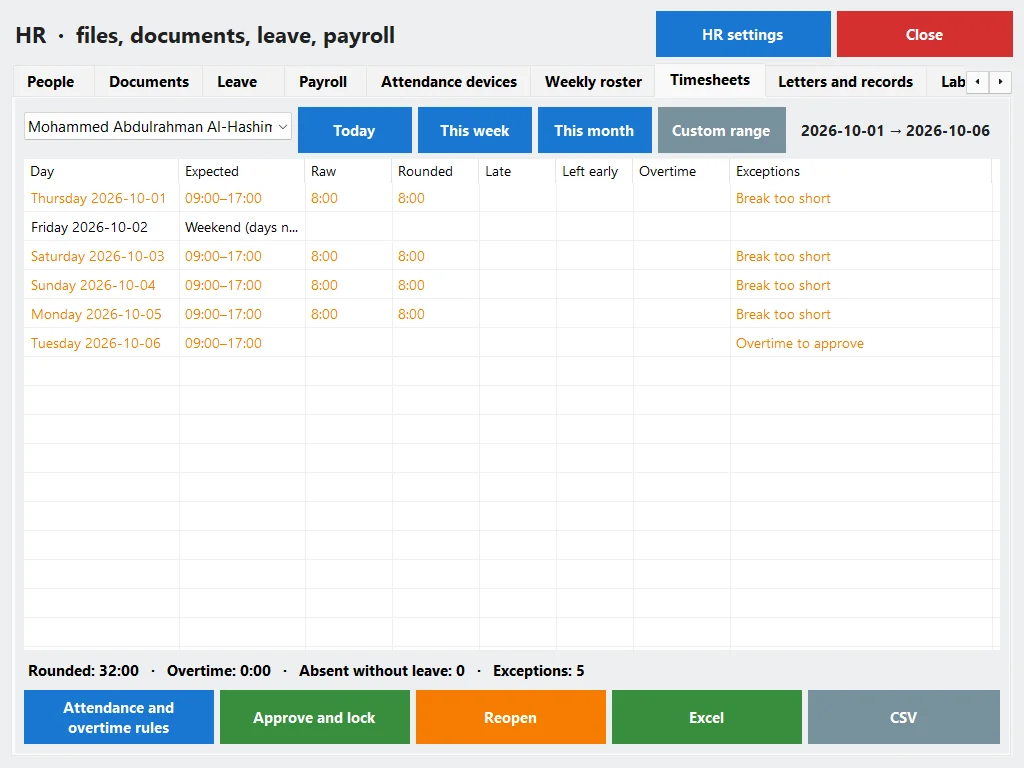
For each person and period, a row per day: first in, last out, hours worked, breaks and overtime, with totals. Against the person's schedule it flags what went wrong:
| Flag | When |
|---|---|
| Late | The first in is after the scheduled start plus the grace (5 minutes by default) |
| Left early | The last out is before the scheduled end minus the grace |
| Missing out | An in that was never closed — a past day, or more than 16 hours ago |
| No in | An out on its own |
| Absent | A scheduled day that passed with no punch |
| Overtime | The hours of a day beyond the daily limit (8 by default) |
A day without a schedule is never late, early or absent. Mistakes are fixed by the owner or a manager — add a punch, change a time, remove one — and every correction needs a reason. Nothing is edited or deleted: the correction is its own record, with who and when, and the timesheet shows the day as “corrected”. The timesheet prints and goes to Excel or CSV; a cashier sees only their own.
Commission that follows the salesperson
Switch on “pick a salesperson on the sale” and a Salesperson chip appears on the Sell page (a button on the desktop's main screen). The commission goes to the salesperson picked on the receipt; with nobody picked, to the cashier who made it.
- The rate: a product's own % first, then its category's, then the person's own %, then the shop's base rate.
- Monthly targets: reach a figure this month and the base rate rises to the next tier.
- The base: each line without VAT, after its share of the discount (or before it, if you choose). The service charge never counts, and a return takes its sale back off the same person.
- The report per person — receipts, sales, base, commission — adds up exactly to the sales report of the same period. Print one person's statement, then “post to ledger” once.

Advances from the drawer
“Give me 200 till the end of the month” used to be a slip of paper under the tray. Here an advance is a cash-out of the drawer through the ordinary cash-out, with the note “Advance: name”. The drawer expects it out, and the X and Z reports list it among the shift's cash movements — so the close count still lands on the right number.

Each person has a ledger: commission and adjustments add up, advances and deductions take off, and settlements pay out. A deduction (a fine, a correction of commission) moves no money; a settlement is paid from the drawer like an advance, or outside the till. The balance owed is always on screen. For the accountant, an advance is exported as a staff advance against the cash, not as an expense.
Only the owner and managers see pay data: commission, the ledger and advances. A cashier reads their own timesheet, nothing more.
When you need more
Staff is the first step. When you want a weekly roster, leave, documents, a fingerprint device or the whole month's payroll with tax and insurance, switch on HR on top of it — the same people, nothing retyped. See Staff & attendance and the device, the roster and payroll. There, payroll takes the commission and the advances still owed straight from this ledger.
Which plans include it
| What | Online | On your PC |
|---|---|---|
| Clock-in and out, timesheets, corrections | Shop and up | Silver and up |
| Commission, the salesperson, advances, the ledger | Business and Chain | Gold and up |
Online: Shop 1,999, Business 2,500 and Chain 5,000 EGP a month (all plans); every new shop starts with 14 days of Business, no card. On your PC: Silver 4,900 or Gold 8,500 EGP once (packages).
First online year 20% off every plan, with the code AHLAN20.
Quick answers
Do I need a fingerprint machine?
No. The PIN or a staff card at the till is enough. A device can come later, with HR.
Can one cashier clock in for another?
Not without knowing their PIN or holding their card — and five wrong PINs lock the clock for five minutes. Give each person a card if PINs get shared.
Someone forgot to clock out. What now?
The day shows “missing out”. The owner or a manager adds the out with a reason; the original stays visible and the day is marked corrected.
Does an advance change my Z report?
It shows on it as a cash-out of the shift, like the bread man's money — so the drawer and the count still agree.
Does commission count VAT or the service charge?
No. The base is the line without VAT, after its share of the discount by default, and the service charge never counts.
Give your team a PIN tonight
Start the 14-day trial of Business online, no card: switch Staff on, add two people, clock in at the till and pick a salesperson on a test sale. Or try the program on your PC for 7 days.
First year 20% off every plan — with the code



