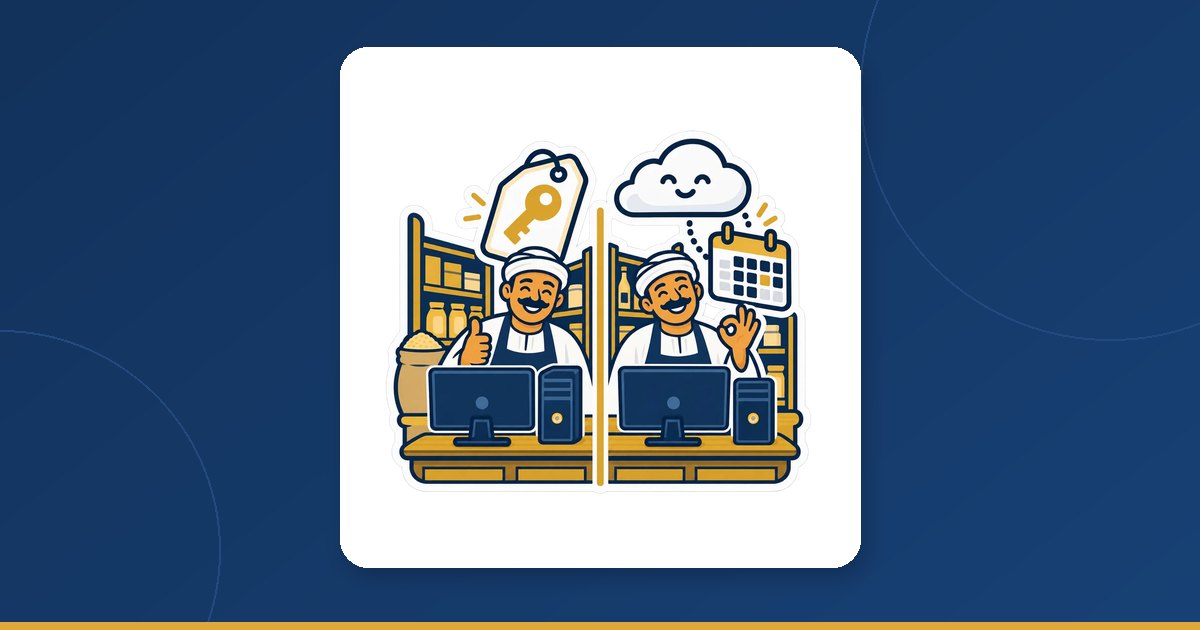
One till, two ways to pay
Both are PosMasr. The cashier sells on a PC in the shop with the same screens, the same printer, drawer and barcode scanner. The difference is the deal:
- The desktop edition (one-time licence): Silver 4,900, Gold 8,500 or Platinum 12,900 EGP, paid once, per till PC. Those are launch prices until 15 October 2026; after that they become 5,900 / 9,900 / 14,900. The data sits in plain files on your PC, it never needs the internet, and nobody can ever switch it off. Updates for your package are free.
- PosMasr Cloud (monthly): per shop per month — Cashier 500, Shop 1,000, Business 2,500, and Chain 5,000 with the first branch included plus 750 for each extra branch. The shop's data lives on our servers in Milan, Italy, and you manage it from any browser or phone at app.posmasr.com. It starts with a 14-day free trial of the Business plan, no card.
Notice the small word in each: the licence is per till PC, the cloud plan is per shop. That one detail explains most of the comparison below.

The money, honestly, per year
Put the monthly price × 12 next to the licence and you get this. Nothing here is a discount or an estimate; it is the price list multiplied.
| Cloud plan | Cloud, one year | The matching licence, once | Licence after 15 Oct 2026 | The cloud has cost more than the licence from |
|---|---|---|---|---|
| Cashier (1 till) | 500 × 12 = 6,000 | Silver 4,900 | Silver 5,900 | month 10 (month 12 at the new price) |
| Shop (2 tills) | 1,000 × 12 = 12,000 | Gold 8,500 | Gold 9,900 | month 9 (month 10 at the new price) |
| Business (4 tills) | 2,500 × 12 = 30,000 | Platinum 12,900 | Platinum 14,900 | month 6 |
So, plainly: for one shop that stays small, the licence is cheaper after roughly the first year, and every year after that the gap grows. If that is your shop and you are happy taking a USB backup, the desktop is the better deal and we would rather tell you so.
Where the cloud wins on money is elsewhere:
- The starting cost. 500 for the first month instead of 4,900 on day one — and 14 days free before that. For a shop that is just opening, cash in the first months matters more than the total over three years.
- Several tills. The licence is per PC (a second till in the same shop is 40% off); the Shop plan already covers 2 tills and Business covers 4, with no primary PC and no shop network to set up.
- Branches and the phone. On the desktop each branch is a separate copy, and the phone dashboard is Platinum only, after opening a port on the router (or PosMasr Link). On the cloud the phone works on every plan, and the Chain plan puts every branch in one report.
- No backup to remember. A backup is taken every day on our side; a dead PC costs you a PC, not your history.
Which one for which shop
Find the row that looks most like you. The shops are examples, not customers.
| Your shop | Our advice | Why |
|---|---|---|
| Kiosk or small grocery, one till, the owner is behind the counter all day | Desktop, Silver | Cheaper after the first year; you are there, so the phone matters less |
| One shop, one or two tills, the internet in the area is bad | Desktop (Silver or Gold) | It never needs the internet; on the cloud selling continues offline, but reports and the phone wait for the line |
| You want the data on your own PC and nowhere else | Desktop | Plain files in one folder on your PC; you keep the backups |
| The owner is not in the shop every day and wants the numbers on the phone | Cloud, any plan | The phone works on every plan with nothing to configure |
| Just opening, and you would rather not pay a lump sum | Cloud, Cashier or Shop | From 500 a month after a 14-day trial; you can move to the desktop later if the shop settles |
| One shop with three or four tills, a supermarket for example | Cloud, Business | 4 tills in the plan, every till equal, no primary PC and no shop network |
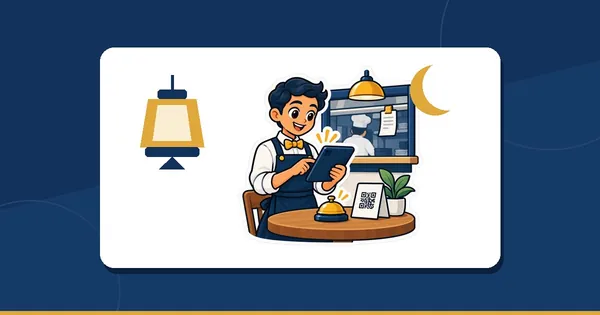
| A café or restaurant that wants an online menu or ordering from the table by QR | Cloud, Business (or Cashier / Shop with the add-ons) | Included in Business; on Cashier and Shop they are add-ons: online menu 100, table QR ordering 100, online shop 300 a month |
| Two branches or more | Cloud, Chain | Central prices, stock per branch, transfers, one report for all; on the desktop branches are separate copies |
| You lost data once, or you know you will forget the backup | Cloud | A backup every day on our servers; a dead PC is replaced and paired, and you carry on |
What is the same in both
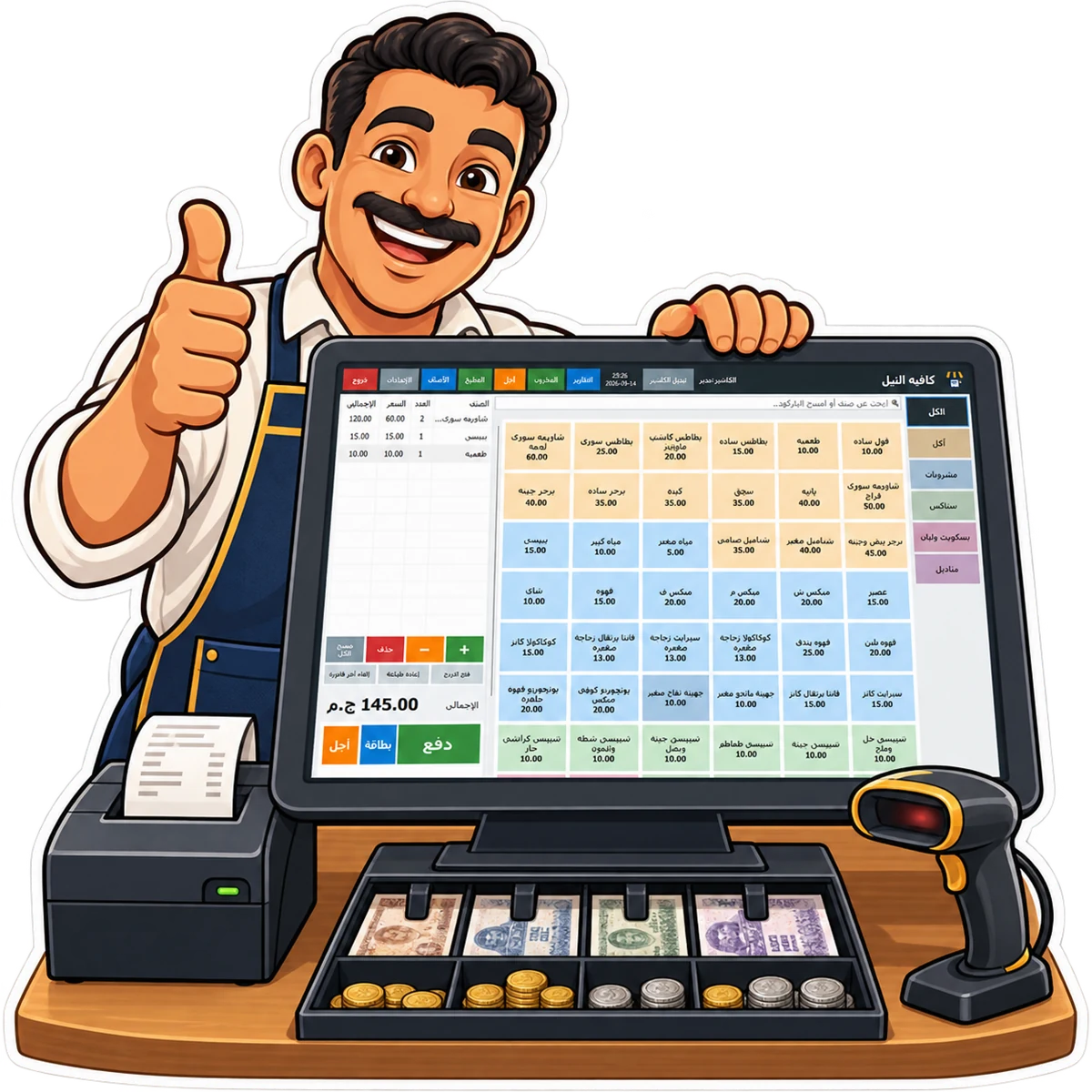
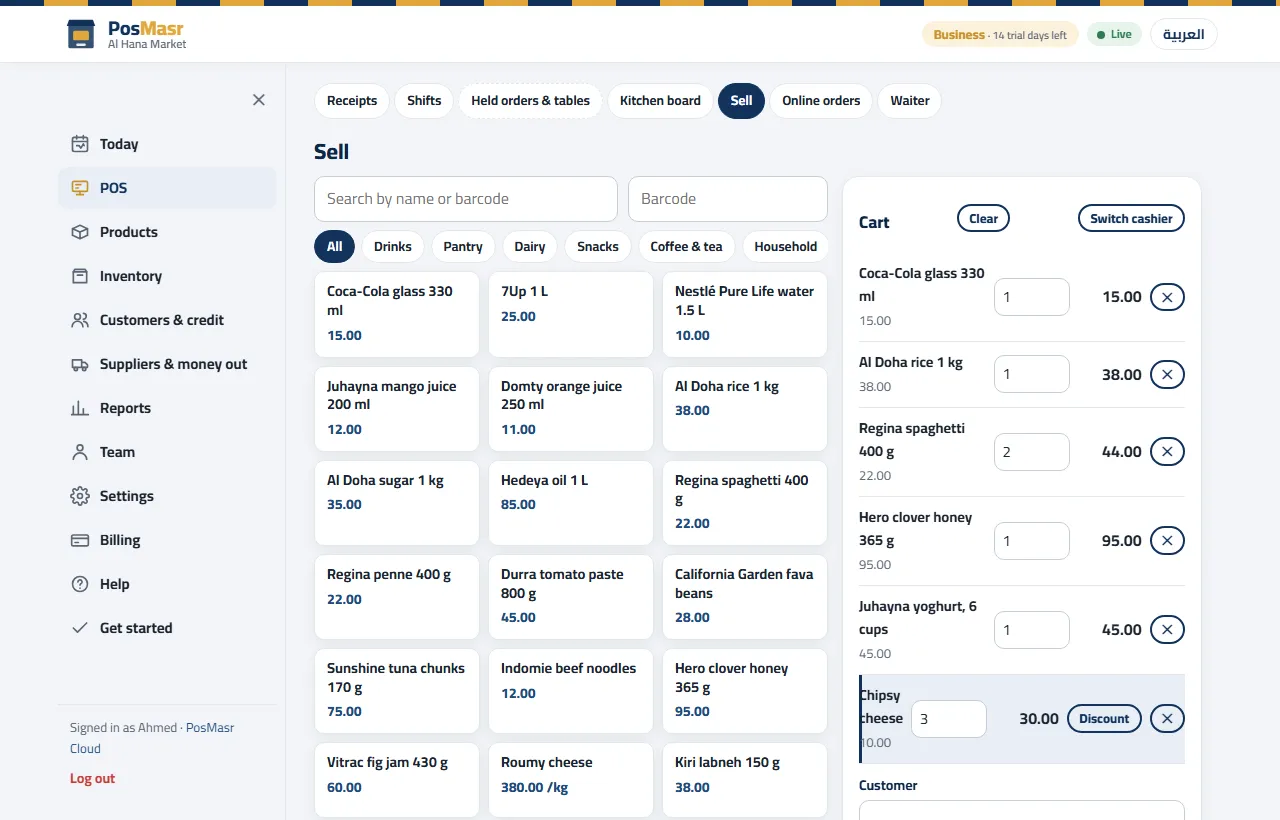
- The screens. The PosMasr Windows program (version 5 and up) runs either way: on first run it asks whether to work “On this PC” or on PosMasr Cloud, and in cloud mode it keeps every screen and keyboard shortcut of the desktop. The cashier does not have to learn anything new.
- The hardware. Thermal printer, cash drawer, barcode scanner, scale, customer display: the same devices, driven the same way. On the cloud they are set per till in Settings → Tills, so two tills can have different printers.
- Selling when the internet is down. The desktop never needs it; the cloud till keeps a copy of the shop on the PC, sells and prints through the outage with a provisional receipt number, and syncs in order when the line is back.
- The people. Cashier accounts with the same fifteen rights switches, login cards and manager approvals.

What is different
| Desktop (one-time licence) | PosMasr Cloud (monthly) | |
|---|---|---|
| Where the data lives | In plain files on your PC | On our servers in Milan, Italy, over an encrypted connection; a copy stays on each till to sell offline |
| Backups | Yours to take, to a USB stick | Taken every day on our side; you can still download everything any day |
| Internet | Never needed | Selling continues without it; editing products and prices, settings, reports and the phone pages wait for the line |
| Several tills | A licence per PC, the second in the same shop at 40% off, over the shop network | In the plan: 1 / 2 / 4 / unlimited per branch; a spare PC can be paired and kept off |
| Branches | Separate copies | Chain: central prices, stock per branch, transfers, consolidated reports |
| Your phone | Platinum only, after opening a port on the router (or PosMasr Link) | Every plan, from anywhere, at app.posmasr.com |
| Can it be switched off? | Never | If you stop paying: 7 days of grace, then read-only — no new sales, but receipts, reports and exports keep working |
| The till PC | Windows 7 and up | The PosMasr Cloud app on Windows 10/11 (Mac and Linux soon), or the Windows program in cloud mode on Windows 7 and up |
| Trying it | 7-day free trial by request (download page) | 14 days of the Business plan, no card |
Can I switch later? Yes, both ways
This is not a marriage. Whatever you pick today, your products, customers and sales can follow you to the other one.
From the desktop to the cloud
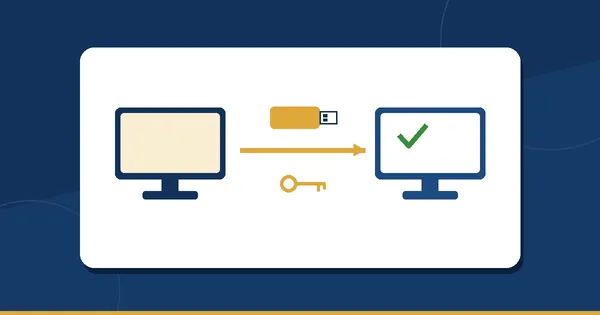
- In the desktop program: Settings → Backup → Move to PosMasr Cloud…. It makes one file (
.pmbak) with the products and their pictures, the customers and their balances, the suppliers, the cashiers, the settings and the last year of sales and shifts. Nothing on the PC changes. - In the cloud: sign up, then Settings → Data → Import a desktop copy. The plan matching your package is pre-selected: Silver → Cashier, Gold → Shop, Platinum → Business.
- Pair each till with a 6-digit code, and sell.
The whole move, step by step, is in Moving your PosMasr desktop to the cloud in minutes.
From the cloud back to the desktop
- In the browser: Settings → Data → Download a copy, and choose the desktop backup. It works on every plan and in every status, even read-only.
- On the PC: install PosMasr, choose “On this PC”, and restore that backup from Settings → Backup like any local backup. From here on it is the one-time edition, with its licence as usual.
- Cashiers get a one-time password on the way back, so set new passwords on the first day.
Three questions to decide
- How many places do you sell from — tills and branches? One till in one shop leans to the desktop; three tills or a second branch lean to the cloud.
- Do you need the shop on your phone when you are not there? If yes, the cloud gives it on every plan; the desktop only on Platinum with a router set-up.
- Would you rather pay once or pay small? Once is cheaper over the years; small is easier at the start. Both answers are fine — and you can change your mind.
Quick answers
So the cloud is more expensive?
For one small shop over several years, yes: Cashier is 6,000 a year against Silver's 4,900 once. It is cheaper to start, and it includes things the licence does not: several tills in one plan, the phone on every plan, branches and daily backups.
Does the cloud need the internet all the time?
No. The till sells, prints and opens the drawer with no internet and syncs when the line is back. What waits for the line is editing products and prices, settings, reports and the phone. Details in when the internet cuts.
If I stop paying the cloud, do I lose my data?
No. After 7 days of grace the shop becomes read-only: no new sales, but reports, receipts and exports keep working. After 60 days read-only the account is cancelled and the data is deleted 90 days after that; the download works until then.
I have a Mac in the shop. Which one?
Selling needs Windows today on both. The PosMasr Cloud app for Mac and Linux is coming soon; until then a Mac browser opens every cloud management page, but not the selling screen.
Can I try both before I decide?
Yes: the cloud for 14 days with no card, the desktop for 7 days by request from the download page.
Try the cloud on your own shop for 14 days
The Business plan, no card. If the licence turns out to suit you better, your data comes with you to the desktop.