Why a cloud till that stops is not an option in Egypt
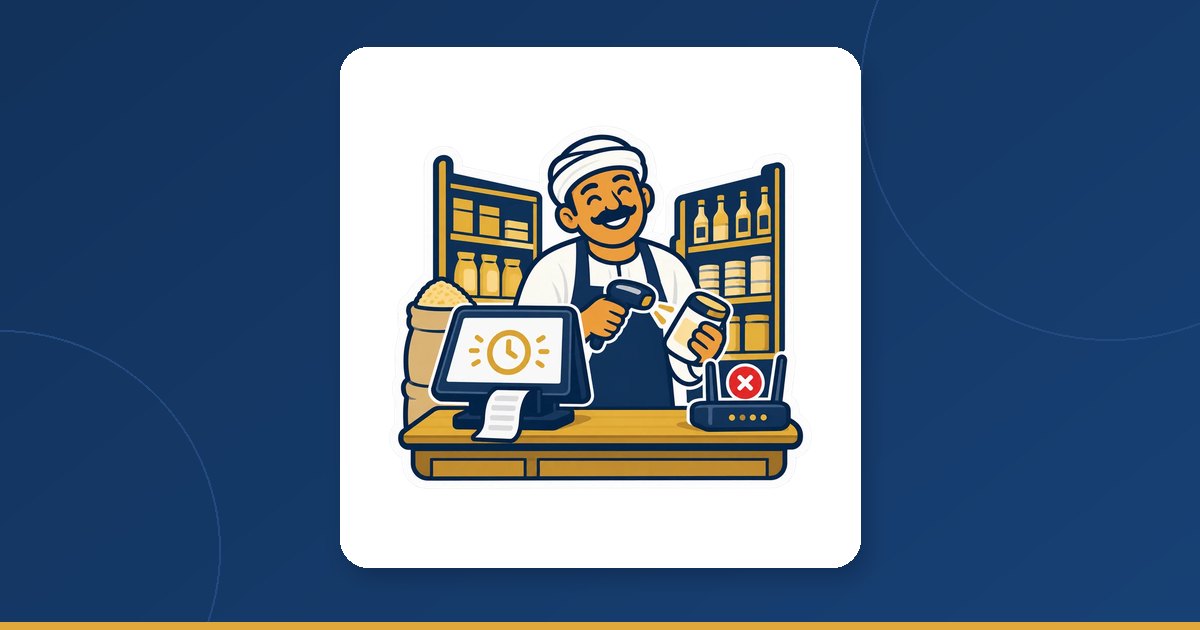
A cloud till that is only a web page stops with the line: no internet, no page, no sale. In a shop that means a queue at the counter, a cashier writing on the back of a receipt roll, prices from memory — and later, typing it all in, or never.
PosMasr Cloud is built the other way round. The till sells from the PC in the shop, with the same screens, printer, drawer and scanner as the desktop edition; the cloud is where the sales go as soon as they can. When the line drops, the customer in front of the counter sees nothing different: scan, total, print, the drawer opens.

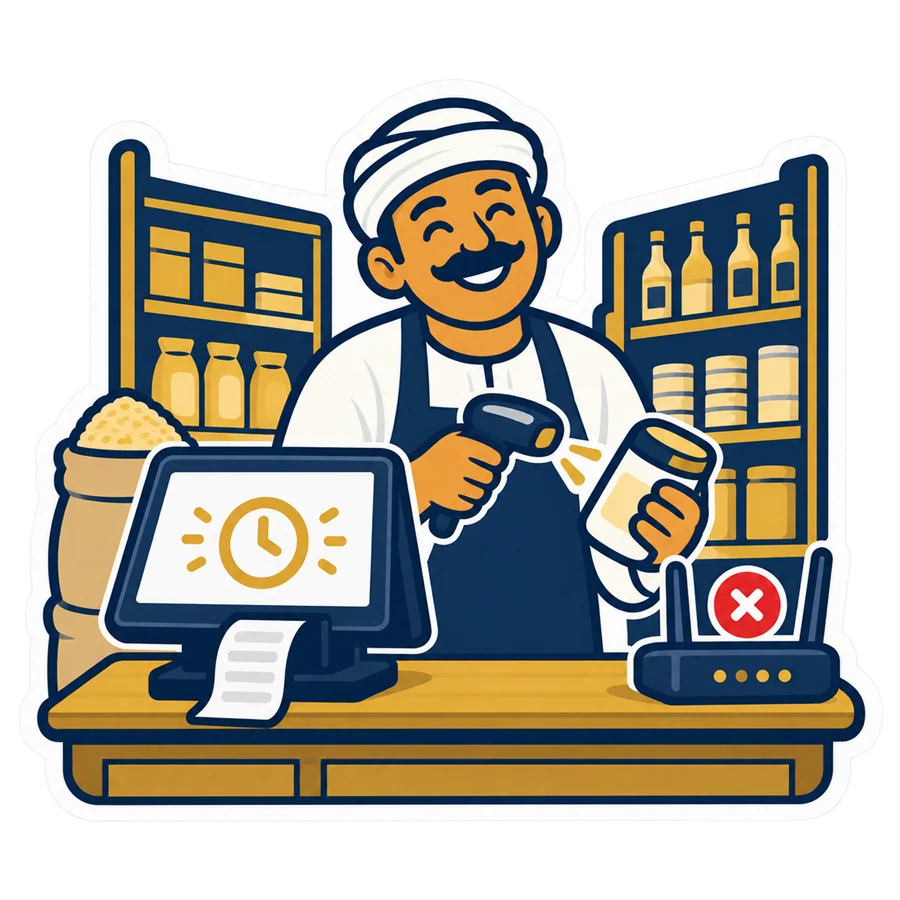
What the till keeps on the PC
Both till programs — the PosMasr Cloud app for Windows and the PosMasr Windows program in cloud mode — keep a copy of the shop on the PC:
- Products with their prices and stock.
- Customers with their balances, so a credit sale still checks what the customer owes.
- The cashiers' passwords and login cards, so a shift change does not need the internet.
- The settings and the open shift.
That copy is refreshed after every change, so a price you edit from your phone at noon is on the till a moment later while the line is up. And the till can even start with no internet at all: switch the PC on in the morning with the router dead and it opens and sells from that copy.
The minute the line drops
- The pill in the top bar of the selling screen turns amber: Selling offline.
- A strip appears: “selling offline — 3 receipts waiting”, with the time since the line went, so you know whether this is a blink or a real outage.
- The cashier carries on. There is no button to press and no mode to switch: the next scan is a sale like any other.
Amber, not red, on purpose: it is information for the cashier, not a stop. Tell your team one sentence — amber means keep selling — and they will not call you every time the router blinks.
What keeps working, and what waits for the line
| On the till | With no internet | Note |
|---|---|---|
| Cash, card and split sales | ✓ Works | At the prices the till saved |
| Credit sale | ✓ Works | Up to the customer's balance as the till last saved it |
| Returns | ✓ Works | For receipts this till holds |
| Cash in and cash out | ✓ Works | |
| Opening and closing a shift | ✓ Works | A Z closed offline prints “offline, provisional” |
| Signing in with a password or a card; a manager's approval | ✓ Works | |
| Printing the receipt, opening the drawer | ✓ Works | |
| Editing products and prices | Waits for the line | One clear line: “editing products needs the line; selling works offline at the saved prices” |
| Saving shop settings | Waits for the line | |
| Reports and customer statements | Wait for the line | |
| The browser and phone pages | Wait for the line | Your phone sees the offline sales once they sync |
In short: the cashier's job never waits; the manager's job does. One more honest detail: stock may go below zero on the till during a cut. The till shows it so, and the cloud accepts it when the receipts arrive, because the sale already happened in the shop — you fix the count afterwards, not the customer.
The provisional receipt number: A-1043
A receipt sold offline prints with a provisional number such as A-1043: A is the first letter of the till's name, 1043 is that till's running count. Under it the receipt prints the line “provisional — final number after sync”, and the screen says “saved provisionally as A-1043”.
Why not the final number straight away? Final numbers belong to the whole shop, across every till, and a till cut off from the line cannot know where the other tills have reached. So it prints a number no other till can print — its own letter and its own count — and the final one follows after the sync.
The line comes back: in order, and nothing twice
- The till checks for the line every two seconds by itself. Nobody has to notice.
- On the first answer the pill turns blue: syncing 3.
- The waiting receipts are sent in order, one at a time, oldest first.
- Every sale carries its own key. If the line blinks in the middle of a send and the till never hears the answer, it simply sends again — and a receipt the server already stored is recognised by its key and is never stored, or charged to a customer's account, twice.
- Then the shop copy on the PC is refreshed, so every number on the till is the cloud's again — including a price you changed from your phone during the cut.
Sync now in the strip forces a try straight away — handy right after you connect the till to a phone hotspot.
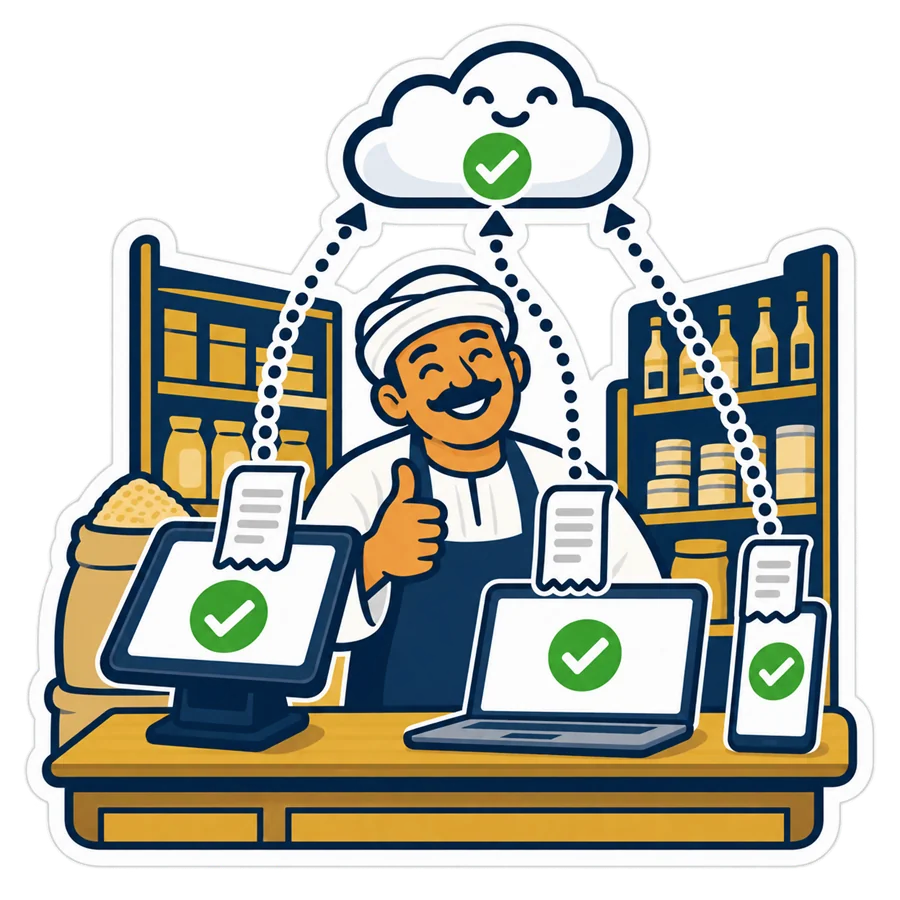
After the sync — and the rare refused receipt
- Every receipt now has its final number, and the till keeps the map from the provisional one.
- A reprint or a return of
A-1043finds the receipt by either number, so the customer's paper copy stays valid — nobody has to reprint anything or call anyone. - In the browser the receipt carries an “offline” mark with its provisional number, so whoever checks the day can match the paper to the screen.
When the cloud refuses a receipt
Once in a while the cloud refuses one receipt from the queue — for example because the cashier's account was deactivated during the cut, or a feature of the plan was switched off meanwhile. The strip says so, and the rest of the queue continues. On the till, Settings → PosMasr Cloud lists what is waiting and what was refused, with the reason, so nothing disappears in silence. If the subscription is paused, the queue simply waits for the payment.
Two tills offline at the same time
In a shop with two or more tills, the cut hits all of them at once. Each keeps its own count — A-… on one, B-… on the other — and both sync when the line is back. The cloud settles stock and credit balances in the order the sales happened, not in the order the tills happened to reconnect.
What no till can do offline is see the other till's sales — that is the report, and the report needs the line. In practice: during a long cut the stock number on each till only counts its own sales, so the last piece of an item can be sold on both; the cloud accepts it below zero and you see it after the sync. The same goes for credit: each till checks the customer's balance as it last saved it.
Prepare once: four small things
- A phone hotspot as the fallback line. Selling does not need it, but when the cut lasts hours your phone and your reports do. Switch on the hotspot on a phone, connect the till PC to it, press Sync now, and the queue goes up.
- A UPS for the router and the till. Offline selling covers the line, not the power: with no electricity there is no PC to sell on. A small UPS keeps the till and the router alive through the short blinks that restart everything — the same advice as in the kitchen screen article.
- Different initials for the tills, as above, so provisional numbers never look alike.
- Test it once, on purpose. On a quiet evening — or on the first day of the trial — pull the router's cable. Watch the pill turn amber, ring up a sale, check the provisional number on the receipt, then return it. Plug the router back, watch the pill turn blue and then normal, and find both receipts in the browser by their provisional number. Five minutes, and the first real cut will not surprise anyone.
Quick answers
Can the cashier change a price while the line is down?
No. Editing products and prices waits for the line; the till sells at the prices it saved. If a price must change during a long cut, connect the till to a phone hotspot, edit it, and it reaches the till with the next refresh.
The router was dead this morning. Will the till even open?
Yes. The till starts from the copy of the shop on the PC and sells from the first customer; the cashiers sign in with their password or card as usual.
A customer came back with a receipt that says A-1043. Can I take the return?
Yes. After the sync the till finds the receipt by the provisional number or by the final one, so the paper in the customer's hand is all you need.
Does the one-time desktop edition have this problem at all?
No — it never needs the internet, because the data lives only on your PC. The price of that is backups you take yourself and no live phone view without extra setup. Cloud or desktop compares the two honestly.
Pull the router's cable on day one of the trial
Sign up, pair a till, ring up a test sale and unplug the line: watch the amber pill, the provisional number and the sync. 14 days of the Business plan, free, no card.