A menu that always matches the till
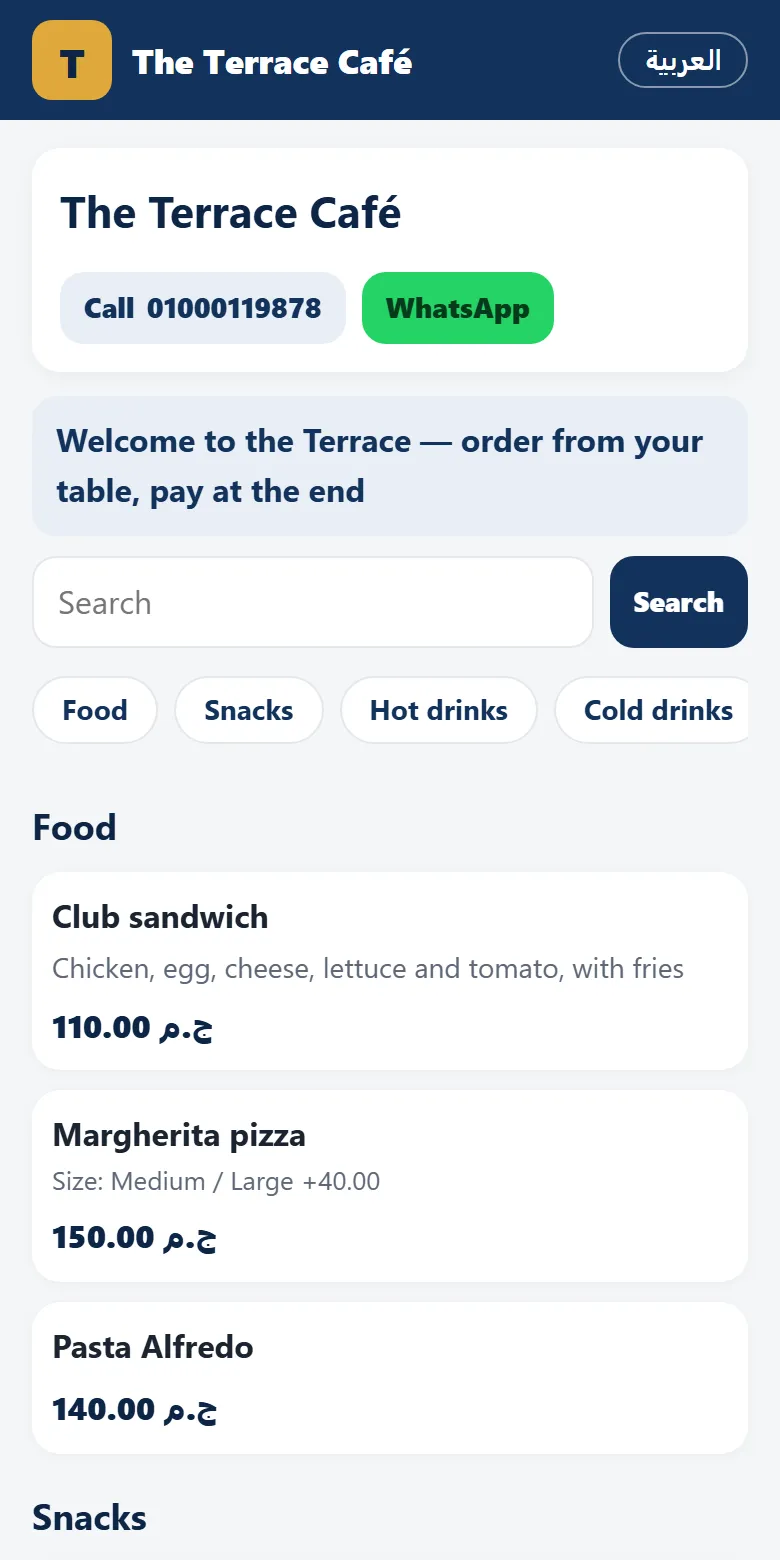
The online menu lives at posmasr.com/menu/ (add ?hl=en for English). It is not a copy you upload: it is the till's products and prices, so the day you change a price at the till, the menu changes with it. No PDF to redesign, no printed menu with prices crossed out by pen.
- The menu by category, with prices (or without, if you prefer), pictures, sizes and add-ons, and a search box.
- Out-of-stock items hidden or marked, as you choose; any product can be hidden from online altogether.
- The shop's phone, WhatsApp and opening hours at the top, and your logo.
- Settings → Online is the one page for it: claim the address, the switches, your messages in Arabic and English, and the links with their ready QR codes.
The guest at the table
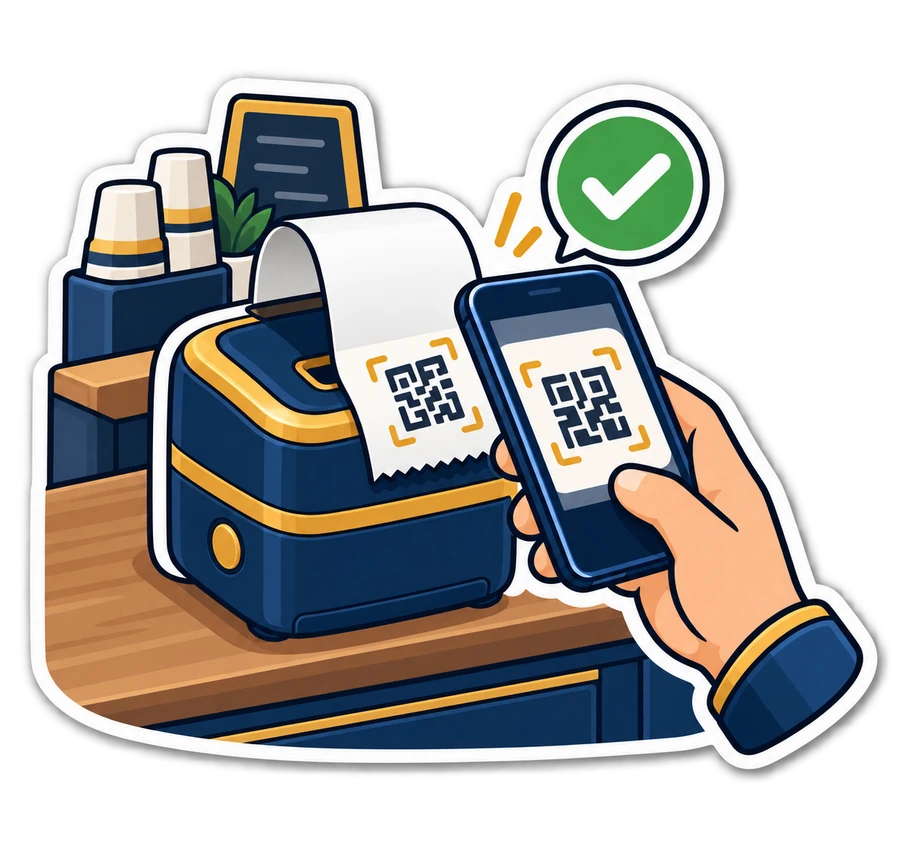
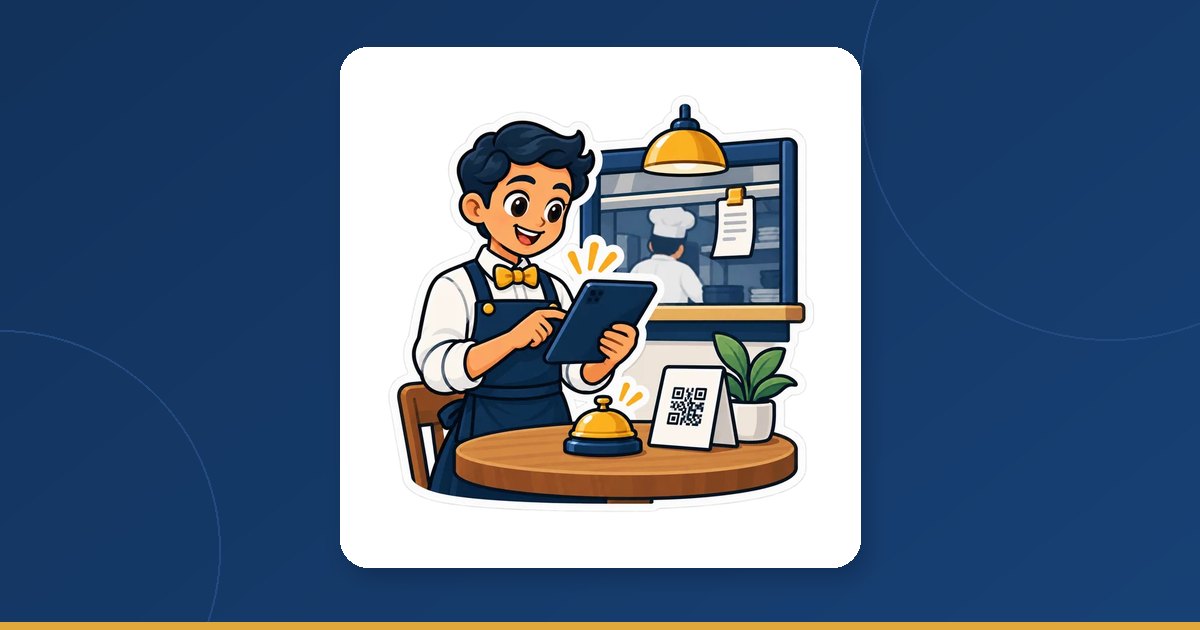
- The guest scans the code on the table with the phone camera. No app to install.
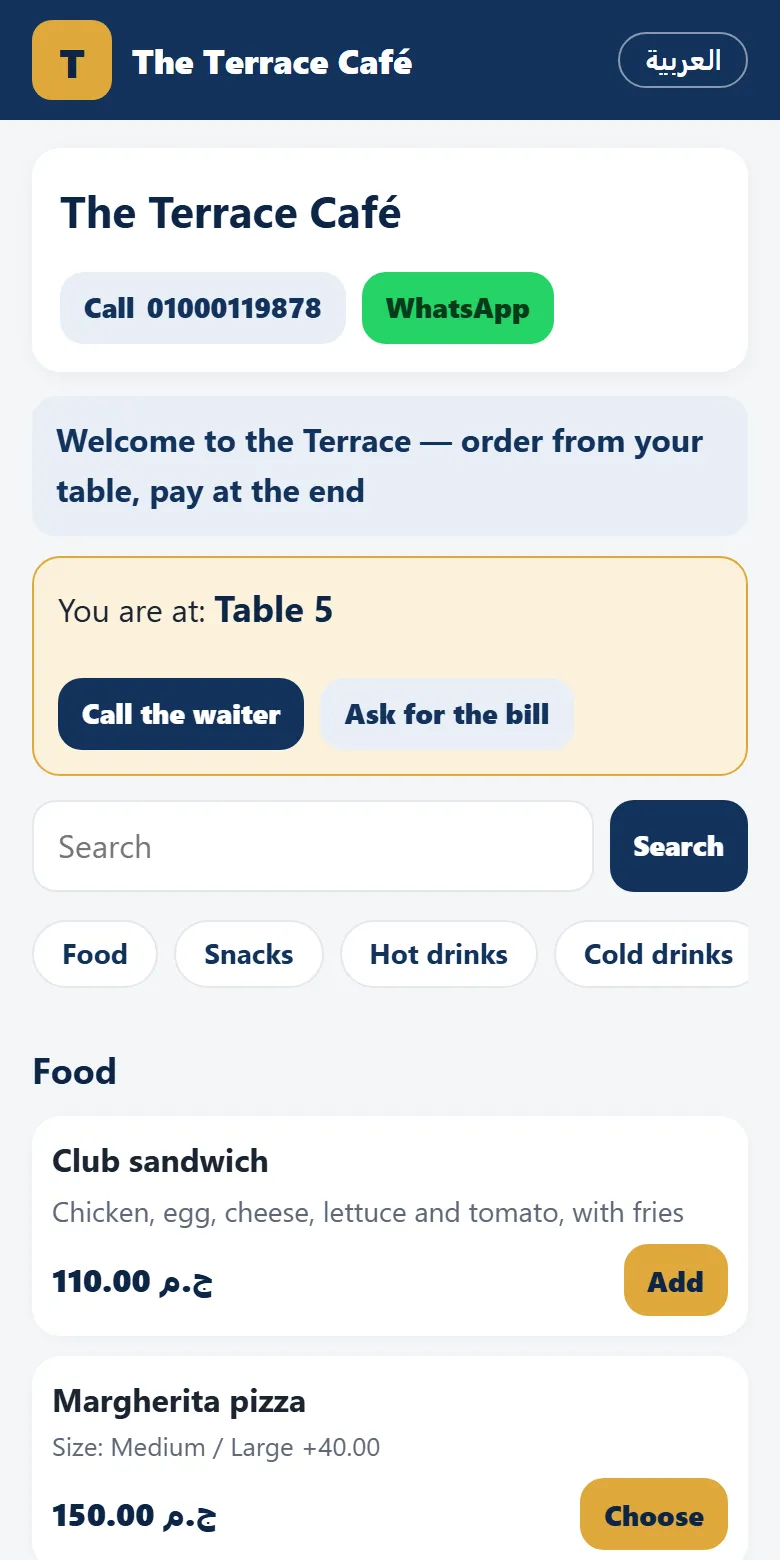
- The page greets him with “You are at …” and the table's name, so he knows the order goes to the right place.
- He picks from the menu — sizes, add-ons — and sends the order.
- Two buttons stay on the page: “Call the waiter” and “Ask for the bill”. Each works once a minute per table, so a bored child cannot flood the staff.
- He can order another round later on the same bill — the bill of the table stays open until it is paid.
Staff, the kitchen and the waiter view
The order reaches the tills and the waiter's phone at once. By default a member of staff confirms it first; only then does it go to the kitchen. That one tap is what stops prank orders from a table nobody is sitting at.
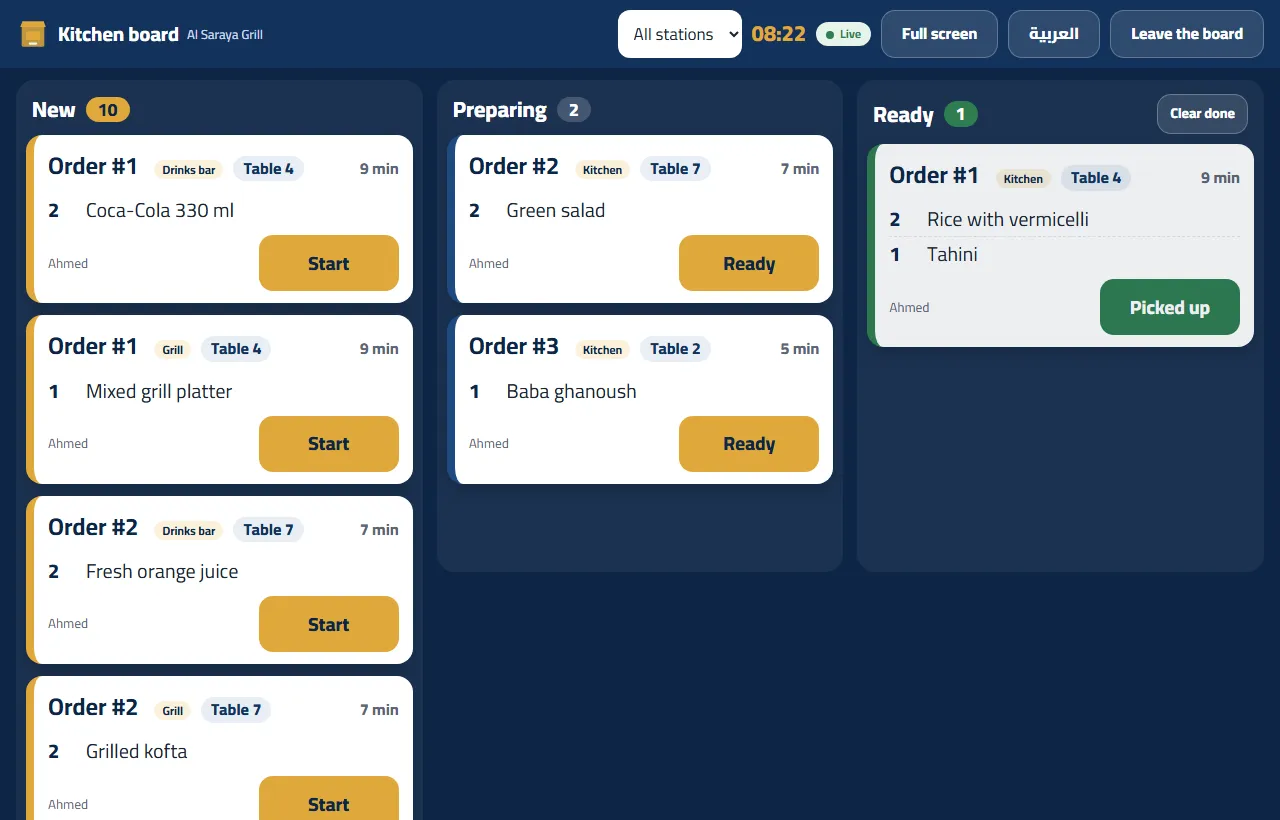
- Kitchen stations. Each round makes one ticket per station — the bar gets the drinks, the kitchen the food — and a kitchen screen can show a single station.
- One bill per table, with rounds. The bill has its own number, not a receipt number. The receipt number, the stock and the reports come only when staff confirm the payment.
- On the Windows till in cloud mode an “Online orders” pill shows how many orders and calls are waiting; a click opens the Orders page or the waiter view.
The waiter view on the phone
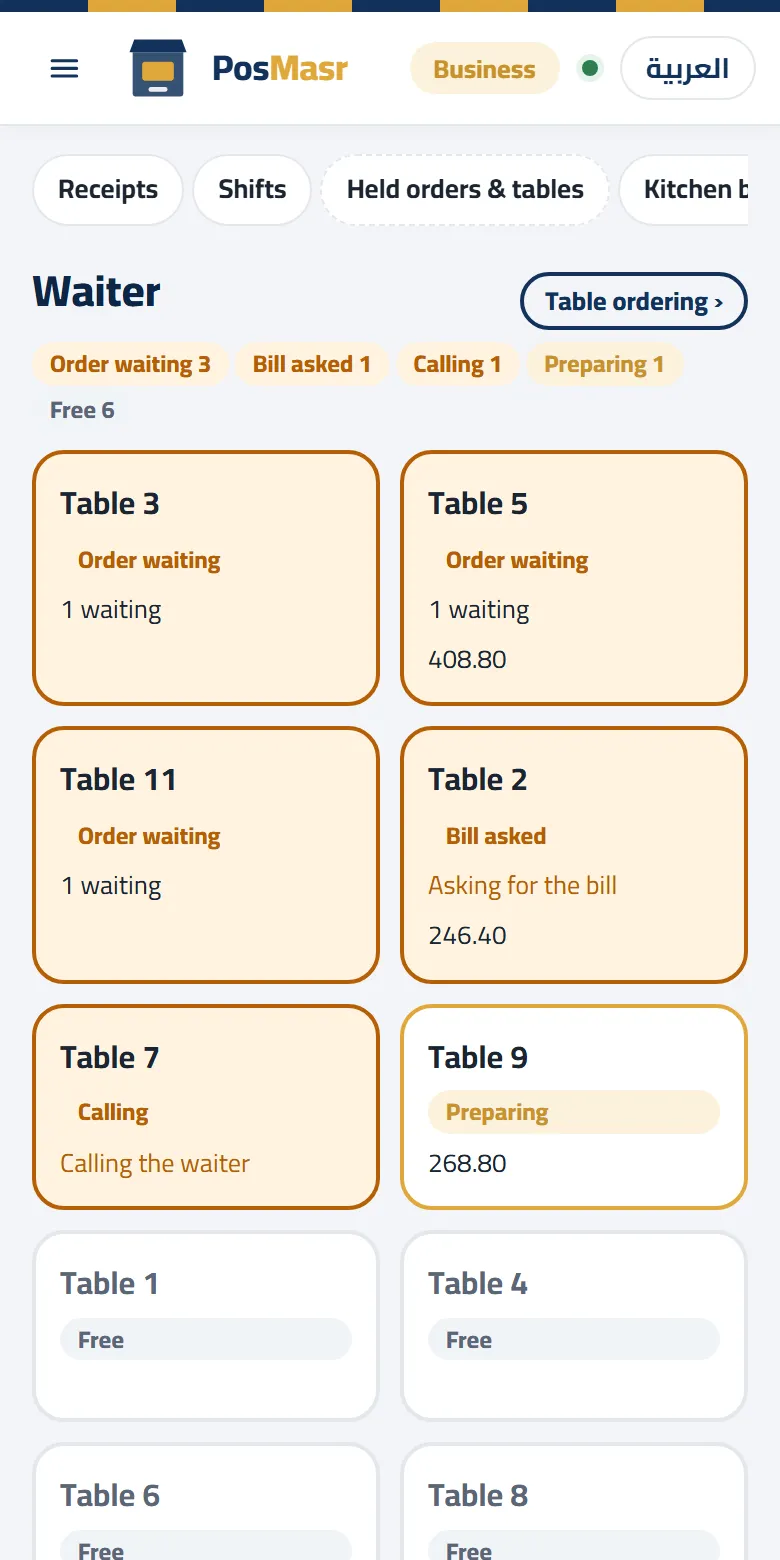
Made for the phone and live: every table sorted by urgency — order waiting, bill asked, calling, paying, preparing, seated, free. From it the waiter:
- confirms orders and seats guests;
- prints the pre-bill, marked “not a receipt”;
- confirms the payment — all at once, by items (each part its own receipt), evenly, or in parts;
- moves a bill to another table, or merges two.
Cancelling needs a manager and a reason, so nothing disappears quietly.

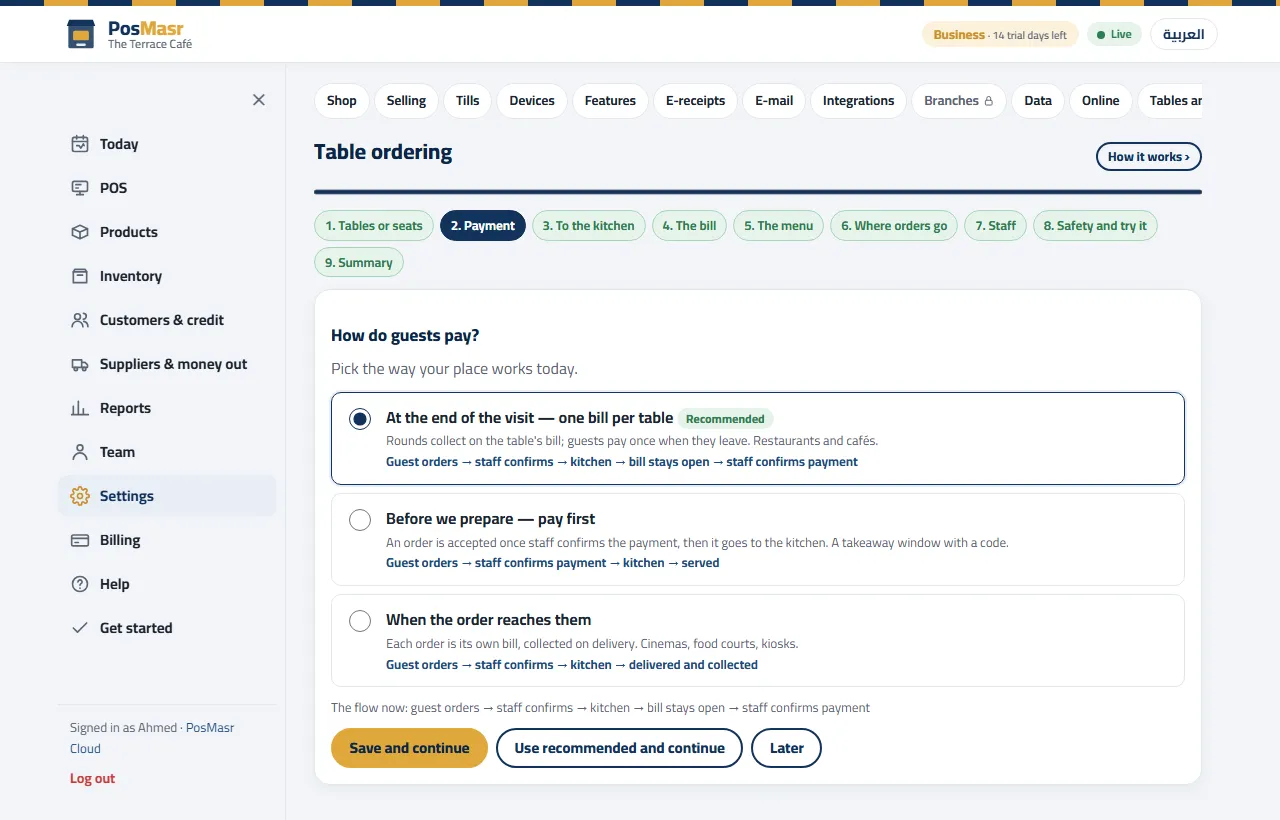
Three ways to pay as a table
| Way | Fits | How it runs |
|---|---|---|
| At the end of the visit (the default) | Restaurants and cafés | One bill per table: the guest orders → staff confirm (or it goes straight on, by your settings) → the kitchen prepares the round → the bill stays open for more rounds → the guest asks for the bill → staff confirm the payment, and only then the receipt number, stock and reports |
| Pay first | A takeaway window | The guest orders, then pays at the counter; the payment is the acceptance |
| When the order reaches them | Cinemas, food courts, kiosks | The payment is taken when the order is handed over |
The 9-step “Table ordering” wizard
Settings → Online → Table ordering opens a wizard of nine steps, each with a recommended answer already chosen. A step you skip is not lost: it waits for you on the Today page.
| Step | What you decide | The default, or our note |
|---|---|---|
| 1. Tables or seats | Add them one by one or in bulk (rows × seats), in areas | Tables for a café; rows × seats where guests sit in rows |
| 2. Payment | One of the three ways above | At the end of the visit |
| 3. To the kitchen | Confirm each order, confirm the first order of a visit only, or straight on | Confirm each order — it stops prank orders |
| 4. The bill | The shop's service charge; an optional minimum charge per person | The minimum charge is off unless you set one |
| 5. The menu | Which categories can be ordered from the table, prices shown, out-of-stock hidden or unavailable, items that staff hand over themselves | Your menu, your call |
| 6. Where orders go | Kitchen stations by category (e.g. the bar for drinks), the alert sound, ordering hours | Ordering hours = the shop's hours |
| 7. Staff | Who confirms orders, who takes payment; add a waiter with a 4-digit PIN | Owners and managers always can |
| 8. Safety, and try it | A cap on orders that go straight on; an alert when a bill stays open too long; “Try it now” | Cap 1,000 EGP; alert after 4 hours |
| 9. Summary | Check everything and print the codes | — |
Printing the codes
- On Business: the last step of the wizard gives a printable A4 sheet of codes, 2 × 3 or 3 × 4 per page. Print, cut, and stick or stand one on each table.
- On Chain: we deliver the printed codes — one set per branch per year, up to 40 codes; more codes or a reprint is quoted. See running branches from your phone.
- The menu has its own link and code in Settings → Online as well, for the window, the counter or your social pages.
The online shop, cash on delivery
The same products can also be sold for delivery at posmasr.com/shop/. You set delivery areas with their fee and minimum order, pickup, and opening hours (outside them the shop shows closed, or queues the order for the opening). The customer checks out with name, phone, address and notes, and follows a status page: received → accepted → out for delivery → delivered. On your side the Orders page accepts, rejects with a reason, sends out and marks delivered, and prints the delivery slip; an accepted order becomes a normal sale on the till. Payment is cash on delivery — here too, no online card payment.
Which plans include it
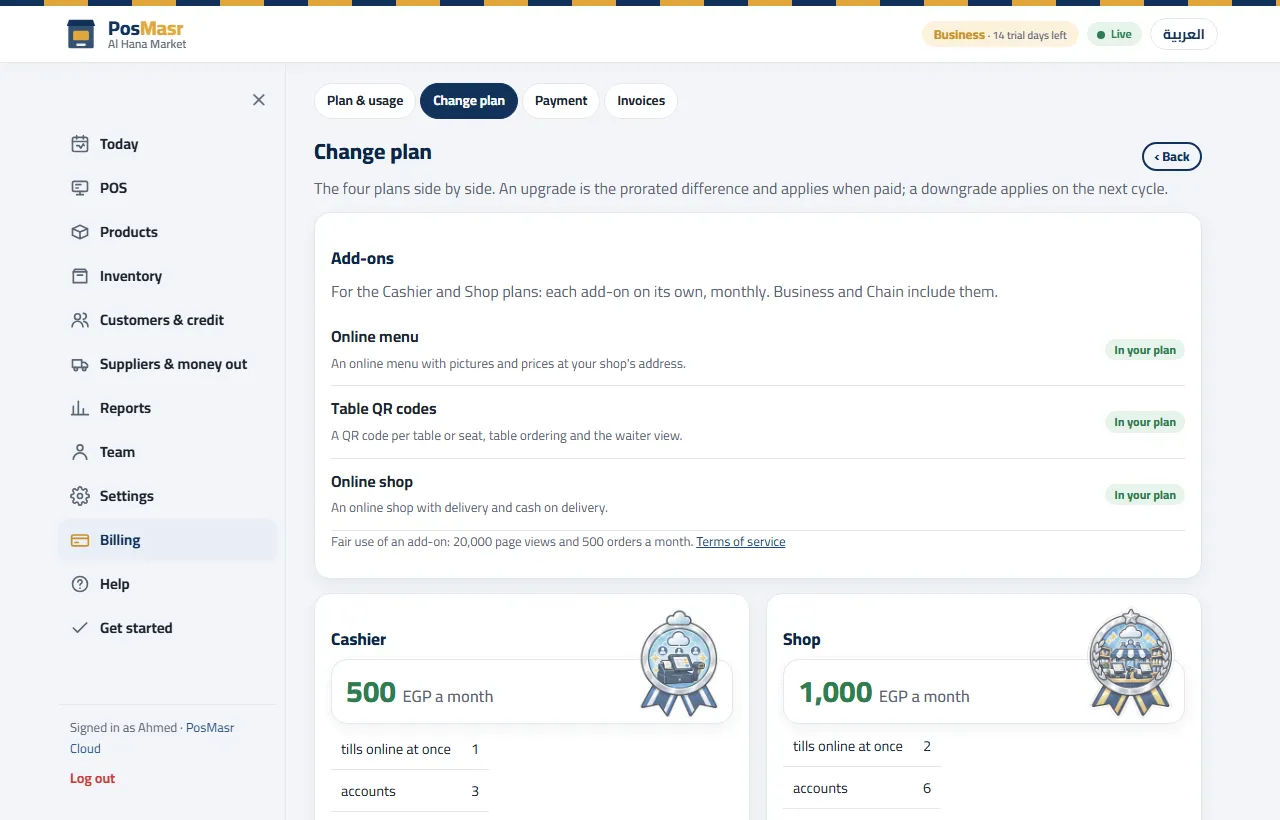
All three are included in Business and Chain. On Cashier and Shop each one is a monthly add-on you switch on from Billing → Plan.
| Feature | Cashier / Shop | Business | Chain |
|---|---|---|---|
| Online menu | +100 EGP a month | Included | Included |
| Table QR codes and ordering from the table | +100 EGP a month | Included | Included |
| Online shop (cash on delivery) | +300 EGP a month | Included | Included |
The plans themselves are 500 (Cashier), 1,000 (Shop), 2,500 (Business) and 5,000 (Chain, + 750 per extra branch) EGP a month; the full comparison is on the Cloud page. Every new shop starts with 14 days of Business, so the menu and table ordering are there to try from day one.
Quick answers
Can the guest pay by card from his phone?
No. The phone orders, calls the waiter and asks for the bill; the payment is taken by your staff, in cash or by card at the table or the counter.
What stops someone ordering from home by photographing the code?
Confirmation. With the default “confirm each order”, nothing reaches the kitchen until someone on staff has looked at the table and confirmed. If you choose “straight on”, the cap on straight-on orders (1,000 EGP by default) limits the damage.
I changed a price. Do I reprint anything?
No. The menu is the till's own list, so it shows the new price as soon as you save it. The table codes do not change either.
Does the test table spoil my reports?
No. Orders from the “Try it now” table never become sales, stock or reports.
Do orders keep coming if the café's internet drops?
The guest orders over his own phone's connection, but the tills and the waiter's phone need the line to receive the orders and calls. The till itself keeps selling at the counter offline; see when the internet cuts.
Your menu on every phone, your orders on every table
Start the 14-day trial of Business, no card, run the wizard and scan the test table with your own phone.