

Free, no sign-up, and nothing leaves your device
Every tool runs inside your browser. What you type — the Wi-Fi password, your product list, the money in the drawer — stays on your device: it is not uploaded, not stored, and we never see it. The tool pages carry no tracking and no cookies, need no account, work in Arabic and English, and once a page has opened it keeps working without the internet. Pictures download as PNG or SVG.
1. QR maker
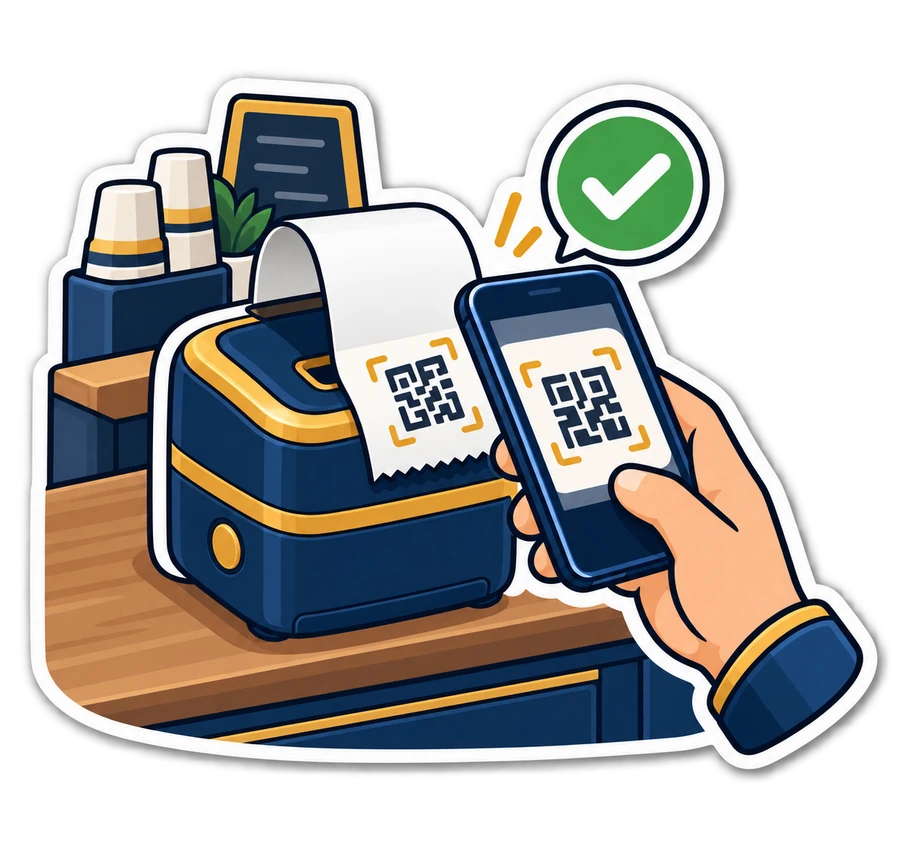
When: the café's customers ask for the Wi-Fi password ten times an hour, or you want a code on the counter that opens a WhatsApp chat with the shop. Make a QR for a link, a WhatsApp number, the Wi-Fi, a contact card or your menu, put your logo in the middle and your colours on it, and download PNG or SVG for the printer. → Make a QR code
2. Barcode maker, with label sheets
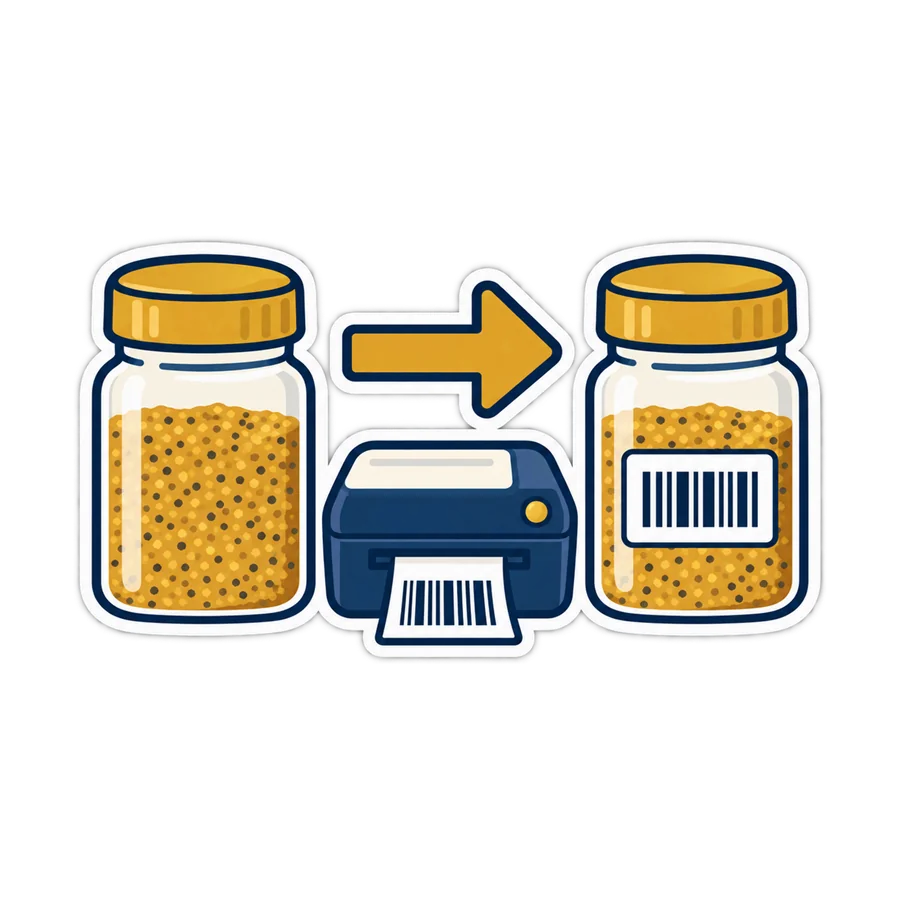
When: your aunt's pickles, the honey bottled at home, or a stack of imported goods whose code the scanner will not read. Pick the type — EAN-13 for products, Code 128 for your own codes, ITF-14 for cartons, QR, Data Matrix and more — and the check digit is worked out for you. Download the picture, or print a sheet: A4 with 24, 40 or 65 labels, or a label roll of 40×25 or 50×30 mm. Why a product needs its own code at all is in a barcode for everything. → Make a barcode
3. Price labels from a list
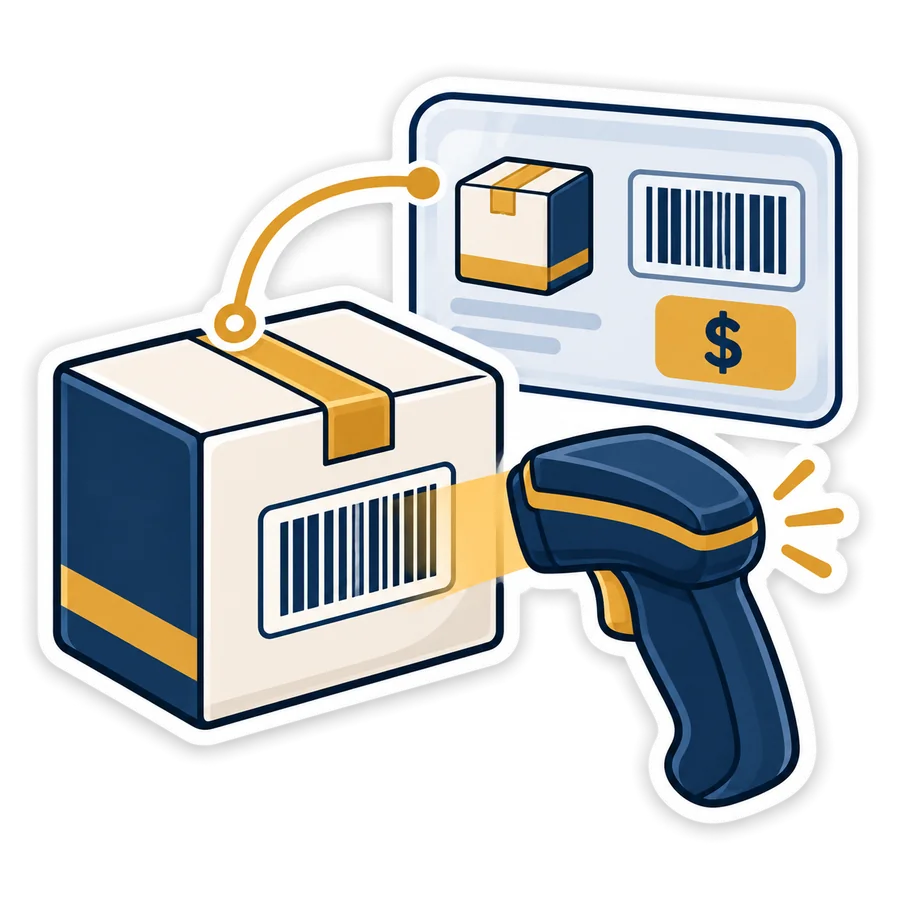
When: the new price list arrived on WhatsApp the night before the Eid rush, and every shelf needs a new label. Copy the three columns — name, price, barcode — from Excel or the WhatsApp message, paste, and print a sheet of shelf labels with the price in pounds, the barcode under it, and the line “VAT 14 % included” if you want it. Same sheets as the barcode maker: A4 24/40/65, or 40×25 and 50×30 mm rolls. → Print price labels

4. VAT 14 % calculator
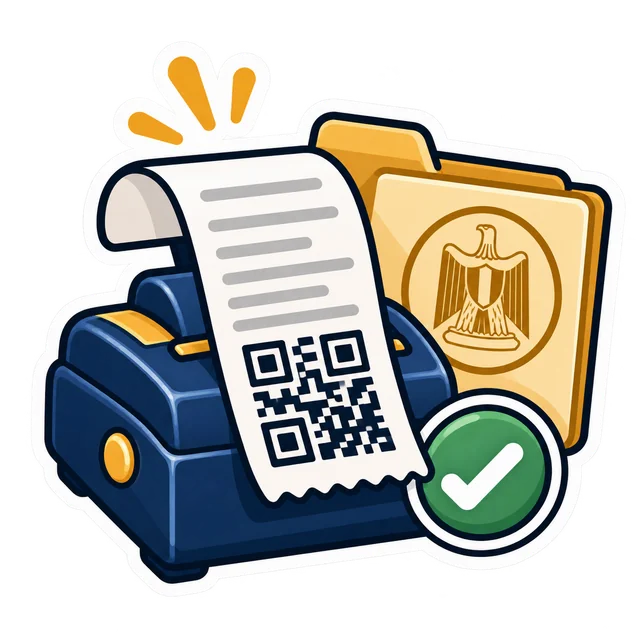
When: a company customer wants an invoice “before tax”, and all you have is the total he paid. Add 14 % VAT to a price, or take the price before VAT out of a total — with the 12 % service charge for restaurants and cafés — or paste a whole list of amounts at once, rounded to the piaster. The rules behind it are in VAT and the service charge. → Work out the VAT
5. Margin and markup
When: the supplier raised the cost again and you want to know what to charge before you print new labels. Type the cost and the selling price and see the real profit per piece — without the VAT, which was never yours — the margin and the markup side by side (they are not the same number), the price that gives the margin you want, and the break-even: how many pieces cover your expenses. → Work out the margin
6. Cash drawer counter
When: eleven at night, the evening cashier is handing over, and the notes are in four piles on the counter. Type how many of each Egyptian note and coin there are, get the total at once, see whether the drawer is over or short against what the cashier says, and what to hand over after leaving the next shift's float. Why a shortage that repeats deserves a look is in closing the day in 10 minutes. → Count the drawer

7. Shift hours and overtime
When: it is Thursday, pay day, and the boy who stayed late three nights in Ramadan wants to know what he is owed. Type each day's in and out and get the week: normal hours, day overtime, night overtime and rest-day work, and the pay if you give the hourly rate or the monthly salary. The defaults follow the usual reading of the Egyptian labour law — ×1.35 by day, ×1.70 at night, ×2 on the weekly rest day — and every rate can be changed to match your contract. It is a calculator, not legal advice. → Work out the hours
8. Number checker
When: you are about to type a supplier's IBAN into the bank app, or a barcode by hand into a new product, and one wrong digit would cost you a bounced transfer or a product that never scans. Check a barcode's check digit (EAN and UPC), the shape of an Egyptian tax registration number (9 digits), and an Egyptian IBAN (EG and 27 digits, with its two check digits tested). → Check a number


Put a tool on your own site
Run a page for shop owners, an accountant's office site or a supplier's portal? Each tool has a short embed code at the bottom of its page: copy it into any page and the tool appears there, free like the original, with a small credit line.
What the tools are not
- They give a quick number, not tax or legal advice: check the rules for your shop with your accountant.
- The tax number check is its shape only; whether it is registered is checked on the Tax Authority's system. The IBAN check catches typing mistakes; it does not prove the account exists.
- They keep nothing: close the page and your list is gone, so keep your own copy of anything you will need again.
- A barcode you make yourself works inside your shop; a product sold through other shops needs real numbers from GS1 Egypt.
Free tools and PosMasr's plans
The tools are free for everyone, with or without PosMasr, and no plan unlocks “more” of them. Inside PosMasr the same jobs simply happen in their place: the till generates barcodes and prints labels for your products, puts the 14 % VAT on every receipt, counts the drawer at the close of each shift, and — on Shop and up online, or the Silver package on your PC — keeps staff clock-in and timesheets. Compare everything on the PosMasr Cloud page (from 499 EGP a month) or the desktop prices.
Quick answers
Are they really free?
Yes: no sign-up, no limit, and no account to make. They are part of how we introduce PosMasr to shop owners.
Do you see my product list or my Wi-Fi password?
No. Everything runs in your browser and nothing is uploaded or stored. The tool pages have no tracking and set no cookies.
Will the barcodes scan?
Each type was written by our team and checked against published test examples with an independent barcode reader. Print a test label and scan it on your own scanner before printing hundreds.
Which label printer do I need for the rolls?
Any thermal label printer that takes 40×25 or 50×30 mm labels; for the A4 sheets, an ordinary printer and ready-cut label paper. See label printers.
Eight small jobs, done in a minute
Open the tools now, no sign-up. And when you want the till to do all of this by itself, start the 14-day trial of PosMasr Cloud, no card.
First year 20% off every plan and add-on — with the code



