A calm question, not a scary one
This is not an article about any company in particular, and it is not a reason to panic about the program you use today. It is the same question you would ask about a landlord or a supplier: what depends on them, and what have I got if they are gone? For a POS the answer comes down to five things. None needs a technician; each can be checked in a few minutes on the program you already have.
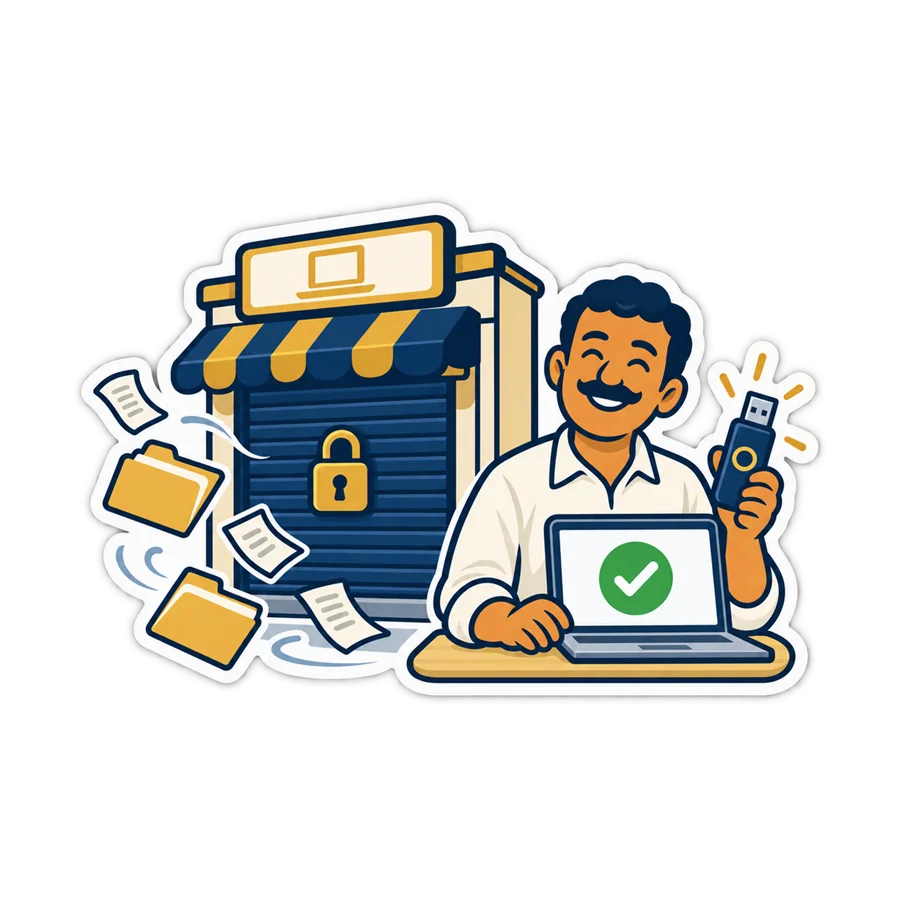

1. Where does the data live?
There are three possible answers, and each is fine if you know which one you have:
- On your PC. Nothing depends on the company's servers. The job that moves to you is the backup.
- On the company's servers. Backups are their job, and you can see the shop from anywhere. What matters then is question 2: can you take a full copy out?
- Both — a copy on the till and the main copy online. Then ask which copy holds the history: usually the till's copy is there to keep selling through a cut, and the years of sales live online, so question 2 is again the one that protects them.
How to check: ask the vendor where the data is, then find it yourself. On a PC program, a folder you can open. Online, a page in your account that says where and how it is kept.
2. Can you export all of it, in an open format, today?
“We can send you your data” is not the same as a button you press yourself. The questions that matter: is there an export in the program, does it cover everything — products, customers and their balances, suppliers, sales — and does it produce a file you can open without that program, like CSV for Excel?
Look hardest at the customers' balances and the supplier accounts. A product list can be rebuilt in a day from the shelf; who owes you what cannot be rebuilt from anywhere.
How to check: export the product list and the last month's sales, and open both in Excel. If the Arabic is garbled or half the columns are missing, you have learned something important on a quiet day instead of a bad one.
3. Does the till keep selling if the vendor's server stops?
Two different events hide in this question. Your internet cuts — that happens every week in many areas, and a good till keeps selling through it. The vendor's server stops for good — that is the rare one. A program that sells only through their server stops with it; a program that sells from your PC does not.
How to check: on a quiet evening, pull the router's cable and ring up a sale. Then ask the vendor plainly what the till does if their server never answers again.
4. What kind of licence is it?
- A one-time licence checked on the PC keeps working with nobody on the other end. Ask what moving it to a new PC involves — that is usually the one step that still needs the vendor.
- A licence that must “phone home” to keep working depends on their server even when your data is on your PC. Ask what happens after a week with no answer.
- A subscription is fair — you pay for a service that keeps running. Ask what the account turns into when a payment stops: locked, read-only, or deleted, and after how many days.
None of the three is wrong. What goes wrong is not knowing which one you have until the day it matters.
5. Which backups do you hold yourself?
The vendor's backup protects you from a dead disk. Only your copy protects you from the vendor. Whatever the program, you want a recent full copy somewhere that is not the till and not their server: a USB stick that goes home, a folder on your phone, your own e-mail.
How to check: when was your last copy, where is it now, and has anyone ever restored from it?
The half-hour checklist, for any program
| Question | A good answer | Worth a second look | Test (minutes) |
|---|---|---|---|
| Where is the data? | You can point at it | “Somewhere safe”, nothing more | Find it: 5 |
| Can you export it? | A button, a file Excel opens | Only on request, or only some of it | Export and open: 10 |
| Selling without their server? | Sells, prints, syncs later | A blank screen with the line down | Pull the cable: 5 |
| The licence? | Clear terms, written down | Nobody can say what happens | Read the page: 5 |
| Your own copy? | Recent, off the till, tried once | Never taken | Take one: 5 |
How PosMasr answers the same five
We will not promise that any company, ours included, lasts forever. What we can show is how much of your shop depends on us — as little as we could manage:
| Question | Desktop (one-time licence) | PosMasr Cloud |
|---|---|---|
| Where is the data? | Plain files in C:\ProgramData\PosMasr\data on your PC; the sales are one text file a day | On our servers, backed up every day; the till keeps a copy of the shop to sell from |
| Export? | Products and every report to CSV; a full backup to a USB stick | Settings → Data → Download a copy, on every plan, even read-only; the products to CSV |
| Selling without our server? | Always: it never needs the internet or us | Through an internet cut, yes: the till sells and syncs later. Its management pages need our servers |
| Licence | Paid once, checked on the PC, never switched off. Moving it to a new PC needs a new key from us | A monthly plan; unpaid, it turns read-only after 7 days of grace, and the download keeps working |
| Your copy | The backup you take to a USB stick and carry home | The downloaded copy, in the desktop program's backup format |
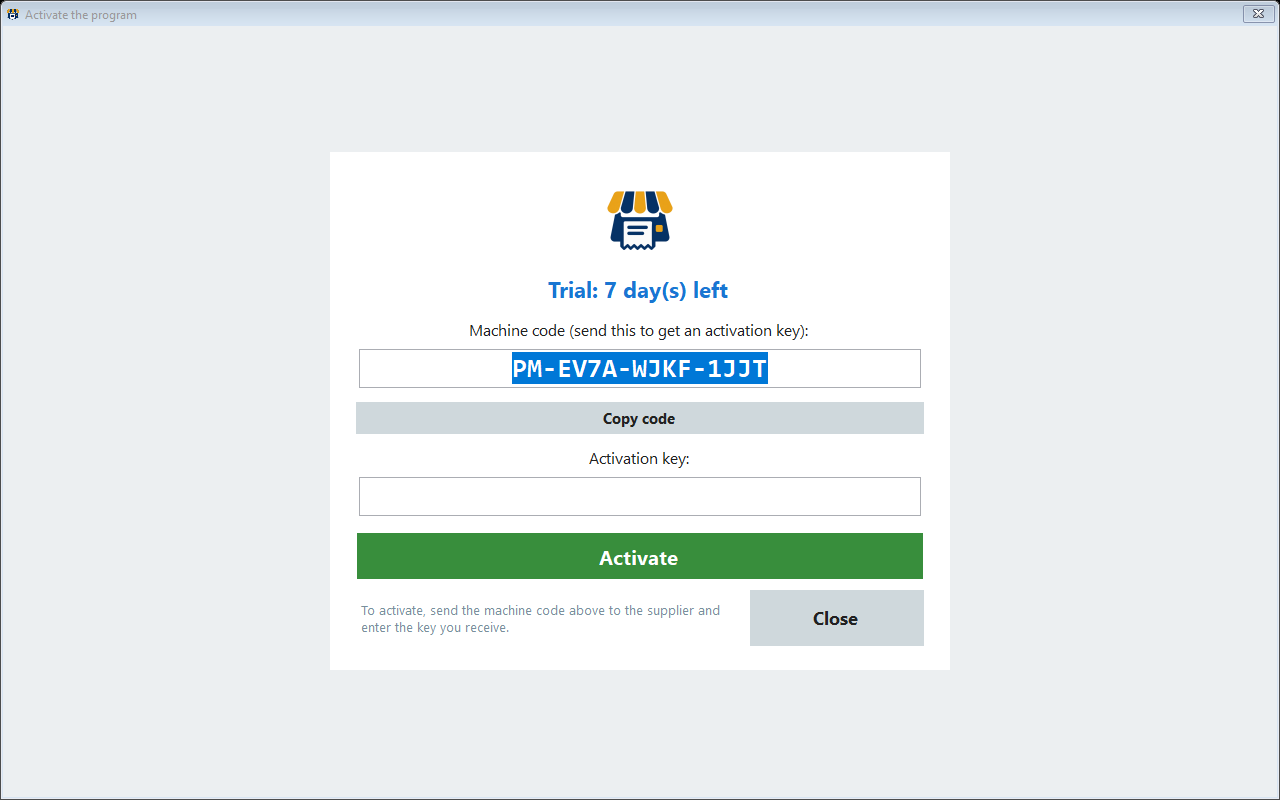
Read honestly, the table says two things. On the desktop, the only step that needs us is moving the licence to another PC — so keep your machine code and key with the shop's papers. Online, more depends on us, which is why the full download exists on every plan and in every status: keep a recent copy, and the one-time edition can always take the shop back — see moving both ways.
Quick answers
Should I switch programs because of this article?
Not because of the article. Run the five checks on the program you have. If it passes, keep it and keep your own copy. If it fails one, you know exactly what to ask the vendor — or what to look for in the next program.
Does the PosMasr desktop program check anything with you every day?
It can report its machine code and licence state once a day (Settings → Support, on by default), which helps us move a licence when a PC dies. Selling, reports and the licence itself do not depend on it and work with no internet at all.
What exactly should I keep with the shop's papers?
For the desktop: the machine code, the licence key and any release code. For the online edition: the owner's account e-mail and the two-step recovery codes. For both: a recent full copy and the vendor's contact.
Is online riskier than the desktop?
Different, not simply riskier. Online, a dead or stolen PC loses nothing and backups are not your job; more depends on us. On the desktop nothing depends on us, but the backups are yours. Online or on the PC compares them.
Run the five checks on PosMasr during the trial
Find the data folder, export to Excel, pull the router's cable, read the licence terms, take a backup. 7 days free on the desktop, with your own products.