

Why the paper card leaks
Picture a small café in Maadi. Hassan comes every morning for a Turkish coffee on his way to work. He has three paper cards in his wallet, one of them yours, half full and soft at the edges. One morning he forgets the wallet; the next week the card is gone. He still comes, but the reason to come to you rather than the place next door got a bit weaker.
And on your side of the counter it is worse. A stamp costs nothing to give, so it gets given to a friend, to a regular who asks nicely, or twice when the queue is long. At the end of the month you have no idea how many free coffees you gave away, or whether the card brings anybody back at all.

The digital stamp card fixes both sides: the card lives on the customer's phone, and a stamp exists only when a receipt exists.
How a customer joins
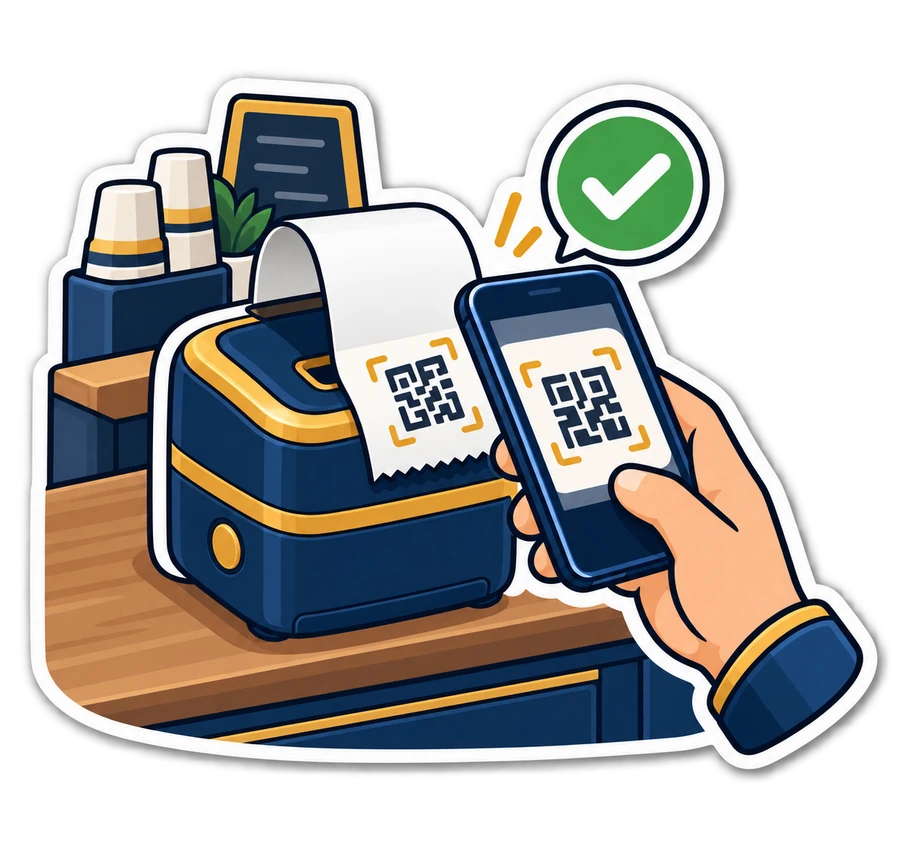
- You print the sign-up sheet from Settings → Stamp card and put it on the counter: a QR code and a line saying “Scan for your stamp card”.
- The customer scans it with the phone camera and types a mobile number (the name is optional). No app, no password.
- The page that opens is the card: the stamps so far, how many are left for the reward, and a code to show at the counter. It explains how to add it to the home screen, so it sits next to the other apps.
- At the next purchase the cashier links that card to the customer, and from then on it fills with every visit.
The card can also print on the receipt, with its stamps and its link, so a customer who did not scan the counter code still finds it in the bag. The mobile number is used only to find the card at the counter.
Coming soon: two buttons under the card, Add to Apple Wallet and Add to Google Wallet, so the card sits in the phone's wallet and updates itself after every visit. More in the stamp card in the phone's wallet.
At the till
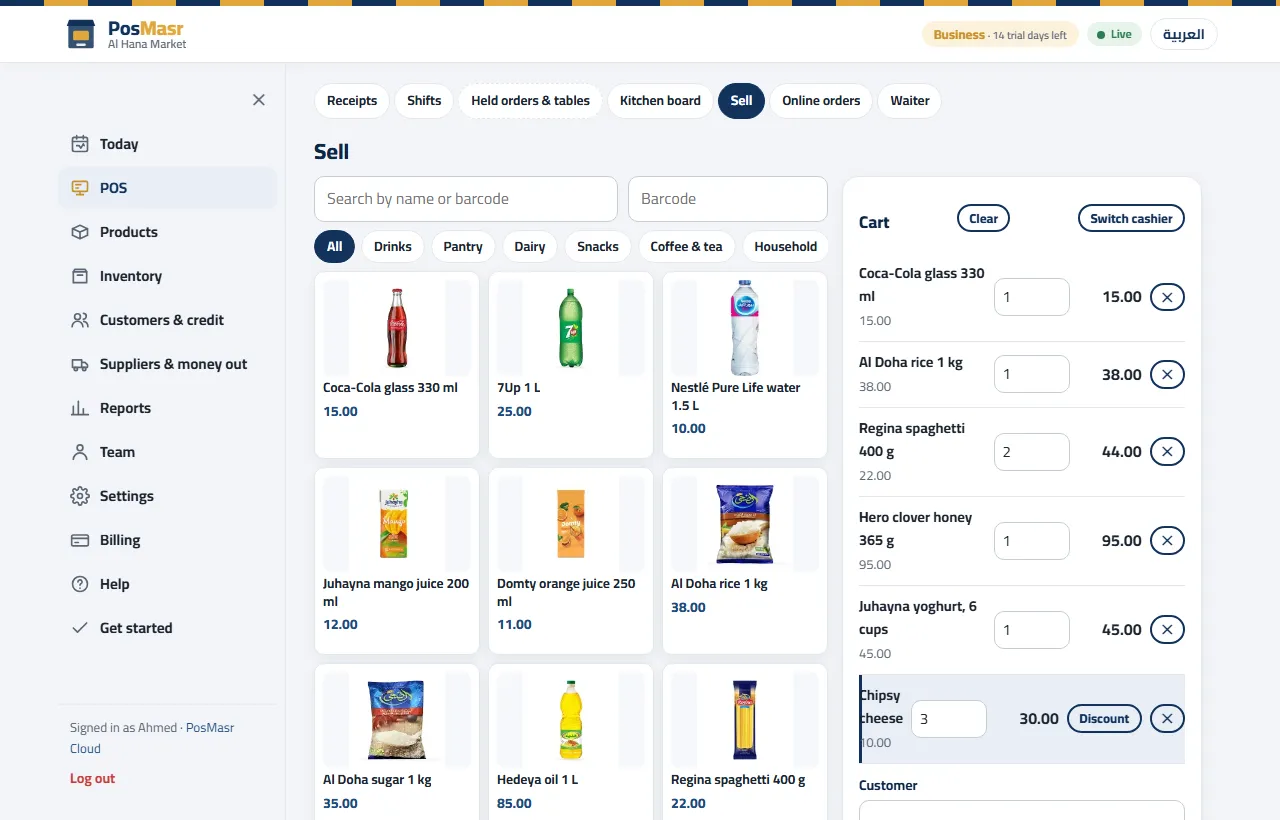
Back at the café: Hassan pays for his coffee and holds out his phone. The cashier scans the code from the screen, or types it, or simply finds Hassan by name or phone among the customers. The till shows “Stamps: 6 of 9”, and the sale adds the seventh.
- When the card is full the till says reward ready, and Give the reward puts it on the sale as a discount on the item — the free coffee shows on the receipt like any discount.
- A customer without a card yet can be added right there as a new customer.
- It works on the online till in the browser and in the till app — and, since 7 October, in the program on your PC from the Gold package.
The rules you set
A juice bar in Shubra and a perfume shop Downtown do not want the same card, so the rules are yours:
| Setting | What it means | Example |
|---|---|---|
| What earns a stamp | One stamp per visit (one receipt at or above an amount you choose), or one per item that counts (categories or products you pick) | The juice bar: one per cup. The perfume shop: one per visit over a set amount |
| Stamps to fill the card | How many stamps, then the reward | 9 = nine stamps, the tenth is free |
| The reward | In your own words; given as a discount on the item | “A free coffee”, “a free small bottle” |
| Most stamps on one receipt | Stops one big order from filling the card at once (0 = no limit) | 3 |
| Stamps lapse after | Days until a stamp lapses (0 = never). The card page tells the customer when | 180 days |
Returns, corrections and mistakes
- A return or a void takes its stamps back. A stamp is tied to its receipt, so it cannot outlive it.
- A manager can correct a card, adding or taking away stamps, but must write a reason, like “moved from his paper card” or “stamped twice by mistake”. The card's history keeps who did what, when, and on which receipt.
- A reward given by mistake can be taken back by the cashier shortly after; later it needs a manager.
The stamp card report shows members and new sign-ups in the period, stamps given, rewards used and rewards waiting, and each customer has a card page with the full history. So at the end of the month you know exactly how many free coffees you gave, and to whom.


Switching it on
- As the owner or a manager, open Settings → Stamp card and choose “Switch the stamp card on”.
- Choose the cards' web address once, what earns a stamp, how many fill the card, and the reward.
- Print the counter sign, and tick “print the card on the receipt” if you want it there too.
- Scan the sign with your own phone and make yourself the first member.
The full steps are in the manual.
What it does not do yet
• On your PC the card has no phone page. Since 7 October the program on your PC has the stamp card too (Gold and up), but the card page on the customer's phone and its link on the receipt need a web address, which a shop on the desktop program alone does not have. The PC receipt prints “Stamps: 5 of 9” instead, and a second till keeps its own stamps for now.
• Looking a card up and giving a reward need the till online. If the line cuts, finish the sale as usual and deal with the card when it is back.
• It is one kind of card: stamps and a reward. Levels, birthday gifts or messages sent to the customer by themselves are not part of it.
Which plans include it
The stamp card is in Shop, Business and Chain; it is not in Basic or Cashier. Every new shop starts with 14 days of Business, so you can run it with real customers before you choose.
| Plan | A month | Stamp card |
|---|---|---|
| Basic | 499 EGP | — |
| Cashier | 999 EGP | — |
| Shop | 1,999 EGP | Included |
| Business | 2,500 EGP | Included |
| Chain | 5,000 EGP + 750 per extra branch | Included |
In the program on your PC: the Gold package and up, since 7 October 2026 — Settings → Loyalty → Stamp card. The steps are in the manual.
The full comparison is on the PosMasr Cloud page.
Quick answers
Does the customer have to download an app?
No. The card is a web page; the customer can add it to the home screen so it looks like an app.
A regular has my old paper card with five stamps. Can I move them?
Yes: a manager corrects his new card by five stamps with the reason “moved from his paper card”.
What if the customer returns what he bought?
The return takes back the stamps of that receipt. A void does the same.
Can a cashier stamp a friend's card for nothing?
Not without a sale: stamps come from receipts. Only a manager can add stamps by hand, and only with a reason that stays in the card's history.
I use the program on my PC. Can I have it?
Yes: since 7 October the program on your PC has it from the Gold package — Settings → Loyalty → Stamp card. The till stamps and gives the reward, and the receipt prints the stamps; what the PC does not have is the card page on the customer's phone and its link. See online or on your PC.
Make your regulars feel like regulars
Start the 14-day trial of Business, no card, switch the stamp card on and be your own first member.
First year 20% off every plan and add-on — with the code



