

Two shops, one card
Hassan's café in Maadi runs on PosMasr Cloud, and his regulars have had the stamp card on their phones for weeks. One of them asked him the obvious question: “Can I put it in my phone's wallet, like my boarding pass?” Soon, yes.
Mona's juice bar in Shubra sells with the program on her PC, on the Gold package. She envied the café's card and kept a box of paper cards by the till. Now the stamp card is in her program too: the till stamps every cup, the receipt says how many stamps are left, and the paper cards can retire.
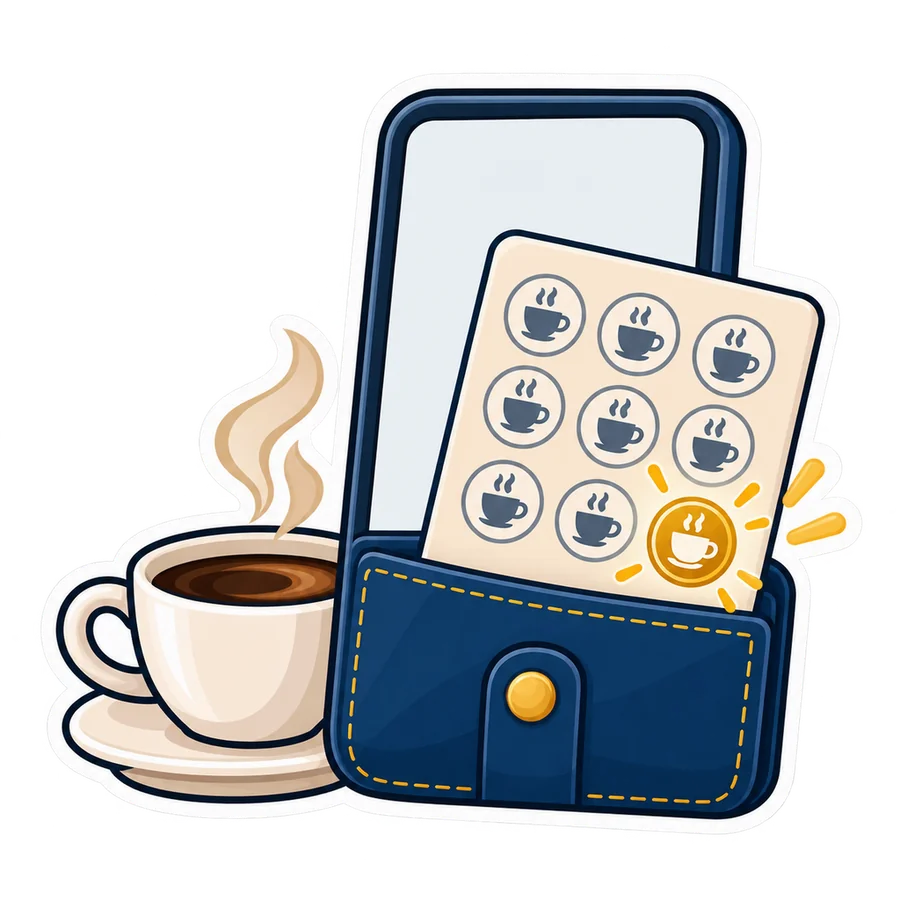
What is new on the phone card
- The points balance. While your loyalty points are on, the card page shows the customer's points and what they are worth, next to the stamps.
- The card's link in the WhatsApp receipt. When you send a receipt by WhatsApp from the receipt page, the message ends with the customer's card link.
- Everything else is as before: the counter sign, the QR on the receipt, the rules you set. The full story is in the stamp card on the customer's phone.
Apple Wallet and Google Wallet: coming soon
Two buttons are coming under the card: Add to Apple Wallet and Add to Google Wallet. The card then sits in the phone's own wallet, next to bank cards and tickets:
- It shows the stamps, the points, the reward and the rule, and the code the cashier scans, as a QR, with a link back to the card page.
- It updates itself after every visit: a sale that stamps, a return that takes stamps back, a reward given. The customer does nothing.
- It carries your shop's name, logo and colours, in your online shop's language.
- Nothing for you to set. When the buttons arrive, every shop with the stamp card on gets them; they are not a plan of their own.
The stamp card in the program on your PC
- Open Settings → Loyalty → Stamp card and switch it on. Choose the stamps that fill the card, per visit (with a minimum amount) or per item (the categories that count), the reward in your words, an expiry in days if you want, and “print on the receipt”.
- At the till, pick the customer as usual. The customer button shows the name and “Stamps: 4 of 9”, and after the sale the status line says “Stamps: 5 of 9”.
- The receipt prints the stamps, and “Reward ready: a free juice” when the card is full.
- From the customer's points history, the Stamp card button opens the card: the stamps now, the history with the receipt numbers, Give the reward, and Correct the card for a manager, with a reason.
A void or a return takes the receipt's stamps back, as online. Giving the reward needs the right to give a bigger discount, or a manager on the spot. The rules are kept under the same settings as online, so a shop that moves to PosMasr Cloud keeps its rule.
What it does not do yet
• The wallet buttons are coming soon, not there yet. The card page works today.
• The pass speaks one language: your online shop's. The card page speaks both.
• On your PC there is no card on the customer's phone, no link on the receipt and no wallet pass: those need a web address, which a shop on the program on its PC alone does not have. The stamps live in the program and print on the receipt.
• Two PC tills keep two cards. A second till keeps its own stamps; they are not sent to the main till yet.
Which plans include it
PosMasr Cloud: the stamp card is in Shop, Business and Chain; the wallet buttons, when they come, show wherever the card is. Every new shop starts with 14 days of Business, no card. The program on your PC: the Gold and Platinum packages; you can tick the switch on a lower package, and the settings say it needs Gold. The comparisons are on the PosMasr Cloud page and the prices page.
Quick answers
When do the wallet buttons arrive?
Soon. When they do, they appear under every card by themselves; you will not need to change anything.
Does the customer need an app?
No. The card is a web page, and the wallet is already on the phone.
I am on the Silver package on my PC. Do I have it?
The points are in Silver; the stamp card needs Gold or Platinum.
If I move from my PC to PosMasr Cloud, do I set it again?
The rule moves with you: the same settings are kept in both. See from your PC to online.
Give your regulars a card they will not lose
Start the 14-day trial of Business, no card, and switch the stamp card on — or try the program on your PC for 7 days with every feature open.
First year 20% off every plan and add-on — with the code



