Scan, pay, and the stock is right on your phone
The till in the shop with the scanner, the scale and the drawer; stock, running-low lists and sales on your phone at the same moment. And when the internet drops at the busiest hour, the queue keeps moving.


Barcodes and the scale
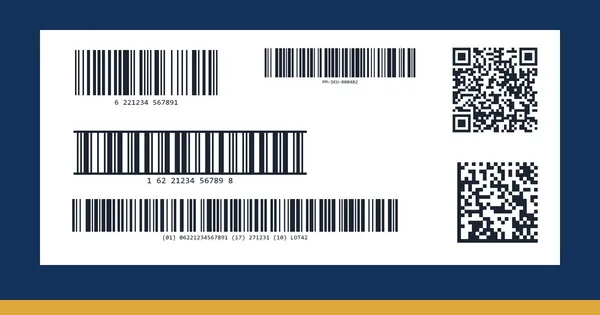
Any USB scanner at the till; scale barcodes with the weight or the price inside; kilos and grams on the receipt.

Stock and running low
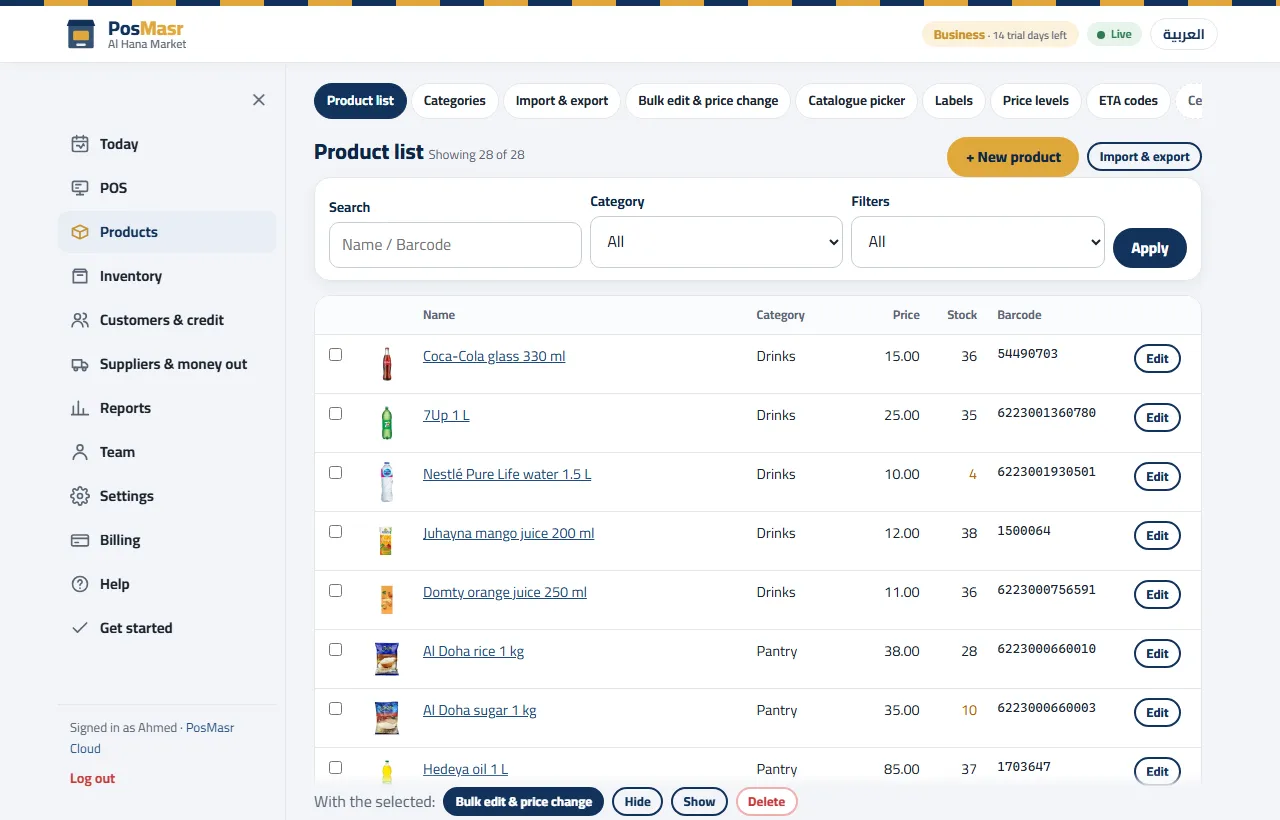
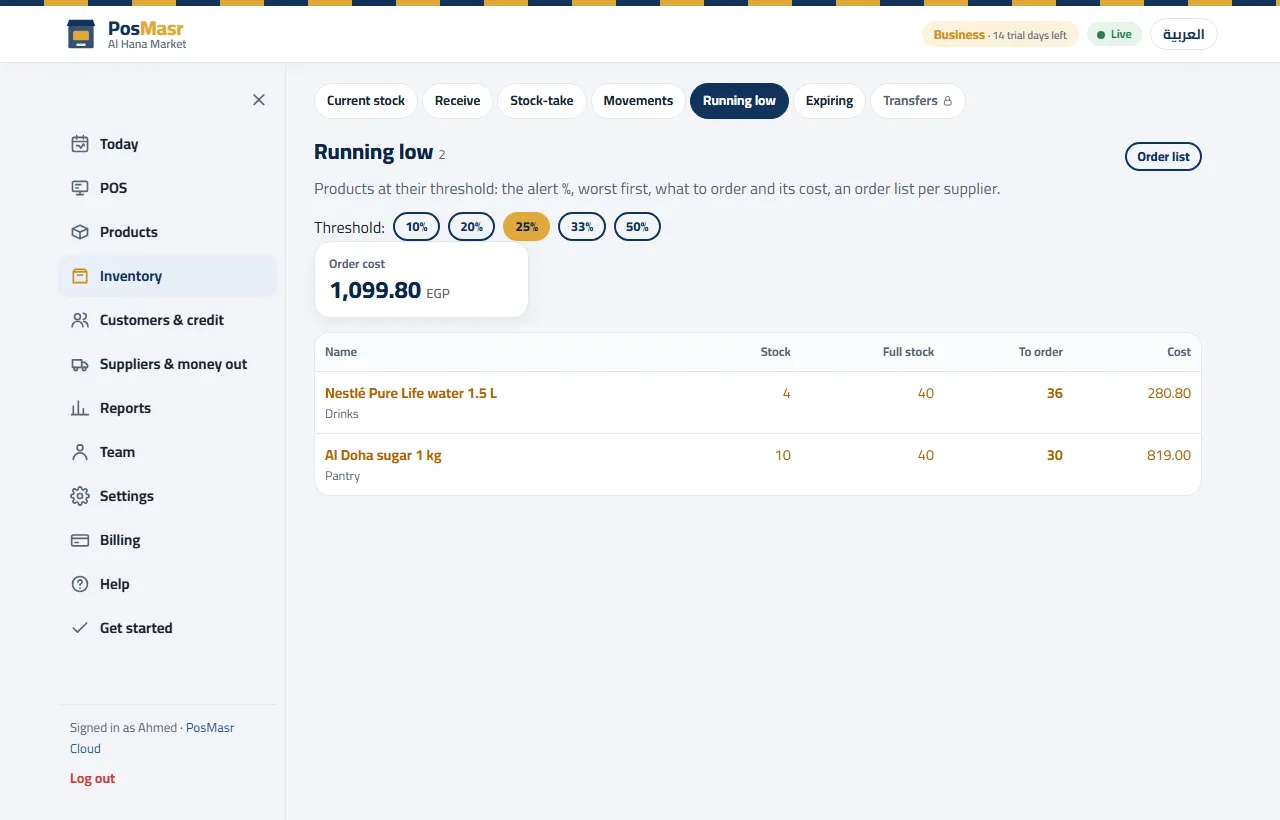
Stock and a reorder level per product, a running-low list with what to order and its cost, and receiving with the supplier and the cost.

The ready catalogue
More than 52,000 products with names and pictures — no prices, you type yours. Or bring your list from Excel.

Barcode labels
Labels for loose goods and products without a barcode — the app generates the barcode when there is none.

Stock-takes on the phone
The phone camera scans the barcode, several phones count the shelves at once, and the differences show before you apply them.

The queue never stops
The till keeps the products and prices on the PC; when the line drops it sells and prints with a provisional number, and syncs in order when it is back.
A selling screen cashiers like
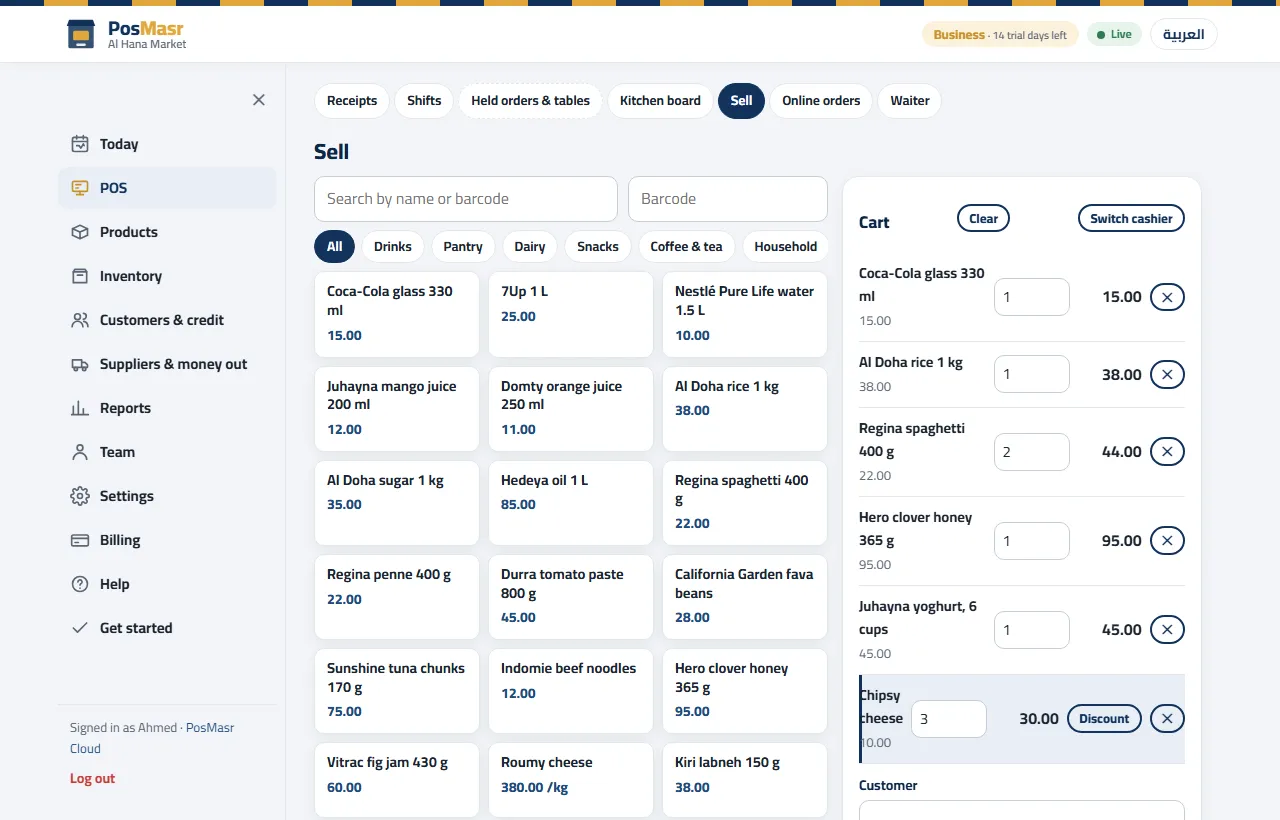
Categories on top, products with their prices, the cart beside them — and a scan adds the product straight away.
- Cash, card, credit and split; a discount on a line or on the whole receipt
- Weighed goods from the scale, sold by the kilo
- Two tills selling at once on the Shop plan, four on Business
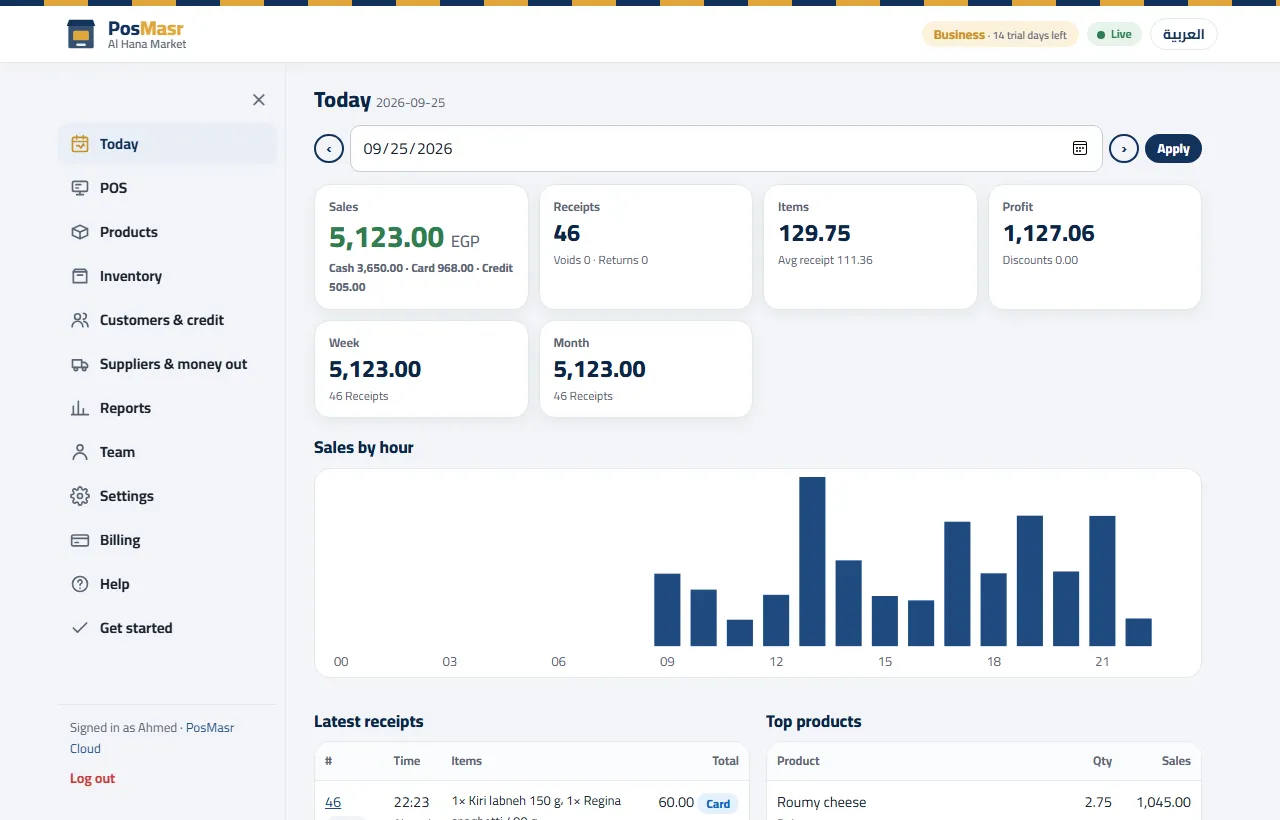
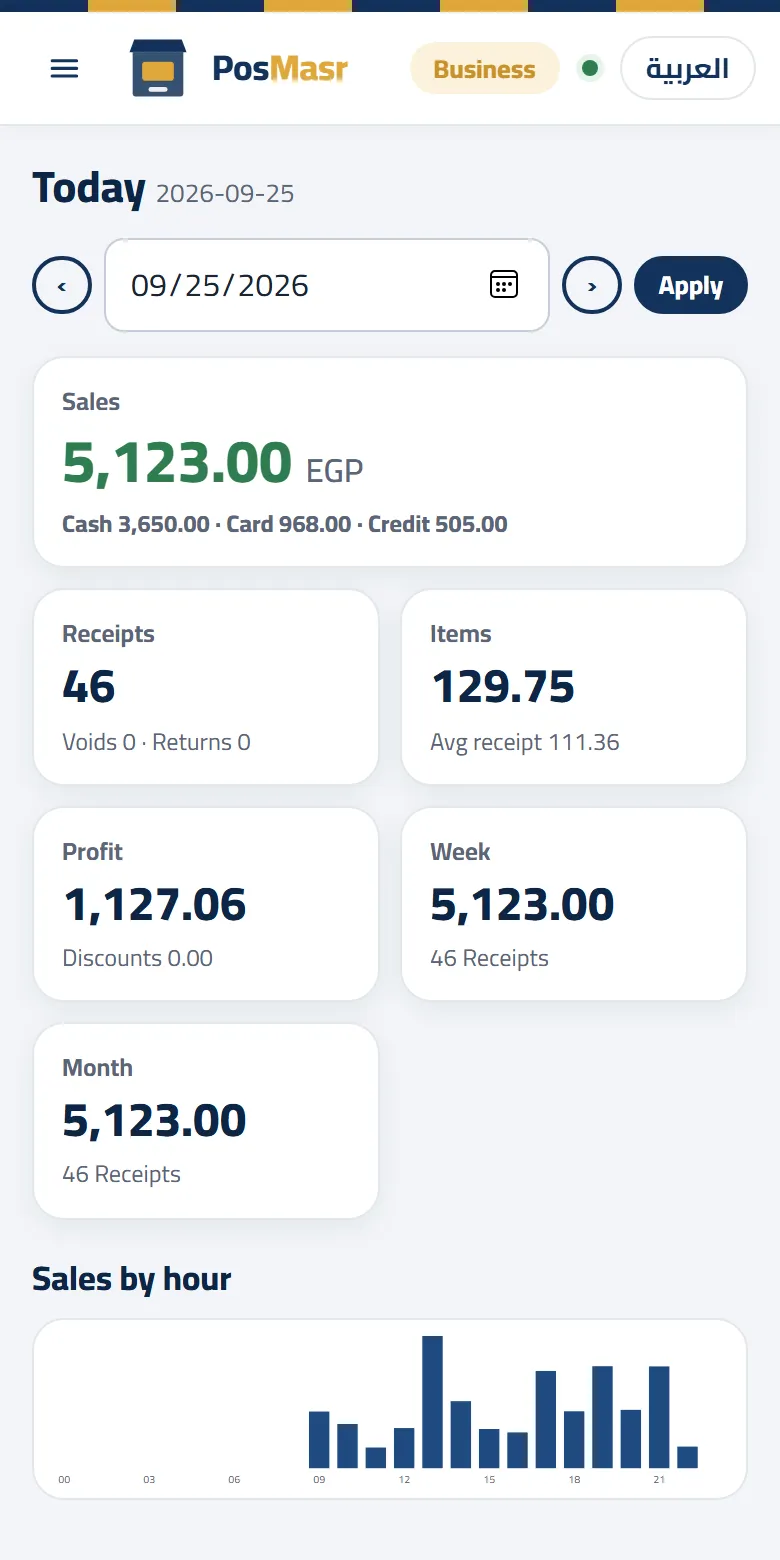
Products, running low and today
Which plan, and what it costs

Shop
- Two tills selling at once, 6 accounts
- Stock, receiving, stock-takes on the phone, cost and profit
- Barcode labels, the scale and selling by weight, expiry dates
- Customers and credit with statements, suppliers and expenses
Need three or four tills, a wholesale price for trade customers, or a daily e-mail report? The Business plan at 2,500 EGP a month. Several branches? See PosMasr Cloud for chains.
Quick questions
Can I bring my products from Excel?
Yes: upload an Excel or CSV file with any column names and match each column, or tick your products in the ready catalogue.
What if the internet drops at the busiest hour?
The till keeps selling, printing and opening the drawer, with a provisional receipt number. When the line is back everything syncs in order, nothing doubled.
A second till for the rush?
The Shop plan has two tills selling at once, Business four. You can pair a spare PC and keep it off — it only counts while it is signed in.
I have the desktop program — how do I move?
In the desktop program 5.1: Settings → Backup → “Move to PosMasr Cloud…” makes one file with your products and their pictures, customers, suppliers and sales; upload it in the web app's Settings → Data. Moving, step by step →
Everything about PosMasr Cloud → The Cloud chapter of the manual