

The menu board
Abu Tarek's koshary place in Sayeda Zeinab raised prices twice this year. Each time, the printed board got a sticker over the old number, and each time somebody argued at the till. With a menu board the board is the till's product list: change the price of a large koshary in the back office, and the TV shows it a few seconds later.
- Four layouts: a grid of pictures, a price list in two columns, one big picture with the others beside it, or offers only.
- Categories per screen: screen 1 the koshary and the sides, screen 2 the drinks and desserts.
- Times of day: other categories at some hours, like breakfast until 11:00 in a bakery, and the usual menu after.
- Sold-out items greyed with “Sold out”, or hidden; prices shown or not; the line saying prices include 14% VAT.
- Arabic, English, or both: together (one under the other) or alternating page by page. Dark or light, wide or tall, the seconds per page, and a slow movement that protects the TV from burn-in.
Offer slides
An offer is a slide: a picture, a big title, a line under it and a price, with the old price crossed out if you want. You choose the days and hours it shows, and its first and last day. So “Family meal: 2 burgers, 2 fries, 2 drinks” can appear only on Thursday and Friday evenings, and disappear by itself when the offer ends. The slides show between the menu pages, on half of the screen beside the menu, or alone.
The order screen: “your order is ready”
The second kind of screen is for the people waiting. It has two columns, Preparing and Ready, with order numbers. An order appears under Preparing when it is paid or sent to the kitchen, moves to Ready when the kitchen screen marks it done (or someone presses Ready on the till), and leaves when it is collected. A chime plays when a number turns ready. No more shouting “seventy-three!” over the fryer.
- You choose which orders it shows: counter and takeaway, the self-order kiosk, table orders, delivery, online orders.
- The number as on the receipt, or the last 3 digits only; the customer's first name when the order has one; how many minutes a ready number stays.
- Phone numbers, totals and items are never shown. The screen faces the street; what people ordered and paid stays private.
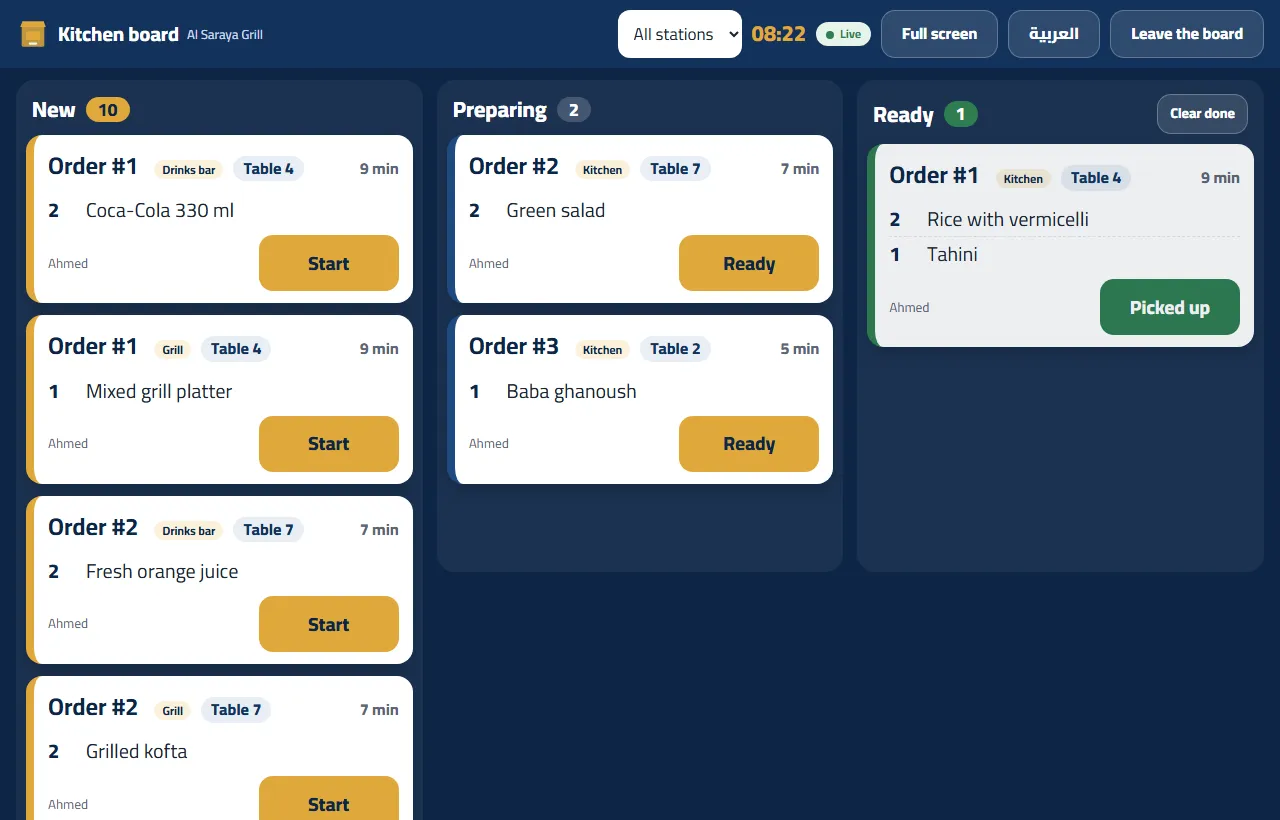
The Order board on the till
Not every shop has a kitchen screen. A sandwich stall with one cook and one cashier has the Order board on the till: the same orders the order screen shows, with Ready when it is, Collected when the customer has it, and Back to preparing for the order that went out too soon.
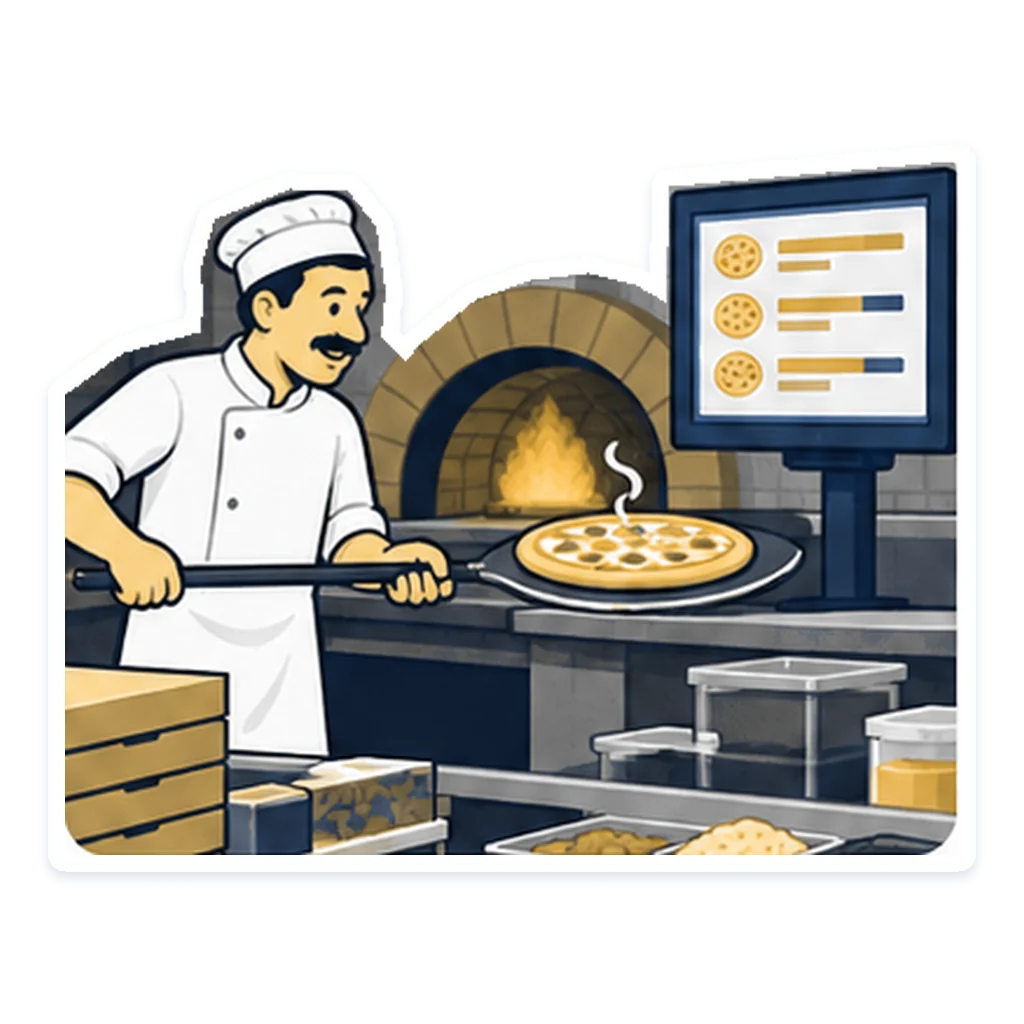
Connecting a TV in a minute
- An owner or a manager switches screens on in Settings → Screens. One switch covers the whole shop.
- Add a screen: a name, menu board or order screen, and what it shows.
- Press Get a code. You get 8 digits, good once, for the next 15 minutes.
- On the TV, open the screen page shown in the settings in its browser and type the code. On a tablet you can scan a QR instead.
- Tap the screen once (or press OK on the remote) to allow the chime.
Moving a screen to a new TV is the same: get a new code, and the old TV disconnects the moment the new one connects. A stolen or sold TV can also be disconnected from the settings at once. Every change you save shows on the TV within seconds.
What it needs, and its limits
- Any screen with a web browser: a smart TV, an Android TV box or stick with a browser, a mini PC or an old laptop on HDMI, or a tablet. A stick or a mini PC usually gives the smoothest picture. Turn the TV's own sleep timer off.
- The internet: the screens follow the back office live, so the TV needs a working line.
• It is not in the program on your PC. It is PosMasr Cloud's, shown in the TV's browser.
• There is a fixed maximum of screens and offer slides per shop. It is not a plan limit; remove old screens and past promotions to make room.
• No video or sound adverts: the slides are a picture, a title, a line and a price.
Which plans include it
Menu boards, the order screen and the till's Order board come with the kitchen screen, in Business (2,500 EGP a month) and Chain (5,000 EGP a month, + 750 per extra branch). Every new shop starts with 14 days of Business, no card, so you can connect the TV over your counter today. The full comparison is on the PosMasr Cloud page, and the steps are in the manual.
Running a restaurant or café? See also the restaurant tools and the online menu and ordering from the table.
Quick answers
Do I have to buy a special screen?
No. Any TV or screen with a browser works; an old TV gets a cheap stick or an old laptop on HDMI.
I changed a price. Do I touch the TV?
No. The board follows the back office; the new price shows within seconds.
Can the customers see what others ordered?
No. The order screen shows numbers (and a first name if you allow it), never items, totals or phone numbers.
Someone took a photo of the pairing code. Is that a risk?
The code works once and only for 15 minutes. If a screen ever connects where it should not, disconnect it from Settings → Screens.
Can I switch everything off for Ramadan nights and back on after?
One switch covers the whole shop; every screen goes blank until you switch it on again. Offers with days and hours are usually the gentler way.
Give the TV a job
Start the 14-day trial of Business, no card, add a menu board and connect the TV with its 8-digit code.
First year 20% off every plan and add-on — with the code



