
Keep your wholesale prices current without confusing buyers
Set sensible validity dates, review changed prices and withdraw unavailable products so the public catalogue reflects what you can offer.
Published 11 October 2026
An offer needs an end date
A price is easier to use when the buyer knows how long it applies. Choose a validity date you can support, especially for goods whose cost changes often. The date should reflect your actual quotation policy; it is not a promise that stock will still exist. Keep the availability field and written terms consistent with your ability to supply.
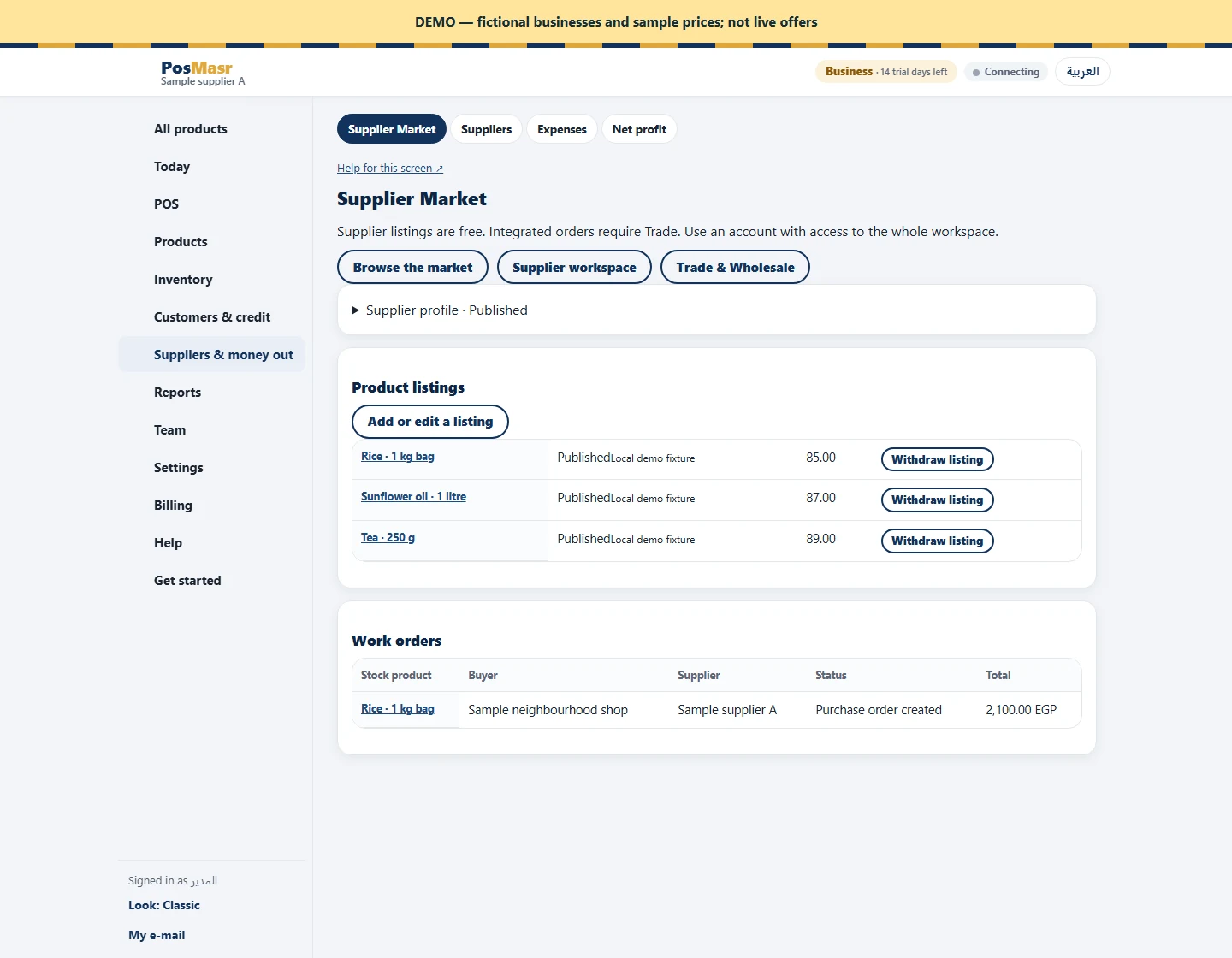
Treat edits as a new publication
Supplier Market sends edited profiles and listings back through publication review. Plan price updates before the old offer expires, and check the resulting public page after approval. If you need a line to disappear immediately, withdraw it. Expired, withdrawn or suspended listings are hidden. Do not publish a new price in the description while leaving the numeric price unchanged: buyers compare the structured amount.
Check open requests separately
An existing request records the offer and quantity used when it was made. Read that request before responding instead of assuming it now matches an edited catalogue. If the agreement needs a different price or delivery terms, use the revised-quote action. The buyer explicitly accepts that revision and you then confirm it. This keeps a changed catalogue from becoming an unspoken change to a buyer’s request. Set a regular internal review of active lines; the market does not manage your supplier purchasing costs for you.
