
Match a supplier product to your stock item with confidence
Use product identifiers, size and units to avoid receiving the right name into the wrong stock record.
Published 11 October 2026
A name is only the starting point
Two listings called “rice” can describe different brands, grades, bag sizes or units. Start with the exact product your shop intends to sell. Check the brand, variant, size and GTIN when available. A GTIN helps identify a trade item, but neither a matching name nor a published listing guarantees authenticity, availability or suitability for your shop.
Check the unit conversion before ordering
If your stock record counts individual bags, the supplier listing must be mapped with that unit in mind. Do not map a carton priced as one unit directly to a stock item counted by bag. Check pack contents and the allowed order multiple separately. If you cannot establish equivalence, clarify with the supplier or create the correct local product record instead of using the closest-looking name.
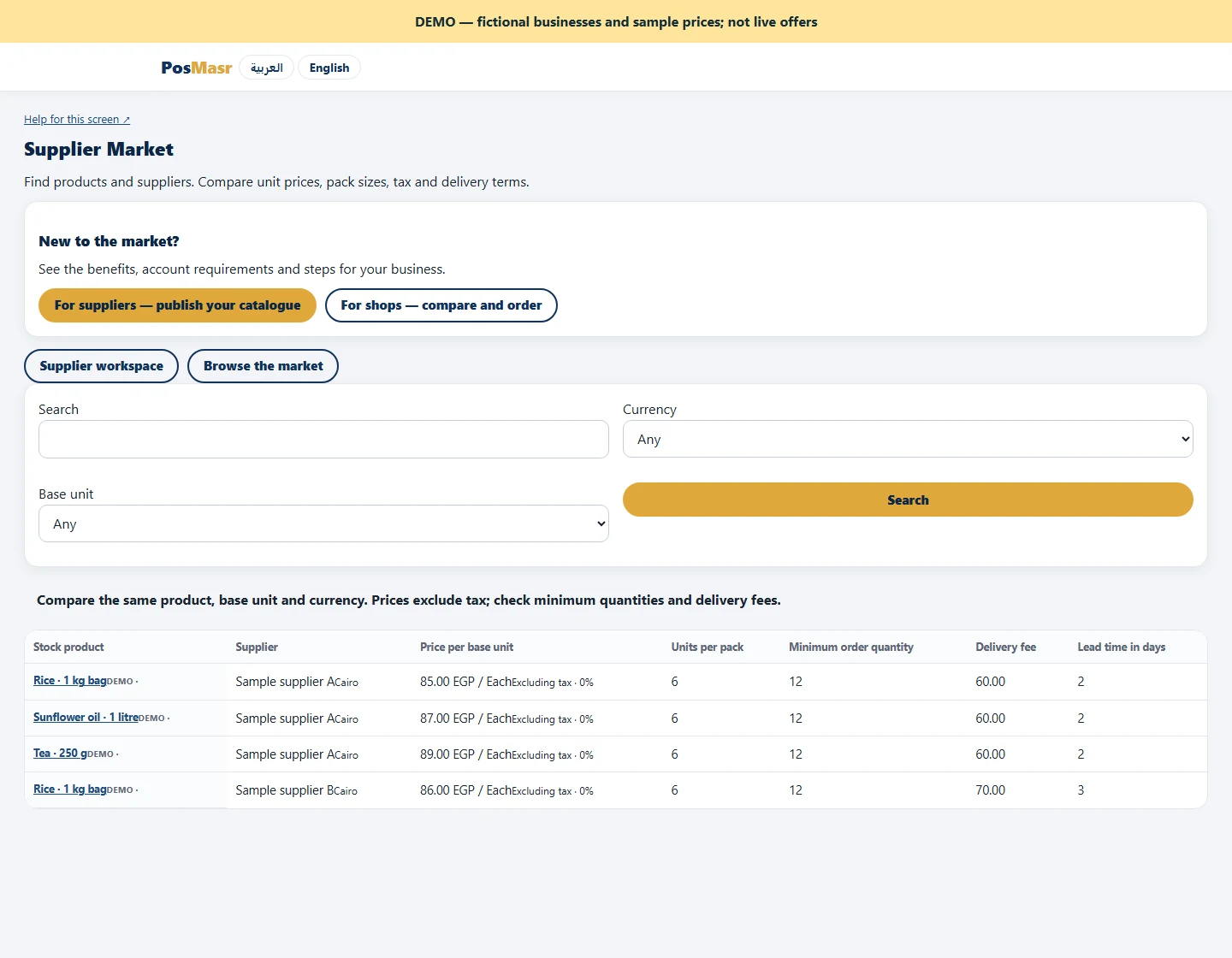
Confirm the mapping deliberately
Once the supplier confirms the request, choose your own product and supplier records and confirm the mapping before creating the linked purchase order. This is an explicit buyer decision. At receiving, compare the actual goods and label with the mapped item before recording quantity. Keeping an accurate supplier record also makes future invoice and delivery discussions easier. A few minutes checking the first mapping can prevent a repeated stock-count error on later purchases.
