
How to respond to a wholesale order request
Use accept, reject and revised quotes to keep buyer and supplier aligned before a market request becomes a purchase order.
Published 11 October 2026
Read the whole request first
Check the product, quantity, agreed unit, delivery address, contact and requested terms. Confirm that you can supply that quantity within the lead time. A request is not a completed payment and is not a shipment instruction by itself. If your team needs another person to check availability, do that before accepting rather than agreeing to an order you cannot fulfil.
Choose the response that matches reality
Accept when the stated terms work. Reject when you cannot supply the request. If you can supply it with a different price or terms, propose a revised quote and explain the change clearly. For example, a delivery to a different area might require a new delivery fee. The buyer must explicitly accept the revision; the supplier then confirms it. Silence is not acceptance, and sending a message outside the recorded workflow does not update its state.
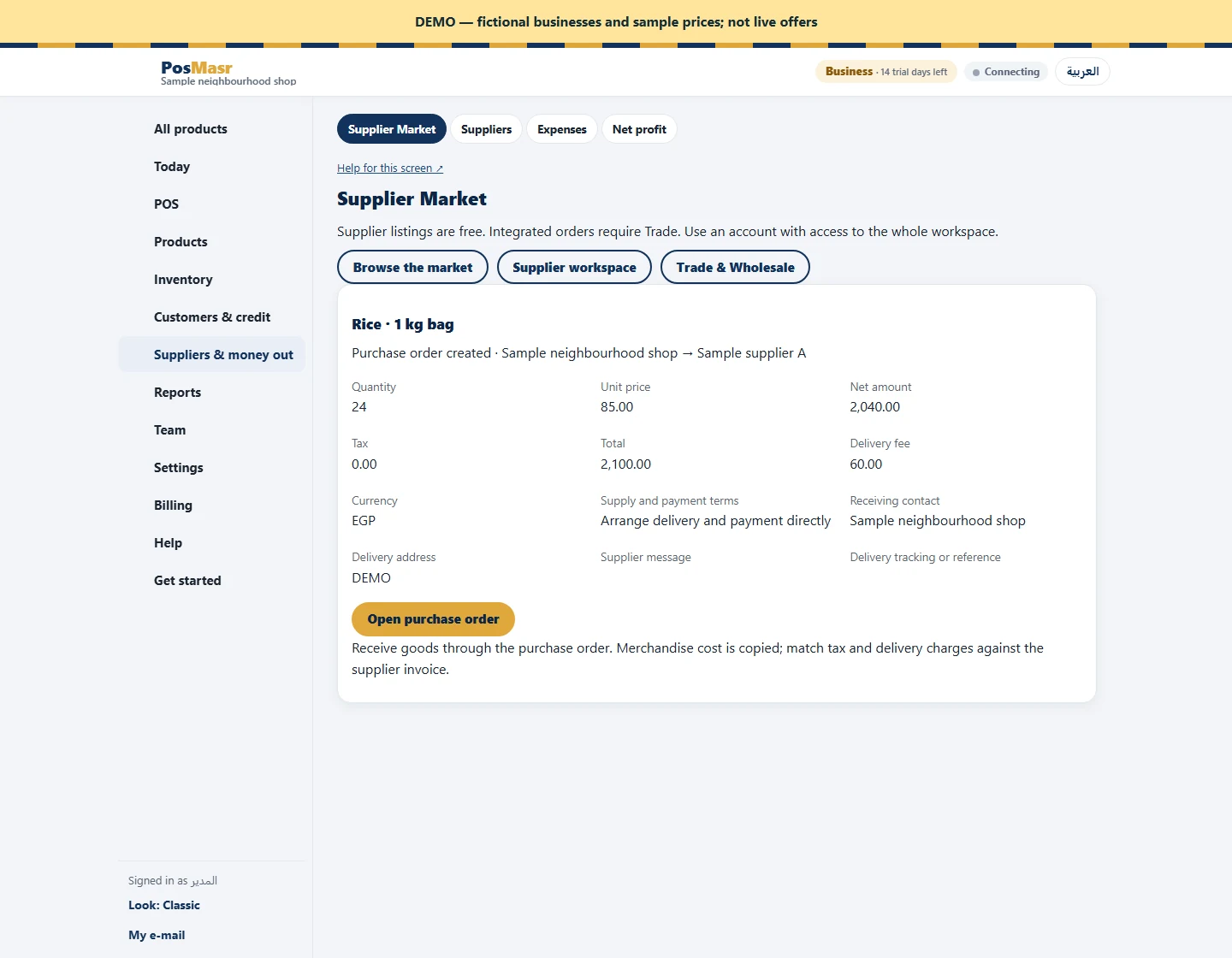
Move the confirmed agreement forward
After confirmation, the buyer maps the product and supplier and creates the linked purchase order. Check the reference when planning fulfilment. A supplier with the paid Trade add-on can import the confirmed order into its own sales workflow, then approve and ship it there. Without Trade, the market still records the shared request, while you arrange execution directly. Keep payment instructions and delivery arrangements clear with the buyer; there is no marketplace payment collection.
