
Calculate the cost of a supplier order before you commit
Combine merchandise, delivery and applicable tax to compare what you would actually pay for a restock.
Published 11 October 2026
Write down every component
Start with the number of base units, not just the number of boxes. Merchandise cost is unit price multiplied by quantity. Add the agreed delivery charge and applicable tax to estimate the amount due. Keep the components separate so you can compare two quotes that present fees differently. The market shows supplier-provided terms; your final agreement and invoice need to match them.
Use a small worked example
Consider twenty-four identical units. Quote A charges ten per unit and thirty for delivery: 270 before tax. Quote B charges nine per unit and sixty for delivery: 276 before tax. B has the lower product price but the higher pre-tax order total. These numbers are illustrative, not live offers or tax advice. If your quantity changes, calculate again; a fixed delivery charge has a different effect on a larger order.
Carry the breakdown into receiving
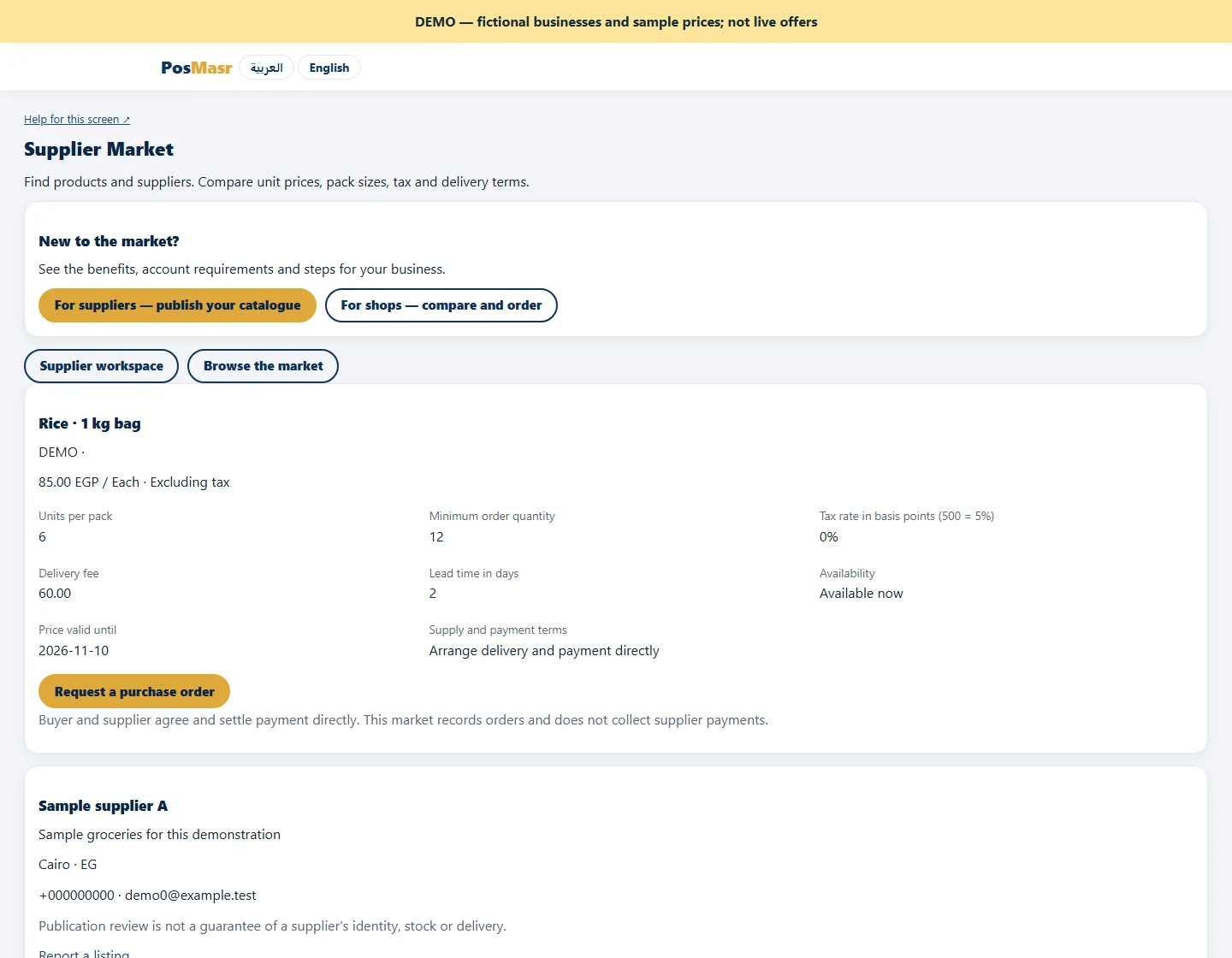
Check minimum quantity, pack multiples, validity and lead time before requesting. After supplier confirmation, the linked purchase order copies merchandise cost. Tax and delivery remain explicit in its note for supplier-invoice reconciliation, so do not mistake the merchandise subtotal for the entire amount payable. Compare the delivered quantity and invoice to the agreed request. Resolve unexplained differences directly with the supplier before treating the purchase as fully reconciled.
