
Your first wholesale order: a supplier’s checklist
Follow one order from a reviewed listing to agreement, dispatch and the buyer’s receiving workflow.
Published 11 October 2026
Before your catalogue goes live
Create and verify your brand account, complete the business profile and submit selected listings. Check the unit price, pack multiple, minimum quantity, expiry and delivery terms. Both profile and listing require publication review. Browse the approved result yourself. It should answer what the product is, how much the shop must buy and how to reach your business without exposing unrelated private records.
Before accepting the request
Read the buyer’s quantity, contact and address. Confirm availability and whether the stated delivery charge works for that destination. Accept the existing terms or propose a revised quote; wait for explicit buyer acceptance of a revision before you confirm. The buyer then creates a linked purchase order after checking its own product and supplier mapping. Use that reference to distinguish this agreement from similar conversations.
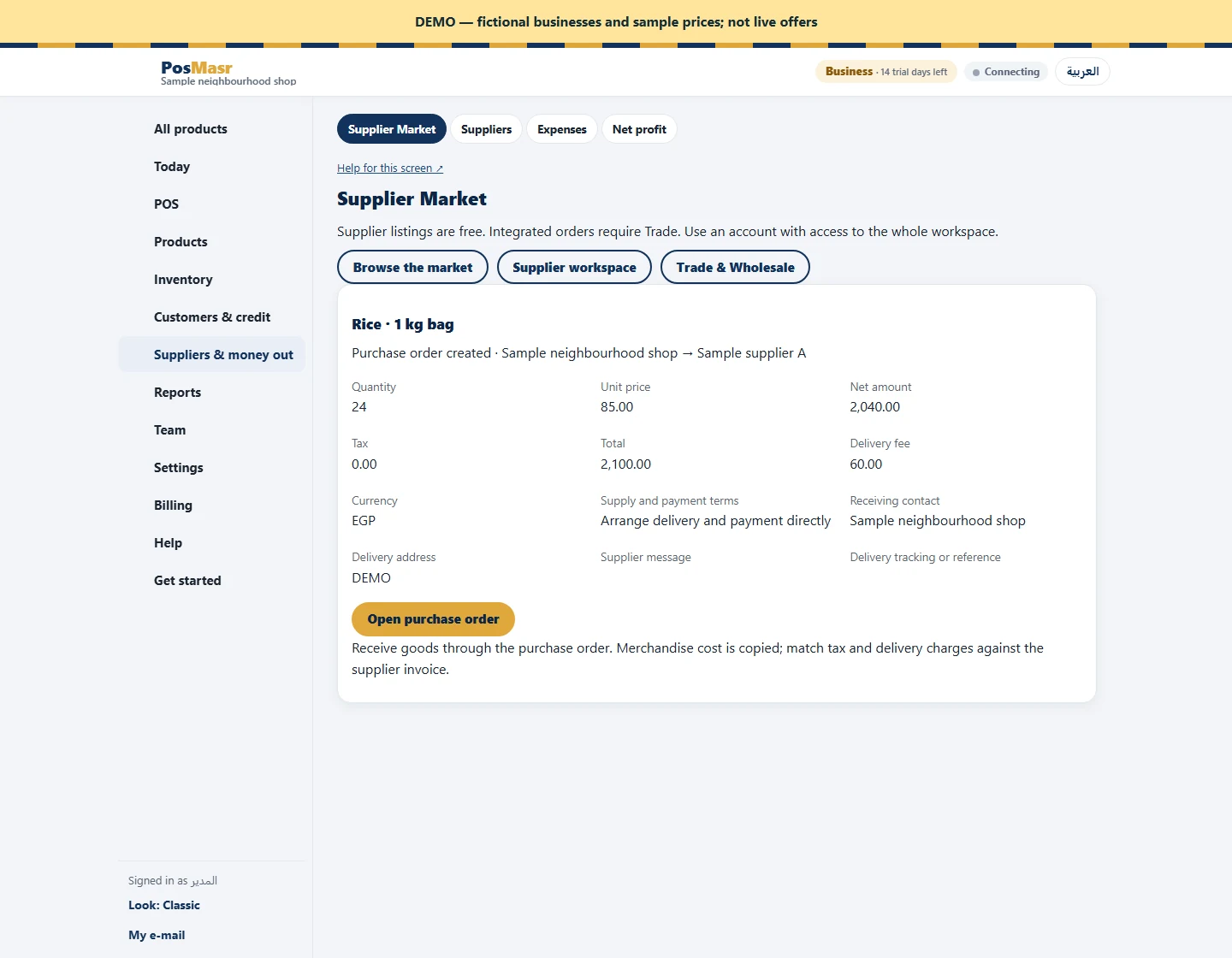
Before goods leave your business
Check the picked goods against the confirmed quantity and terms. Arrange payment directly, and agree who receives the delivery. If you use Trade, import the confirmed market order, map your customer account and product, then follow approval and shipment steps. Record dispatch information on the shared request where appropriate. Receiving remains in the buyer’s purchase-order workflow. Keep your own sales documents; a market status alone is not a replacement for them.
