
Compare wholesale prices per unit, not per carton
A practical method for comparing supplier offers when cartons, bag sizes and minimum quantities differ.
Published 11 October 2026
Start with identical goods
Find the same brand, variant and size before comparing. A one-kilogram bag and a five-kilogram bag are different stock items even when their names look similar. Check GTIN where available and confirm the base unit. Supplier Market can filter currency and unit, but those filters do not prove that two products are equivalent. You still decide whether the goods meet your needs.
Normalize the quantity
Suppose one quote is for a carton of six bags and another for twelve. Convert each merchandise amount to a price for one identical bag, then work out the allowed quantity closest to your need. A minimum of twenty-four units cannot be treated as a twelve-unit order just because the displayed unit price looks attractive. Compare in the same currency; the public directory does not convert exchange rates for you.
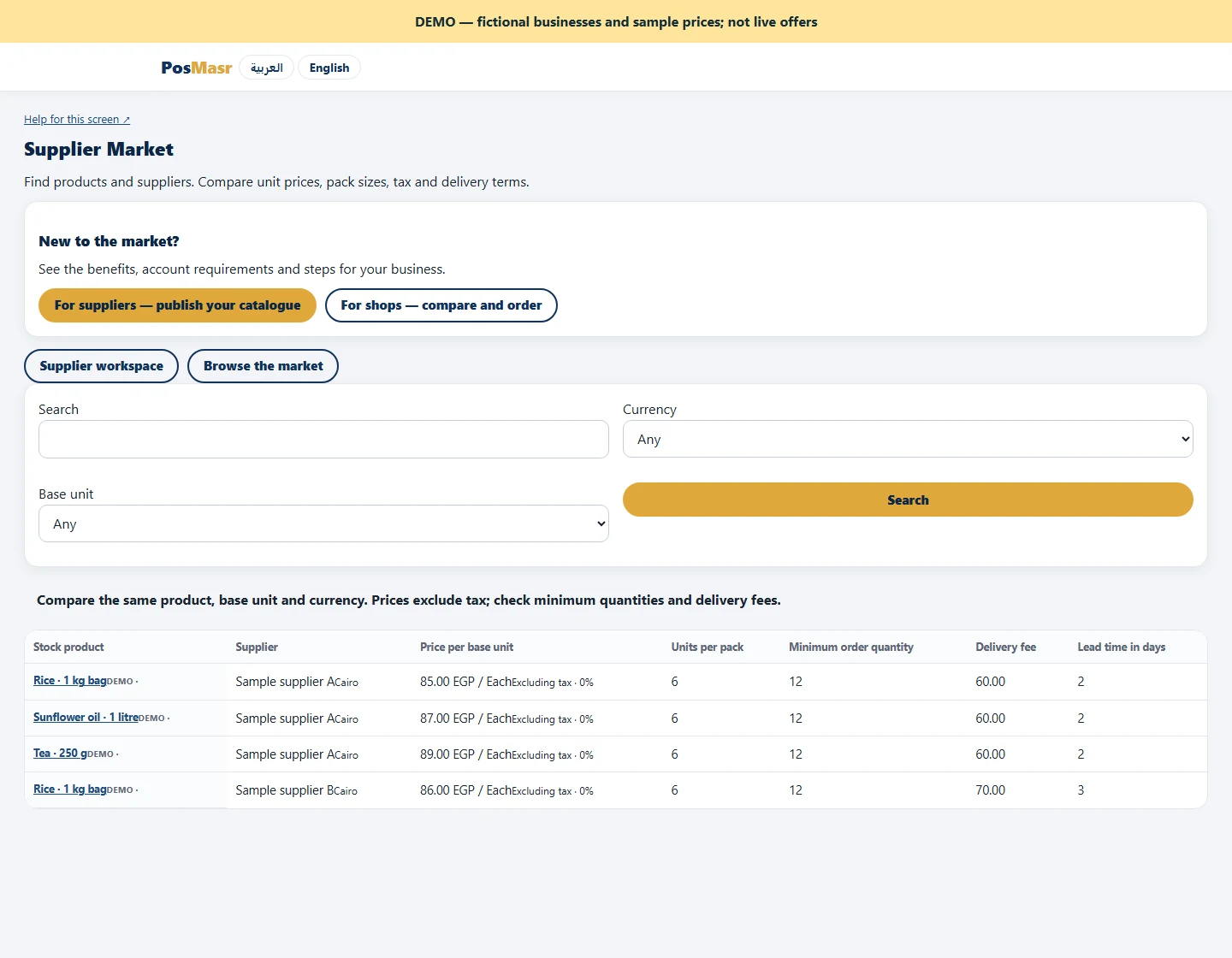
Compare the actual order total
Multiply the unit price by the allowed quantity, add the delivery charge and check applicable tax. Review lead time and validity too: cheaper goods arriving too late may not solve a stock shortage. Keep the two quotes beside one another and record why you chose one. When you are ready, request the quantity, wait for supplier confirmation and check the product mapping before creating your purchase order. Browsing alone does not reserve stock or accept an offer.
