
Restock without letting a low price become excess stock
Balance demand, existing stock, open purchase orders and supplier pack sizes before sending your next request.
Published 11 October 2026
Work out the gap first
Review the stock you can actually sell, recent demand and deliveries already expected. A simple planning estimate is demand until the next reliable delivery plus a buffer, minus usable stock and confirmed incoming units. Choose the buffer for your own business; it is not a forecast generated by the marketplace. For goods with expiry dates, consider whether you can sell the quantity in time.
Round to a valid order, then reconsider
Suppose your gap is seventeen units, the pack is six and the minimum is twelve. Eighteen units is the first allowed quantity that covers the gap. If the minimum were thirty-six, stop and assess the extra cash and storage needed instead of buying automatically. A quantity discount is useful only if the extra units fit your demand and handling capacity.
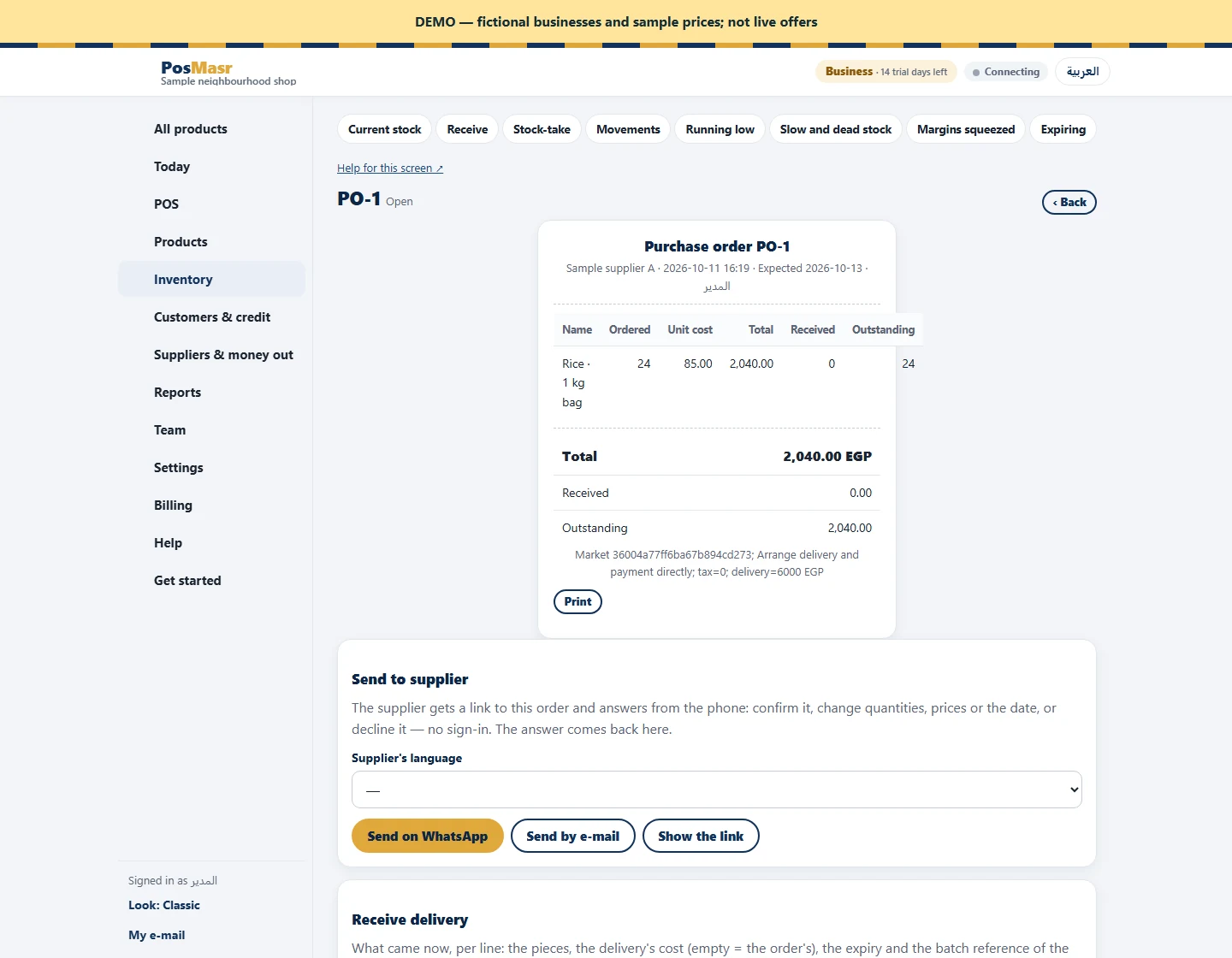
Check open orders before sending another
Look at outstanding purchase-order quantities before creating a new market request. Confirm lead time and offer validity, and compare delivery costs at the quantity you plan to order. Once agreed, create the linked purchase order and receive actual quantities against it. Review the result after the goods sell: did the batch run out too early, remain too long or arrive late? Use that evidence for the next order rather than treating the supplier’s cheapest unit price as the whole decision.
