
PosMasr · Classic Desktop
Diagnose a refusal without duplicating work · Classic Desktop
This guide uses fictional training data. Available controls depend on your enabled features, plan and permissions.
Prepared against the tested 13 October 2026 build; check your deployed build before following a new control.
Who can use this
Authorized staff
Required tools
Access to the affected page or local program. Requires the appropriate enabled features and entitlement; this guide does not add plan inclusions.
Before you begin
If a control is absent, check role, branch, enabled features and entitlement. If an order or price changed, refresh and review again. Do not repeat an uncertain financial action with a new request.
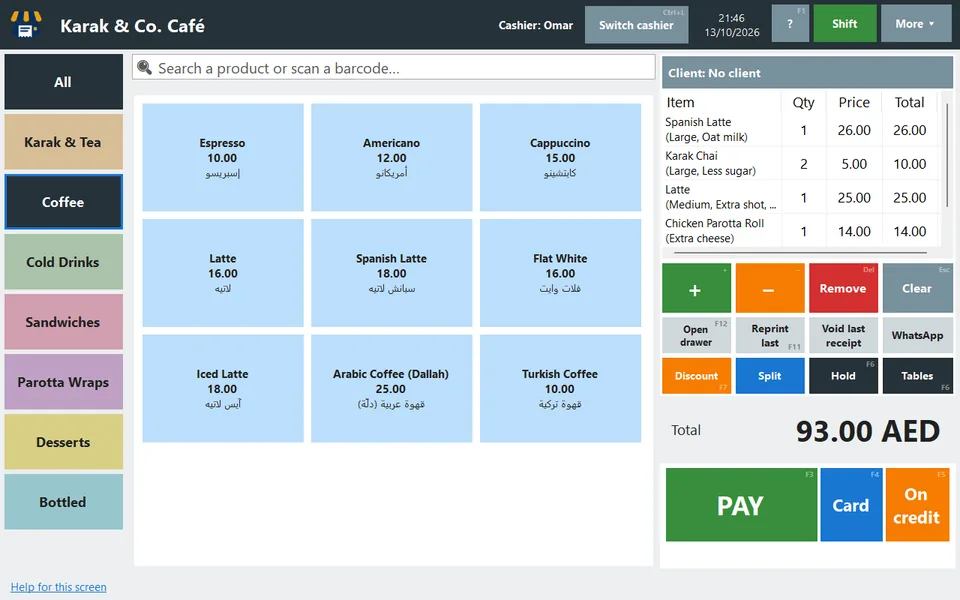
Use the native program’s error/help buttons and retain a verified backup before recovery. Capture the actual Desktop window; do not attach a browser screenshot as evidence of a native error.
Steps
- Note the screen, operator, time and receipt/order reference where the problem occurred. Avoid sending passwords or customer data in a screenshot.
- Check local rights, optional features and the installed edition before treating an absent browser control as a defect.
- For an uncertain payment or saved order, inspect the original record first. Repeating with a new request can create a duplicate.
- Take a backup and record the build version before maintenance. Test any repair on fictional data before applying it to customer records.
Check the result
Review the saved record and its audit/stock/payment state before continuing. A preview, queued request or accepted send is not proof of completed delivery or settlement.
Edition differences and limits
Use the native program’s error/help buttons and retain a verified backup before recovery. Capture the actual Desktop window; do not attach a browser screenshot as evidence of a native error.
